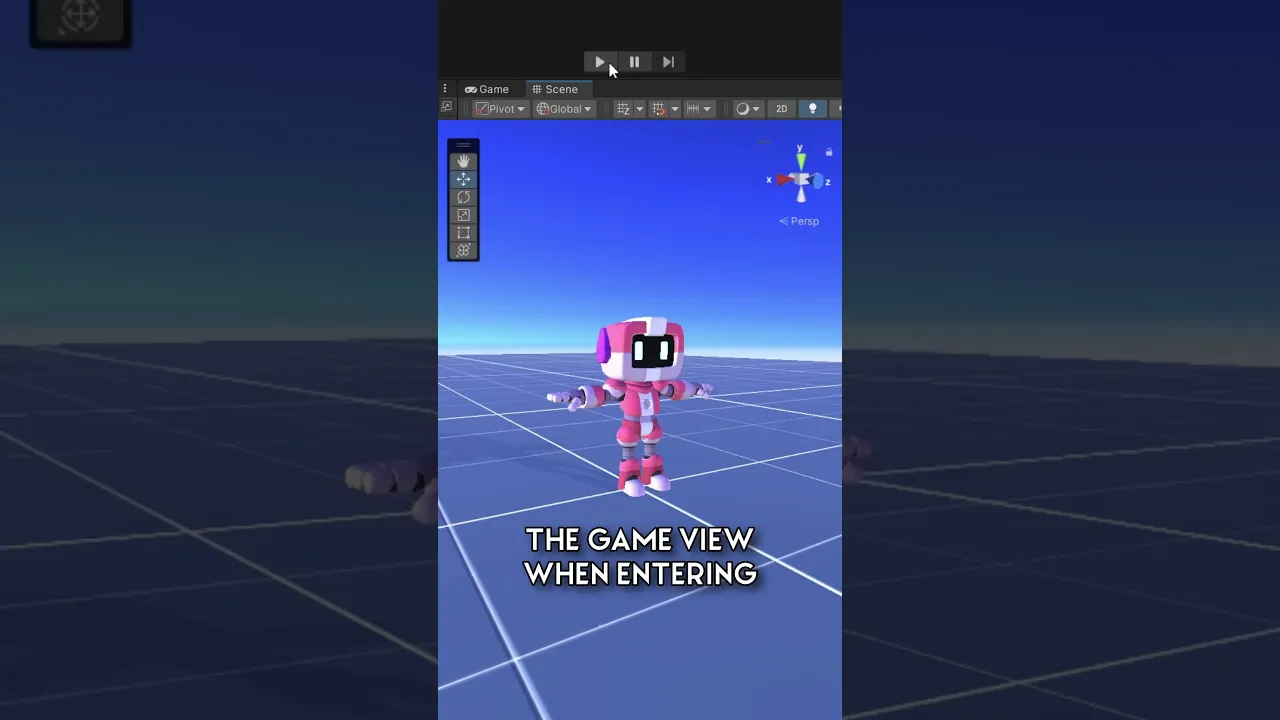
#UnityTips | STOP the auto-focus of the game window! #unity3d
 iHeartGameDev
Feb 6, 2024 13:52
iHeartGameDev
Feb 6, 2024 13:52
Create an account to hide videos, mark them watched, or save them to Don't Miss.
Create an account to hide videos, mark them watched, or save them to Don't Miss.
Create an account to hide videos, mark them watched, or save them to Don't Miss.
Learn how to stop the auto-focus of the game window when entering play mode! I can't be the only one who finds this annoying.
SUPPORT THE CHANNEL AND GET EXCLUSIVE PERKS:
💛 https://www.patreon.com/iHeartGameDev (Project Files Available)
❤️ https://www.youtube.com/iHeartGameDev/join
WANT MORE?
✅ Check out my full procedural animation series: https://www.youtube.com/playlist?list=PLwyUzJb_FNeScUWldQRYMqM3Clz7XXCyq
✦ Like the vid? Please consider Subscribing!
https://bit.ly/2YdIb6j
SOCIAL:
✦ Discord
https://discord.gg/2AxUvsa
✦ Twitter
https://twitter.com/iHeartGameDev
#unity3d #unitytips #gamedevr
Education
#Unity3D
#Game Development
#Unity Tips
#Unity Editor
#Precision Placement
#Game Design Tools
#Unity Layout
#Unity Tutorials
#Game Programming
#Unity Tricks
#Unity Workflow
#3D Game Design
#Iheartgamedev
#Game development
#Gamedev
#Game developer
#unity level design
#unity tutorial
#unity3d
#unity 3d tools
#unity 3d gamedev
#brackeys
#unity gamedev
#game development
#unity for beginners
#indiedev
#gamedev
#unity game development
#unity play mode
#unity beginner tutorial
#unity6