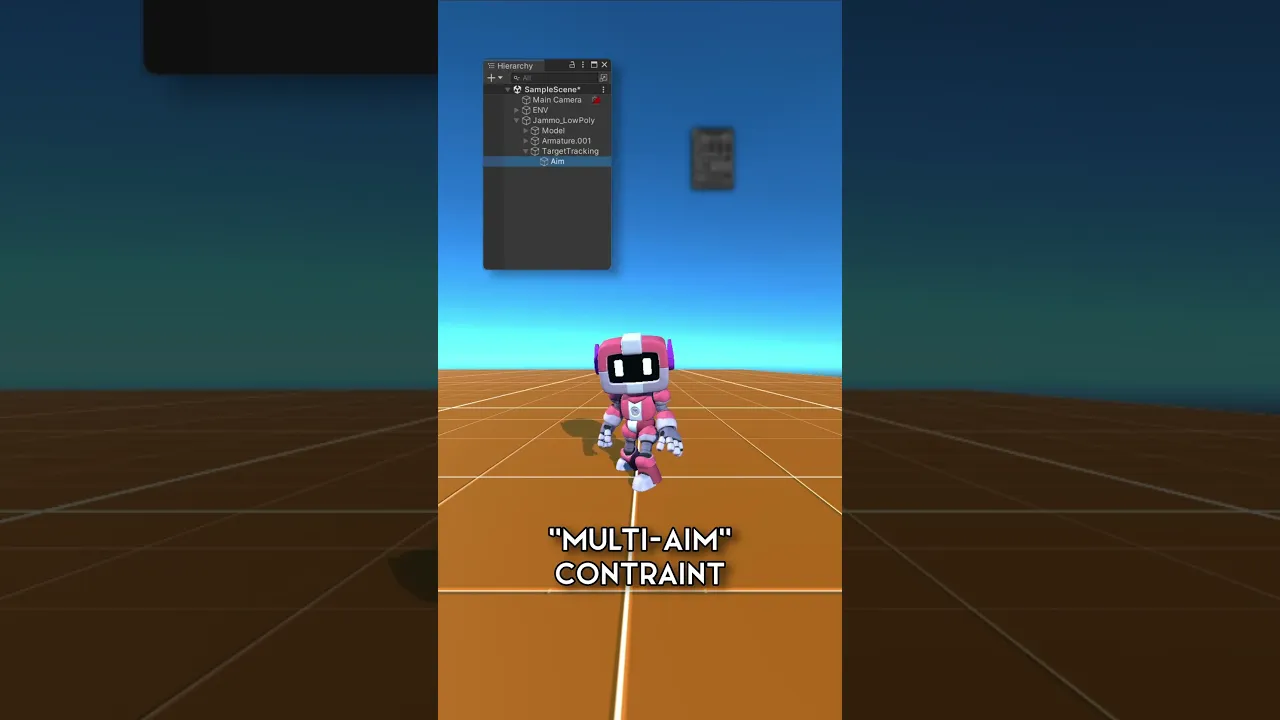
#UnityTips | EASY Procedural Animation Head Tracking!
 iHeartGameDev
Jan 23, 2024 16:30
iHeartGameDev
Jan 23, 2024 16:30
Create an account to hide videos, mark them watched, or save them to Don't Miss.
Create an account to hide videos, mark them watched, or save them to Don't Miss.
Create an account to hide videos, mark them watched, or save them to Don't Miss.
You can add procedural animation to your characters with ease with this quick tip! The Multi-Aim Constraint from the rigging package lets yours characters realistically follow objects or points in the game world with just a few clicks!
SUPPORT THE CHANNEL AND GET EXCLUSIVE PERKS:
💛 https://www.patreon.com/iHeartGameDev (Project Files Available)
❤️ https://www.youtube.com/iHeartGameDev/join
WANT MORE?
✅ Check out my full procedural animation series: https://www.youtube.com/playlist?list=PLwyUzJb_FNeScUWldQRYMqM3Clz7XXCyq
✦ Like the vid? Please consider Subscribing!
https://bit.ly/2YdIb6j
SOCIAL:
✦ Discord
https://discord.gg/2AxUvsa
✦ Twitter
https://twitter.com/iHeartGameDev
#unity3d #unitytips #gamedev
Education
#Intro to animation rigging
#intro to procedural animation
#procedural animation in unity
#animation rigging in unity
#animation rigging package tutorial
#unity animation rigging tutorial
#head tracking unity
#animate characters in unity 3d
#unity animation tutorial
#unity 3d animation tutorial
#how to animate in unity
#animate in unity
#How to Animate Characters in Unity 3D
#unity3d animation
#inverse kinematics unity
#iheartgamedev
#unitytips
#unity3d
#madewithunity