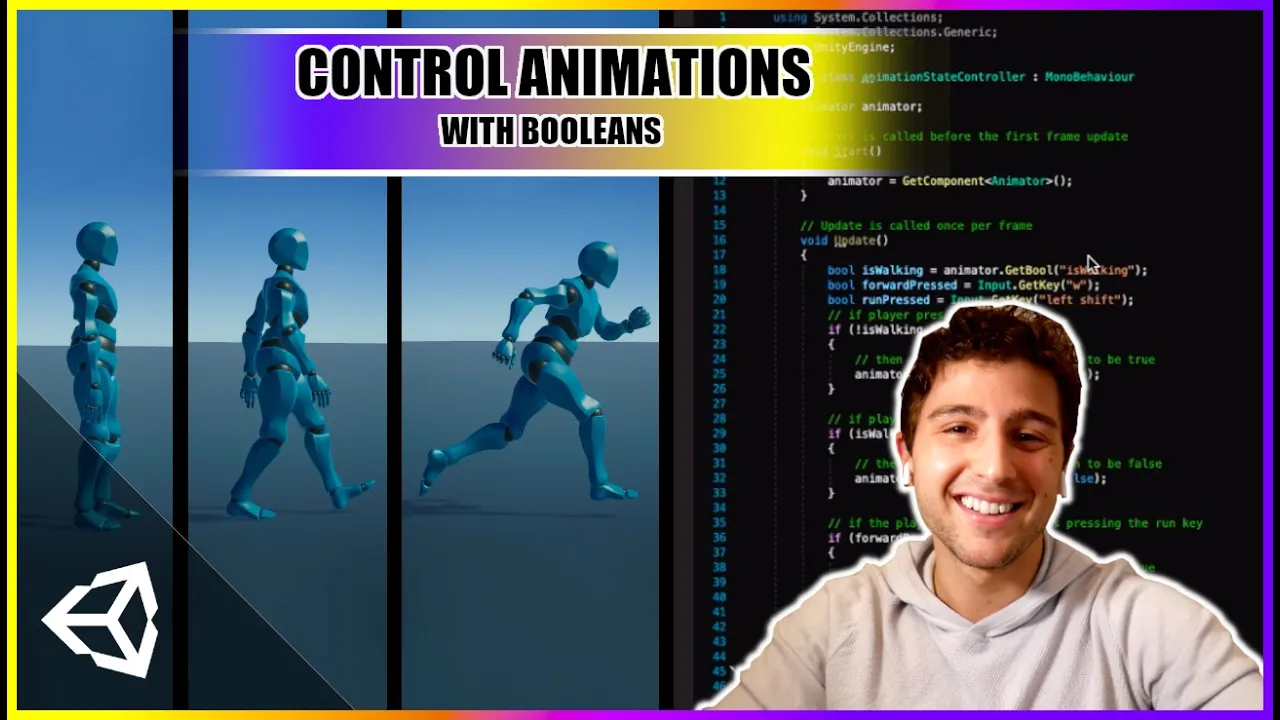
How to Animate Characters in Unity 3D | Animation Transitions With Booleans
 iHeartGameDev
Jun 28, 2020 23:48
iHeartGameDev
Jun 28, 2020 23:48
Create an account to hide videos, mark them watched, or save them to Don't Miss.
Create an account to hide videos, mark them watched, or save them to Don't Miss.
Create an account to hide videos, mark them watched, or save them to Don't Miss.
Chapters
Learn how to transition between multiple animations using booleans in Unity 3D!
This beginner-friendly tutorial is a complete walkthrough of how we can get our characters to transition between animations using the animation controller's parameters.
ACCESS PROJECT FILES & SUPPORT THE CHANNEL:
💛 https://www.patreon.com/iHeartGameDev
iHeartGameDev Merch:
💛 https://www.iheartgamedev.com
WANT MORE?
Interested in learning more about animating characters in Unity? Check out my growing series of tutorials:
✅ https://youtube.com/playlist?list=PLwyUzJb_FNeTQwyGujWRLqnfKpV-cj-eO
✦ Like the vid? Please consider Subscribing!
https://bit.ly/2YdIb6j
✦ Missed out on the last episode?
https://youtu.be/e94KggaEAr4
SOCIAL:
✦ Discord
https://discord.gg/2AxUvsa
✦ Twitter
https://twitter.com/iHeartGameDev
SERIES DESCRIPTION:
This episode (Ep: 2) is the third video in a series dedicated to understanding the fundamentals of Unity's animation system. Episode 0 was an introduction to the project and explains how to import free characters and animations from Adobe Mixamo. And Episode 1 was a full break down of the Animator Component. Be sure to check out the other videos in the series to continue learning!
GEAR:
Lumix G7 Camera: https://amzn.to/3Kks1gZ
Epomaker GK68 Keyboard: https://amzn.to/3Ke87EB
Samson C01U Pro Mic: https://amzn.to/33kDdtG
LG 27" Monitor: https://amzn.to/3qAHFwS
Lepow 15.6" Portable Monitor: https://amzn.to/3287OtL
Logitech G604 Mouse: https://amzn.to/3A6jNV4
Audio-Technica ATH-M50X Headphones: https://amzn.to/3tBaeMT
X-Pen Artist 15.6 Pro Drawing Tablet: https://amzn.to/3FE5HLI
Apple 15in MacBook Pro Laptop: https://amzn.to/3AbKdFc
►TIMESTAMPS:
Thank you for watching!
#indiegame #gamedev #indiedev #2020
Education
#how to animate in unity
#how to animate in unity 3d
#unity animation transition
#How to Animate Characters in Unity 3D
#animate characters unity
#unity3d animation
#animation transitions unity
#unity booleans
#animation transitions using booleans
#player controlled animation
#unity for beginners 2020
#nicky b game dev
#animation transitions
#unity control animation from script
#animate in unity
#How to Animate Characters in Unity 3D | Animation Transitions With Booleans