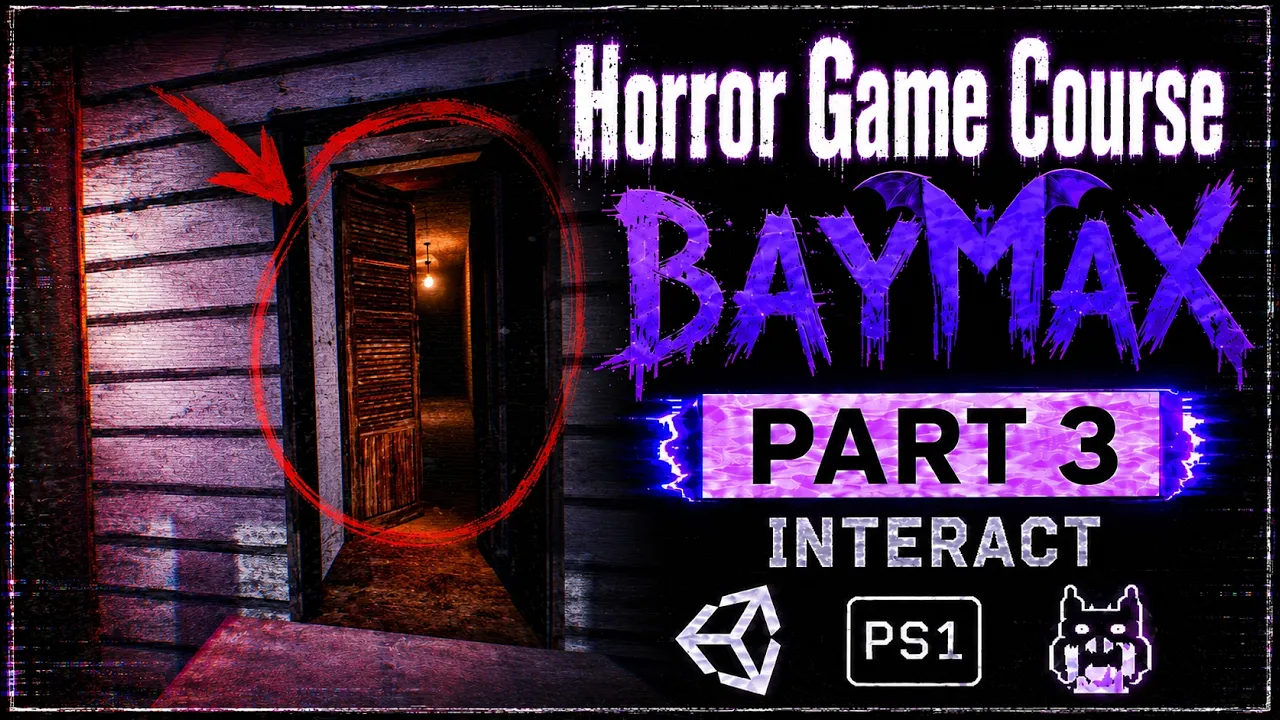
Make a Retro Horror Game in Unity — FULL COURSE | Step by Step | Part 3
 BatPan
Sep 4, 2026 15:30
BatPan
Sep 4, 2026 15:30
Create an account to hide videos, mark them watched, or save them to Don't Miss.
Create an account to hide videos, mark them watched, or save them to Don't Miss.
Create an account to hide videos, mark them watched, or save them to Don't Miss.
Chapters
Make a Retro Horror Game From Scratch in Unity — FULL COURSE | Part 3
Welcome to Part 3 of my full step-by-step course on making a retro horror game from scratch.
In Part 2, we started building the actual environment, imported a house model, worked on the doors, improved the PS1-style visuals, and added colliders to the objects around the house.
Now it's time to make our game world actually interactive.
In this part, we'll create the foundation of our interaction system and learn how we can detect and interact with objects in front of the player. We'll also improve our door system by adding a lock option, create a crosshair that reacts to interactable objects, and finally add a skybox to our environment.
We're continuing to build BAYMAX — The Mad Dog step by step, with the goal of eventually turning this project into a complete retro horror game that can be published on itch.io.
🧩 PART 3 — WHAT WE'LL DO
In this part, we'll:
• Learn what a Refrencer is
• Learn what Static is and how we can use it with our Refrencer
• Create an interaction system
• Learn how Ray and RaycastHit work
• Create an Open Doors script
• Create a new layer for interactable objects
• Fix an issue with our interaction system
• Add a lock option to our door script
• Add a crosshair to our game
• Make the crosshair change size when looking at interactable objects
• Add a skybox to our environment
These systems will give us the basic foundation for interacting with objects in our game and will allow us to build more interesting gameplay mechanics as the course continues.
As the course continues, we'll keep building the game step by step and add more mechanics, atmosphere, story elements, and gameplay until BAYMAX — The Mad Dog becomes a complete playable horror game.
🎮 PLAY MY OTHER RETRO HORROR GAME
Want to see another retro horror game I've made?
Fractured Psyche:
https://batpan.itch.io/fractured-psyche
📁 FILES ON GITHUB
All the project files for BAYMAX — The Mad Dog:
https://github.com/BATPANn/BAYMAX---The-Mad-Dog-
☕ SUPPORT THE CHANNEL
Since international banking is playing on Nightmare difficulty in my country, crypto is the best way to directly support the channel.
USDT (TRC20):
TXDxZuRFUP7E5DRGd2gtymRVZxKnxksX5C
USDT (TON):
UQDqreMdp21PzFXWzpJQ2MTMcnOzL7mi0rfmyIA0N0gddpBg
No memo needed for TON.
Your support helps me continue making games and producing the rest of this course.
⏱️ CHAPTERS
01:01:41 Make Crosshair Size Change When Looking at Objects
01:09:20 Add a Skybox
01:15:51 Final Result
🎃 THE GOAL
We're starting with an empty Unity project.
We're ending with a finished retro horror game published on itch.io.
Everything in between is the journey.
BAYMAX — The Mad Dog
Part 3 of the FULL COURSE
Subscribe and follow along as we build the game from scratch, one part at a time.
Education
#unity tutorial
#unity tutorials
#how to make a game
#brackeys
#jimmy vegas
#unity3d
#game development
#c#
#programming
#coding
#video game
#noob
#assets
#beginner
#easy
#how
#learn
#tutorial
#tutorials
#game
#development
#develop
#games
#make a game
#for free
#survival horror
#unity 3d
#unreal engine
#indie
#beginners
#asset
#model
#texture
#models
#textures
#howto
#course
#series
#basic
#basics
#how to make
#getting started
#level design
#introduction
#unity guide
#guide
#godot
#godot tutorial
#FearsToFathom