How to Make a 3D Inventory System Like Gloomwood | Part 1
 BatPan
Oct 7, 2026 14:30
BatPan
Oct 7, 2026 14:30
Create an account to hide videos, mark them watched, or save them to Don't Miss.
Create an account to hide videos, mark them watched, or save them to Don't Miss.
Create an account to hide videos, mark them watched, or save them to Don't Miss.
Chapters
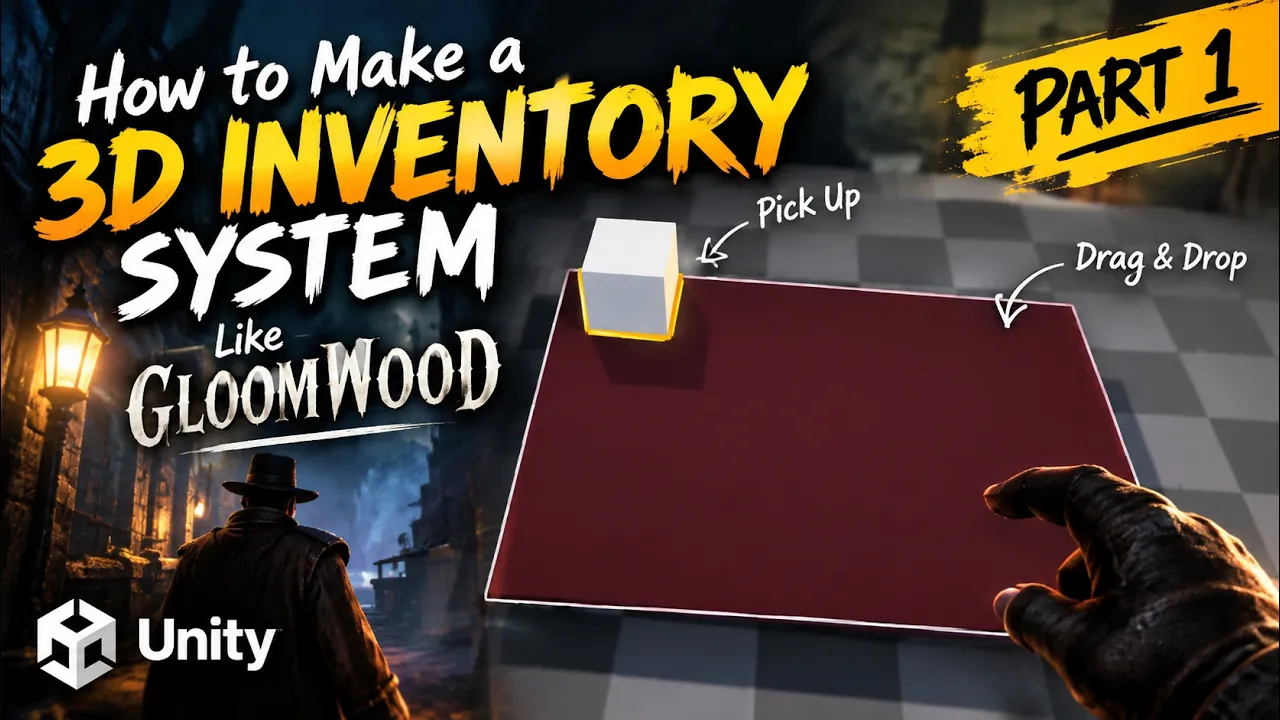
Learn how to create a 3D grid inventory system in Unity inspired by immersive sims and retro survival horror games like Gloomwood and Resident Evil. In Part 1 of this tutorial series, we step away from traditional 2D UI canvases and start building an interactive, physical 3D inventory grid completely from scratch using C#.
What We Cover in this Tutorial:
• Setting up the physical 3D game objects and grid layout in the scene
• Creating a modular Item Script to define item dimensions and behavior
• Writing the Inventory Grid Script to handle coordinates and slot calculations
• Building an Interaction Script to detect, hover, and select grid slots
• Connecting data, scripts, and 3D objects together into a working prototype
Timestamps:
54:28 Connect Everything
Files on Github : ____________
Play My Retro Horror Game:
Fractured Psyche on itch.io:
https://batpan.itch.io/fractured-psyche
Support the Channel:
Since international banking is locked on Nightmare difficulty in my country, crypto is the best way to support future videos and game development:
USDT (TRC20):
TXDxZuRFUP7E5DRGd2gtymRVZxKnxksX5C
USDT (TON):
UQDqreMdp21PzFXWzpJQ2MTMcnOzL7mi0rfmyIA0N0gddpBg
(No memo needed for TON)
Education
#unity tutorial
#how to make a game
#survival horror
#FearsToFathom
#batpan unity tutorial
#batpan the mad dog course
#how to make a horror game
#ps1 horror tutorial batpan
#vhs horror game
#unity horror game tutorial
#how to make a horror game in unity
#indie game devlog
#survival horror game development
#ps1 style graphics unity
#make a ps1 style game
#unity c# coding tutorial
#game developement
#unity
#scary game
#make game