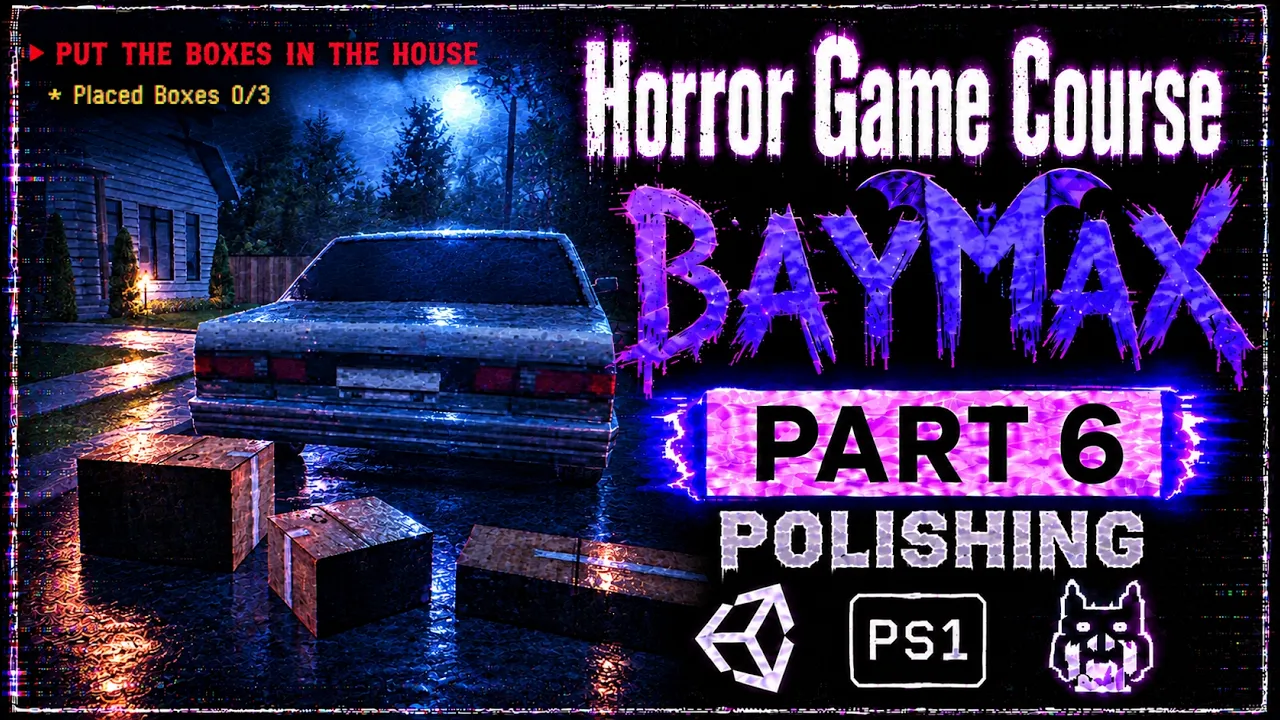
Make a Retro Horror Game in Unity — FULL COURSE | Step by Step | Part 6
 BatPan
Oct 9, 2026 14:30
BatPan
Oct 9, 2026 14:30
Create an account to hide videos, mark them watched, or save them to Don't Miss.
Create an account to hide videos, mark them watched, or save them to Don't Miss.
Create an account to hide videos, mark them watched, or save them to Don't Miss.
Chapters
Make a Retro Horror Game From Scratch in Unity — FULL COURSE | Part 6
Welcome to Part 6 of my full step-by-step course on making a retro horror game from scratch.
In Part 5, we created a Fears to Fathom style subtitle system, added objective text, set up our car model and nighttime environment, and created a cinematic cutscene using Unity Timeline.
Now it's time to connect our cutscene to the actual gameplay and continue polishing the game.
In this part, we'll learn how to call functions from Unity Timeline using Signal Emitters, use our Refrencer to reference objects and components, set up the conditions for starting the game, and transition directly from the opening cutscene into gameplay. We'll also improve our footsteps audio, add PSX-style box models, update the in-game objectives, and fix collision issues with the walls and ground.
We're continuing to build BAYMAX — The Mad Dog step by step, with the goal of eventually turning this project into a complete retro horror game that can be published on itch.io.
🧩 PART 6 — WHAT WE'LL DO
In this part, we'll:
• Learn how to call functions inside Unity Timeline using Signal Emitters
• Use our Refrencer to reference objects and components
• Set up the initial conditions for starting the game
• Transition from the opening cutscene directly into gameplay
• Improve the footsteps audio to make movement feel more immersive
• Download and import PSX-style box models into Unity
• Change and update the objectives during gameplay
• Add Mesh Colliders to walls and ground surfaces
These improvements will help us connect the cinematic introduction to the actual gameplay while making the environment feel more complete and immersive. We'll also continue improving the small details that make our retro horror game feel more polished.
As the course continues, we'll keep building the game step by step, adding more mechanics, atmosphere, story elements, and gameplay until BAYMAX — The Mad Dog is completely finished.
🎮 PLAY MY OTHER RETRO HORROR GAME
Want to see another retro horror game I've made?
Fractured Psyche:
https://batpan.itch.io/fractured-psyche
📁 FILES ON GITHUB
All the project files for BAYMAX — The Mad Dog:
https://github.com/BATPANn/BAYMAX---The-Mad-Dog-/tree/main/Part%206
☕ SUPPORT THE CHANNEL
Since international banking is playing on Nightmare difficulty in my country, crypto is the best way to directly support the channel.
USDT (TRC20):
TXDxZuRFUP7E5DRGd2gtymRVZxKnxksX5C
USDT (TON):
UQDqreMdp21PzFXWzpJQ2MTMcnOzL7mi0rfmyIA0N0gddpBg
No memo needed for TON.
Your support helps me continue making games and producing the rest of this course.
⏱️ CHAPTERS
🎃 THE GOAL
We're starting with an empty Unity project.
We're ending with a finished retro horror game published on itch.io.
Everything in between is the journey.
BAYMAX — The Mad Dog
Part 6 of the FULL COURSE
Subscribe and follow along as we build the game from scratch, one part at a time.
#unity3d #gamedev #indiegamedev #gamedevelopment #indiehorror #unitytutorial #fearstofathom #csharp #psx #retrohorror
Education
#unity tutorial
#unity tutorials
#how to make a game
#brackeys
#jimmy vegas
#unity3d
#game development
#c#
#programming
#coding
#video game
#noob
#assets
#beginner
#easy
#how
#learn
#tutorial
#tutorials
#game
#development
#develop
#games
#make a game
#for free
#survival horror
#unity 3d
#unreal engine
#indie
#beginners
#asset
#model
#texture
#models
#textures
#howto
#course
#series
#basic
#basics
#how to make
#getting started
#level design
#introduction
#unity guide
#guide
#godot
#godot tutorial
#FearsToFathom