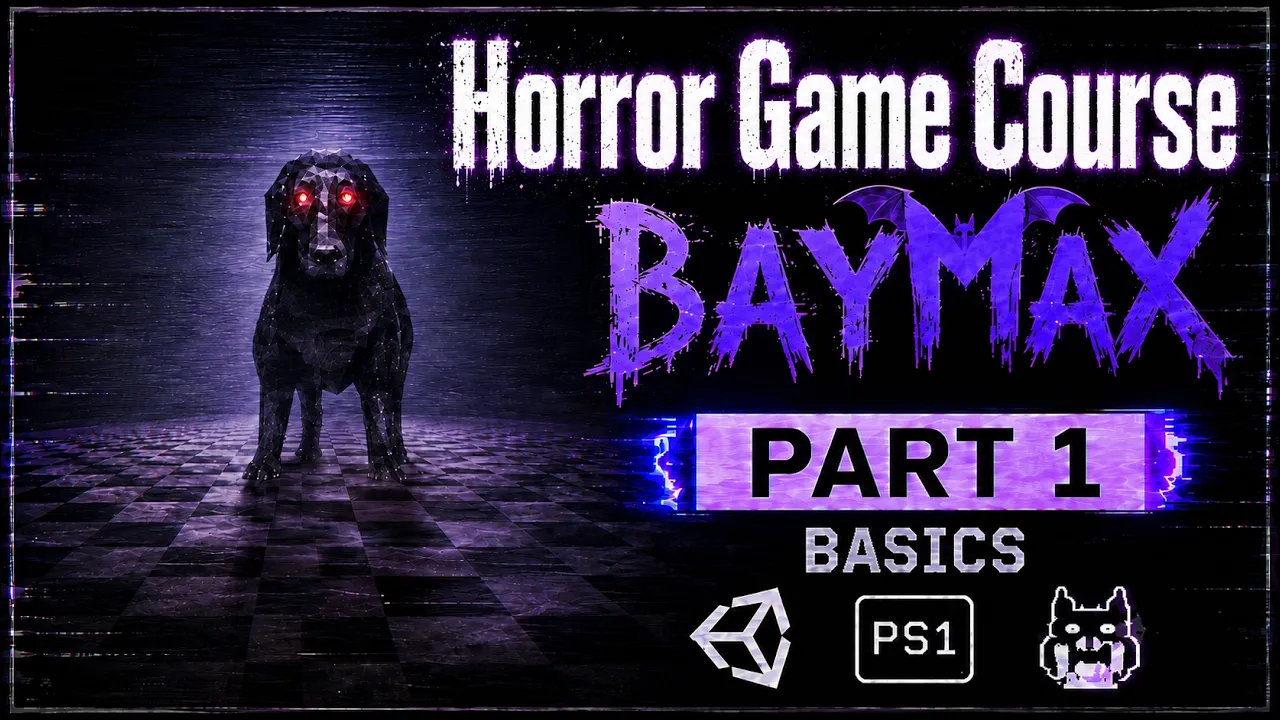
Make a Retro Horror Game in Unity — FULL COURSE | Step by Step | Part 1
 BatPan
Aug 21, 2026 15:30
BatPan
Aug 21, 2026 15:30
Create an account to hide videos, mark them watched, or save them to Don't Miss.
Create an account to hide videos, mark them watched, or save them to Don't Miss.
Create an account to hide videos, mark them watched, or save them to Don't Miss.
Chapters
Make a Retro Horror Game From Scratch in Unity — FULL COURSE | Part 1
Welcome to Part 1 of my full step-by-step course on making a retro horror game from scratch.
In this series, we're going to build an entire PS1-style retro horror game from the ground up, starting with a completely new Unity project and eventually taking the game all the way to publishing it on itch.io.
The game we're making is called BAYMAX — The Mad Dog.
It has its own story, and I'll explain the story and the idea behind the game throughout the course.
This isn't just a tutorial where we make a few mechanics and stop. We're going through the actual process of building a complete game, step by step.
🎮 WHAT WE'RE MAKING
BAYMAX — The Mad Dog
A retro-inspired horror game with a creepy story, PS1-style visuals, VHS aesthetics, and an increasingly unsettling atmosphere.
By the end of the course, we'll have a complete game that can be published and played on itch.io.
🧩 PART 1 — WHAT WE'LL DO
In this first part, we start building the foundation of the game.
We'll:
• Create our new project in Unity Hub
• Add an FPS Controller using Unity Standard Assets
• Improve the player's movement and make it feel smoother
• Add Cinemachine to our project
• Connect Cinemachine to our FPS controller
• Add smoother camera movement and a more natural head-bob effect
• Add a VHS-style camera effect to give the game that old-school horror look
• Go over the story behind BAYMAX — The Mad Dog
And this is only the beginning.
As the course continues, we'll keep building the game step by step until we have a complete retro horror game ready to publish.
PLAY MY OTHER RETRO HORROR GAME
Want to see another retro horror game I've made?
Fractured Psyche:
https://batpan.itch.io/fractured-psyche
Files on github :
https://github.com/BATPANn/BAYMAX---The-Mad-Dog-
📦 UNITY FPS CONTROLLER
Unity Standard Assets / FPS Controller used in this part:
https://drive.google.com/drive/folders/1arThKRFqB8p76zSGNGhHovNgPiA3U_Xs?usp=sharing
☕ SUPPORT THE CHANNEL
Since international banking is playing on **Nightmare difficulty** in my country, crypto is currently the best way to directly support the channel. ❤️
USDT (TRC20):
`TXDxZuRFUP7E5DRGd2gtymRVZxKnxksX5C`
USDT (TON):
`UQDqreMdp21PzFXWzpJQ2MTMcnOzL7mi0rfmyIA0N0gddpBg`
No memo needed for TON.
Your support helps me continue making games and producing the rest of this course. ❤️
⏱️ CHAPTERS
43:21 Add VHS Camera Effect to Our Game
51:17 What We Created
🎃 THE GOAL
We're starting with an empty Unity project.
We're ending with a finished retro horror game published on itch.io.
Everything in between is the journey.
BAYMAX — The Mad Dog
Part 1 of the FULL COURSE
Subscribe and follow along as we build the game from scratch, one part at a time.
Education
#unity tutorial
#unity tutorials
#how to make a game
#brackeys
#jimmy vegas
#unity3d
#game development
#c#
#programming
#coding
#video game
#noob
#assets
#beginner
#easy
#how
#learn
#tutorial
#tutorials
#game
#development
#develop
#games
#make a game
#for free
#survival horror
#unity 3d
#unreal engine
#indie
#beginners
#asset
#model
#texture
#models
#textures
#howto
#course
#series
#basic
#basics
#how to make
#getting started
#level design
#introduction
#unity guide
#guide
#godot
#godot tutorial
#FearsToFathom