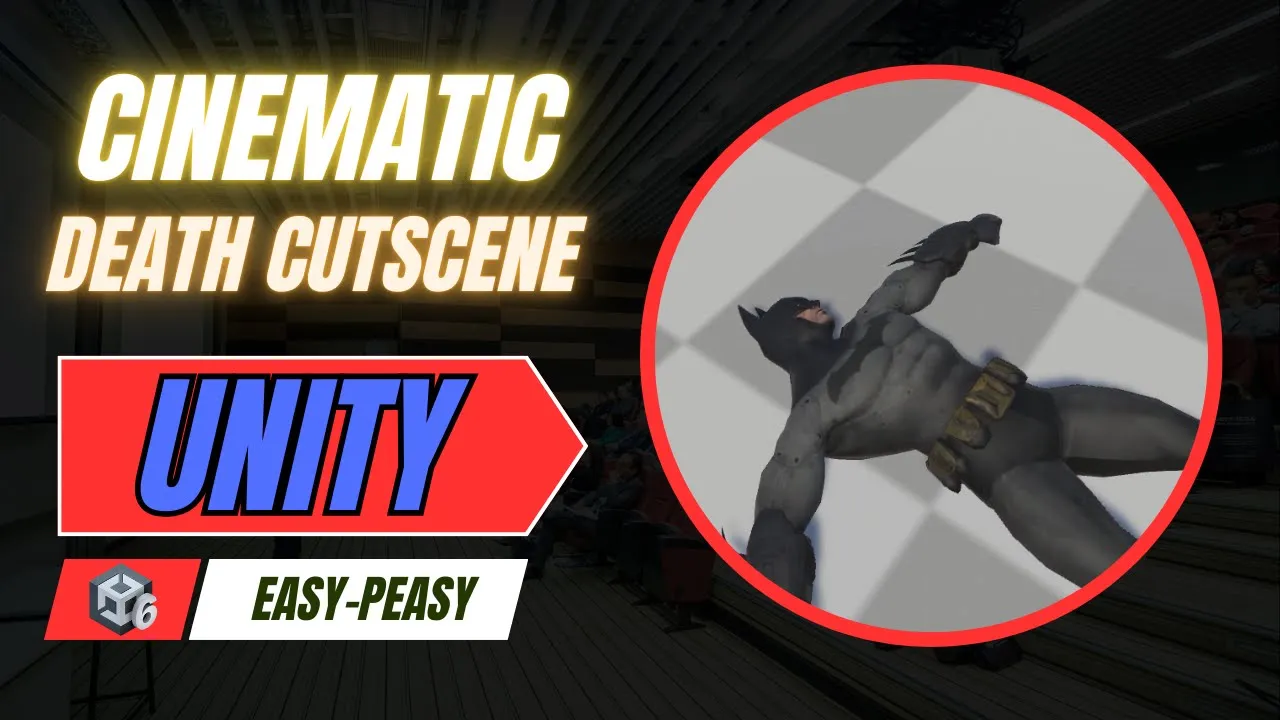
How to Make a Cinematic Death Cutscene in Unity
 BatPan
Dec 16, 2025 22:05
BatPan
Dec 16, 2025 22:05
Create an account to hide videos, mark them watched, or save them to Don't Miss.
Create an account to hide videos, mark them watched, or save them to Don't Miss.
Create an account to hide videos, mark them watched, or save them to Don't Miss.
Chapters
Make a cinematic dying cutscene in Unity: when the player hits 0 HP we deactivate the main camera and trigger the dying animation (using a Batman model as a reference). Perfect for Unity devs learning to connect health, camera control, and Animator-driven cutscenes.
Link to my game (Fractured Psyche) : https://batpan.itch.io/fractured-psyche
Helpful for:
Unity beginners, intermediate devs building player health systems, cinematic events, or death animations. Works with Animator setups and common camera rigs.
Call to action :
If this helped you, please like, subscribe, and hit the bell for more Unity tutorials.
Got a question or want to tell me anything ? Drop a comment below 👇
Chapters:
Education
#unity tutorial
#unity tutorials
#how to make a game
#brackeys
#jimmy vegas
#unity3d
#game development
#c#
#programming
#coding
#video game
#assets
#beginner
#easy
#how
#learn
#tutorial
#tutorials
#game
#development
#develop
#games
#make a game
#for free
#survival horror
#unity 3d
#unreal engine
#indie
#beginners
#asset
#model
#texture
#models
#textures
#howto
#course
#series
#basic
#basics
#how to make
#getting started
#level design
#unity guide
#guide
#godot
#godot tutorial
#FearsToFathom
#batman
#unity
#tips