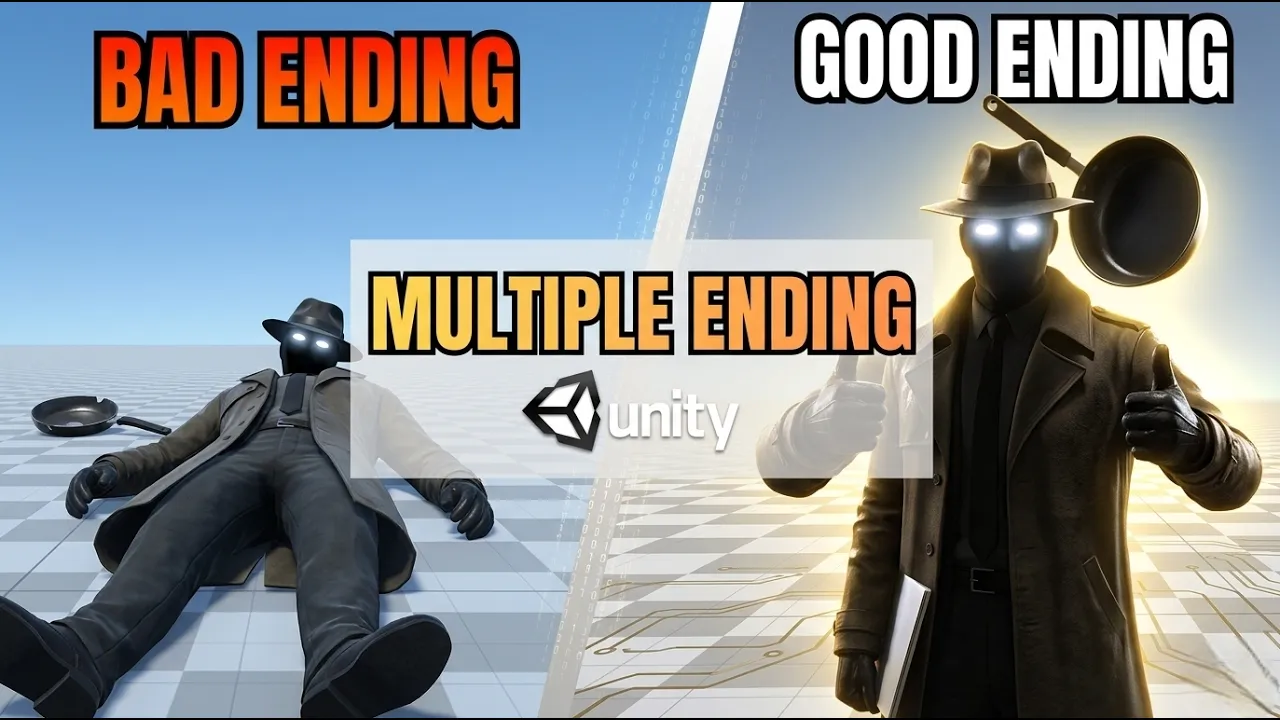
How to Create Multiple Endings in Unity | Save & Load Player Choices
 BatPan
Jan 5, 2026 22:00
BatPan
Jan 5, 2026 22:00
Create an account to hide videos, mark them watched, or save them to Don't Miss.
Create an account to hide videos, mark them watched, or save them to Don't Miss.
Create an account to hide videos, mark them watched, or save them to Don't Miss.
Chapters
Ever wonder how games like The Witcher or Detroit: Become Human track your decisions across hours of gameplay to trigger that one specific ending? It’s a lot simpler than you might think.
In this video, we’re breaking down the logic behind branching narratives. I’ll show you how to capture player choices, save them to the system, and load that data later to determine which ending the player actually sees.
If you're new to the technical side of saving data, I highly recommend watching my previous guide on Unity Save/Load basics first (link below).
🕹️ Play my game: https://batpan.itch.io/fractured-psyche
How to make a simple save and load in Unity: https://youtu.be/h1JQ_swnmdk
🕒 Timestamps
Enjoyed the tutorial? If this helped you build your game, hit that Like button and Subscribe for more devlogs and Unity tutorials. Drop a comment if you have questions about your specific branching setup.
#GameDev #Unity3D #IndieDev #NarrativeDesign #GamingTutorial
Education
#unity tutorial
#unity tutorials
#how to make a game
#brackeys
#jimmy vegas
#unity3d
#game development
#c#
#programming
#coding
#video game
#noob
#assets
#beginner
#easy
#how
#learn
#tutorial
#tutorials
#game
#development
#develop
#games
#make a game
#for free
#survival horror
#unity 3d
#indie
#beginners
#asset
#model
#texture
#models
#textures
#howto
#course
#series
#basic
#basics
#how to make
#getting started
#level design
#introduction
#unity guide
#guide
#godot
#godot tutorial
#FearsToFathom
#blender
#animation