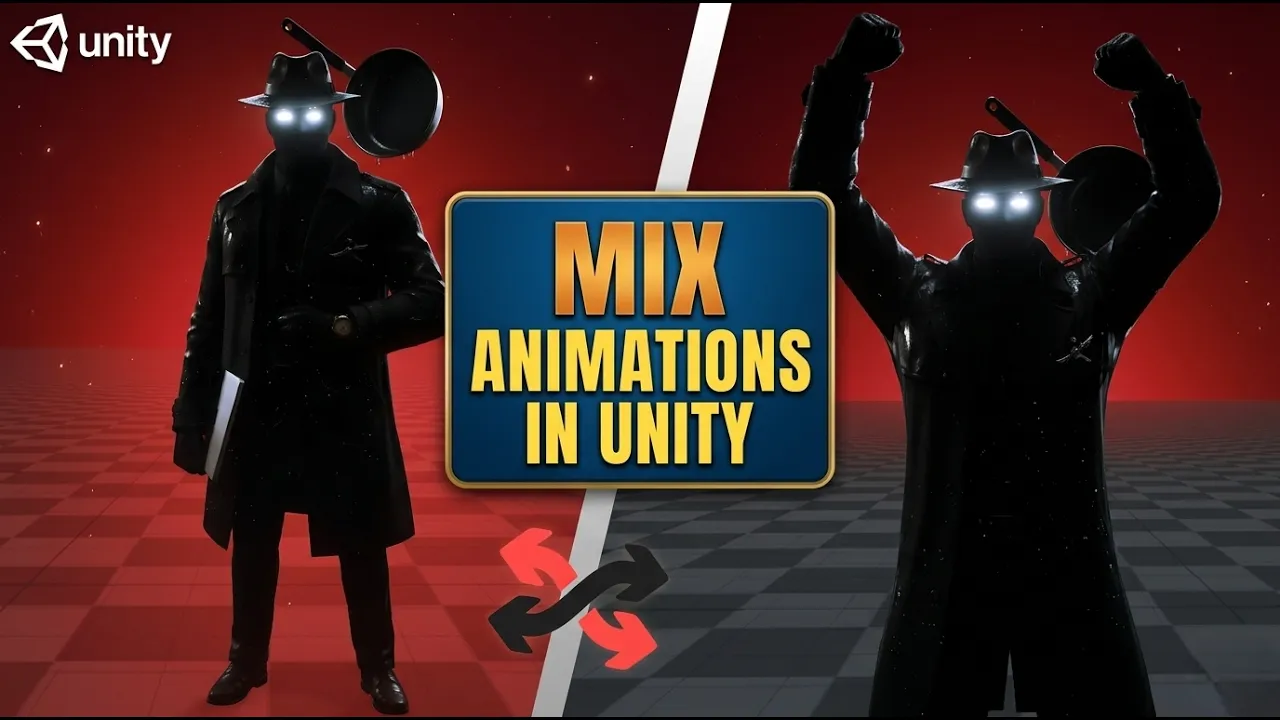
How I Mix Multiple Animations in Unity (No Animator Mess)
 BatPan
Dec 14, 2025 10:59
BatPan
Dec 14, 2025 10:59
Create an account to hide videos, mark them watched, or save them to Don't Miss.
Create an account to hide videos, mark them watched, or save them to Don't Miss.
Create an account to hide videos, mark them watched, or save them to Don't Miss.
Chapters
In this video, I show how to mix two or more animations in Unity to create natural-looking results, without having to deal with complex Animator graphs or endless transition lines.
We download animations from Mixamo, import them into Unity, and blend them together to create a clean idle animation setup. This workflow is especially useful for idle animations and subtle motion where you want flexibility without Animator clutter.
If you’re working with character animations in Unity and want a simpler way to combine multiple animations, this method keeps things readable and easy to manage.
Check out my game Fractured Psyche:
https://batpan.itch.io/fractured-psyche
Chapters
Education
#unity tutorial
#unity tutorials
#how to make a game
#brackeys
#jimmy vegas
#unity3d
#game development
#c#
#programming
#coding
#video game
#noob
#assets
#beginner
#easy
#how
#learn
#tutorial
#tutorials
#game
#development
#develop
#games
#make a game
#for free
#survival horror
#unity 3d
#unreal engine
#indie
#beginners
#asset
#model
#texture
#models
#textures
#howto
#course
#series
#basic
#basics
#how to make
#getting started
#level design
#introduction
#unity guide
#guide
#godot
#godot tutorial
#FearsToFathom