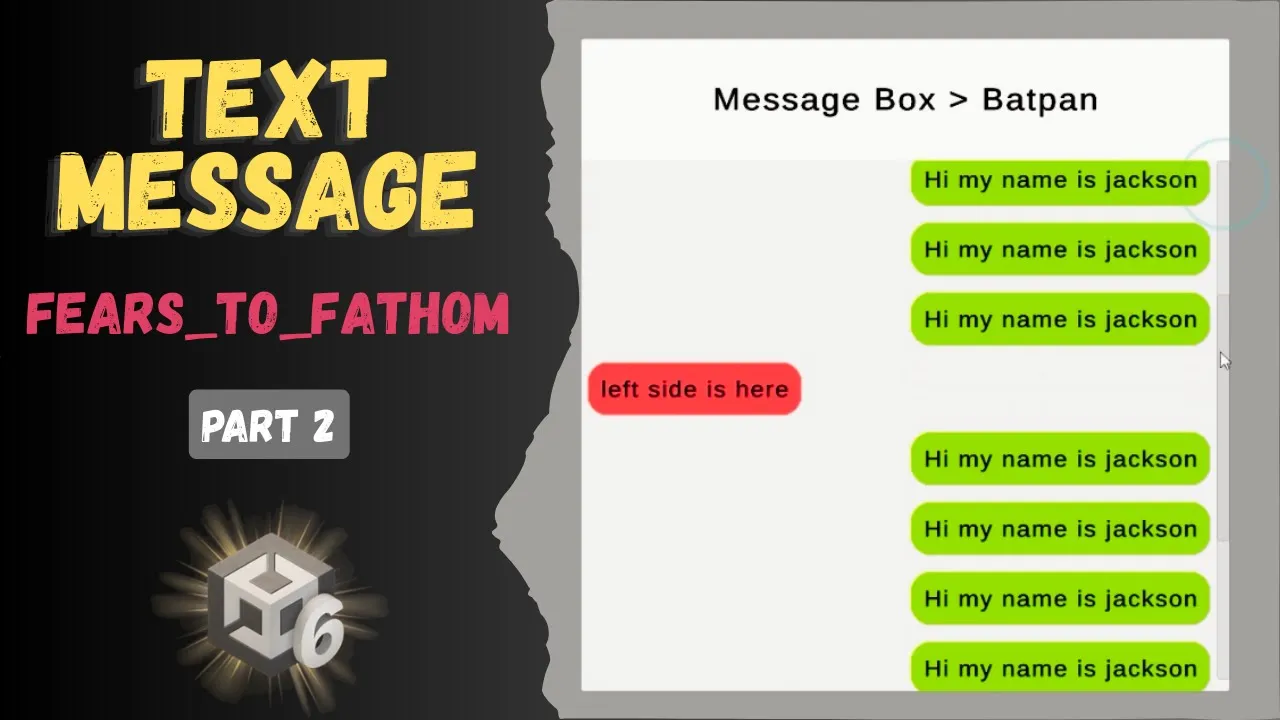
Fears to Fathom Text Message System In Unity (Part 2)
 BatPan
Nov 29, 2025 22:45
BatPan
Nov 29, 2025 22:45
Create an account to hide videos, mark them watched, or save them to Don't Miss.
Create an account to hide videos, mark them watched, or save them to Don't Miss.
Create an account to hide videos, mark them watched, or save them to Don't Miss.
Chapters
In this Part 2 of the “Fears to Fathom” style text_message system in Unity, we dive into all the scripting you need to bring the UI to life. I break down how to create a static script that handles message instantiation the right way and if you’re new to static functions or instantiating UI elements, don’t worry, I explain everything in the simplest way possible.
We also take the text_message panel and make it fully draggable, plus I show you how to create as many message panels as you want without breaking anything. Whether you’re a complete beginner or already comfortable with Unity, this tutorial will help you build a clean, expandable messaging system for your game.
Try my game here:
https://batpan.itch.io/fractured-psyche
Download all project files here:
https://github.com/BATPANn/F2F_TextMessage
link to part 1 : https://youtu.be/K1rwA0tDbpo
Chapters:
Education
#unity tutorial
#unity tutorials
#how to make a game
#brackeys
#jimmy vegas
#unity3d
#game development
#c#
#programming
#coding
#video game
#noob
#assets
#beginner
#easy
#how
#learn
#tutorial
#tutorials
#game
#development
#develop
#games
#make a game
#for free
#survival horror
#unity 3d
#unreal engine
#indie
#beginners
#asset
#model
#texture
#models
#textures
#howto
#course
#series
#basic
#basics
#how to make
#getting started
#level design
#introduction
#unity guide
#guide
#godot
#godot tutorial
#FearsToFathom