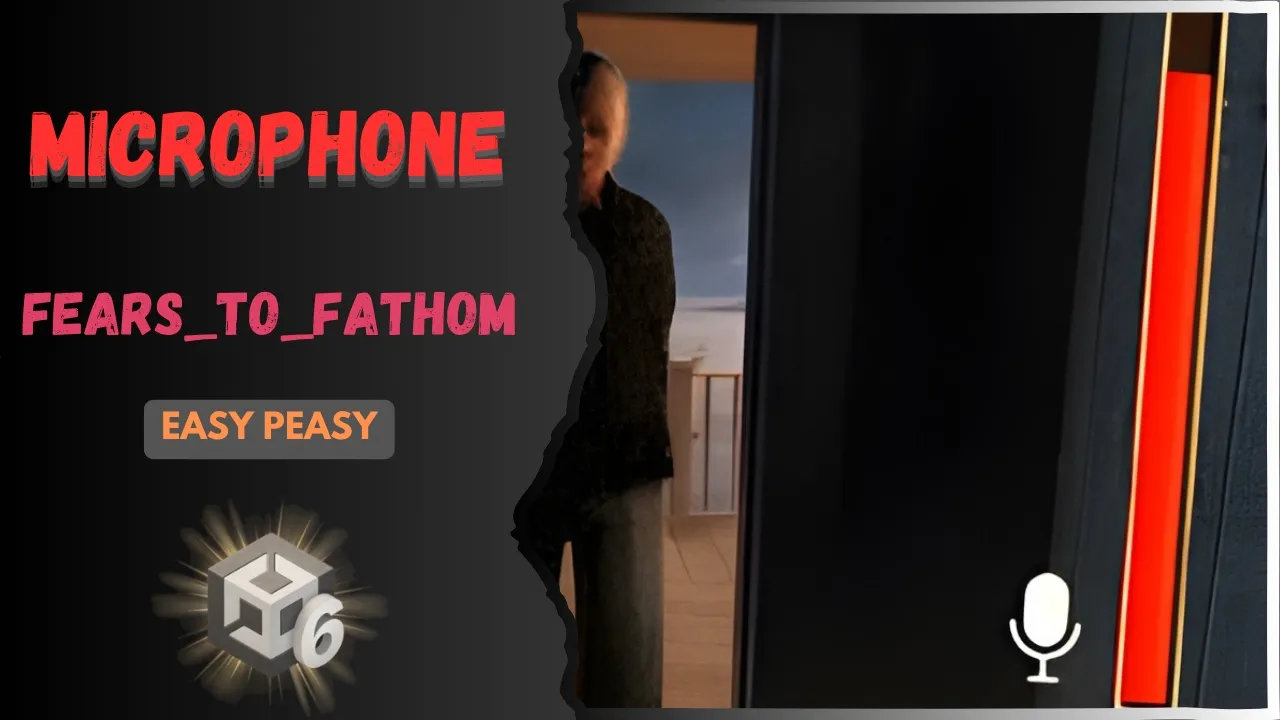
Fears to Fathom Microphone
 BatPan
May 31, 2026 04:24
BatPan
May 31, 2026 04:24
Create an account to hide videos, mark them watched, or save them to Don't Miss.
Create an account to hide videos, mark them watched, or save them to Don't Miss.
Create an account to hide videos, mark them watched, or save them to Don't Miss.
Chapters
Ever wondered how horror games like Fears to Fathom know when you're screaming in real life? In this tutorial, we’re building a complete microphone sound detection system from scratch in Unity.
We’ll set up the UI volume indicator slider, dive into the C# scripting to capture live mic data, and test the final system to see how it tracks audio thresholds. Perfect for your next indie horror project.
Get the files (GitHub): https://github.com/BATPANn/Fears_To_Fathom/tree/main/F2F_Microphone
Play My Game on Itch.io: https://batpan-games.itch.io/fractured-psyche
📌 Chapters
Education
#unity tutorial
#unity tutorials
#how to make a game
#brackeys
#jimmy vegas
#unity3d
#game development
#c#
#programming
#coding
#video game
#noob
#assets
#beginner
#easy
#how
#learn
#tutorial
#tutorials
#game
#development
#develop
#games
#make a game
#for free
#survival horror
#unity 3d
#unreal engine
#indie
#beginners
#asset
#model
#texture
#models
#textures
#howto
#course
#series
#basic
#basics
#how to make
#getting started
#level design
#introduction
#unity guide
#guide
#godot
#godot tutorial
#FearsToFathom