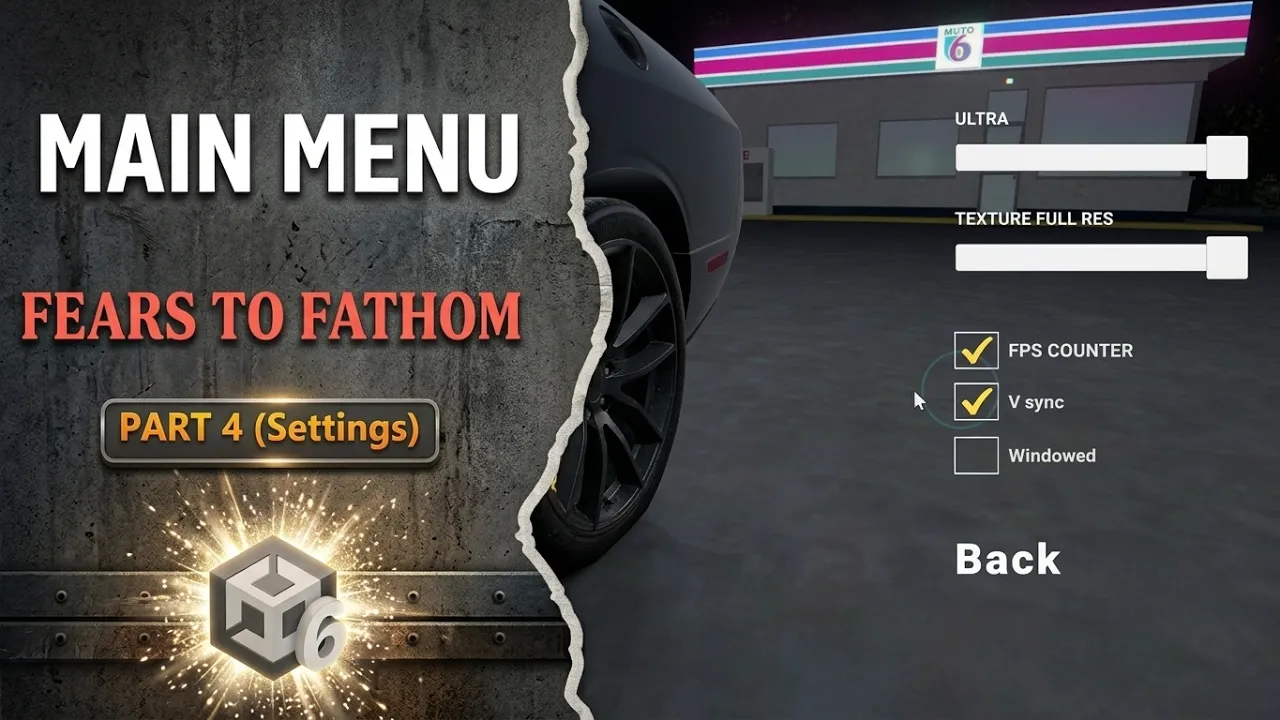
Fears to Fathom Main Menu Part 4 (Settings)
 BatPan
Jul 21, 2026 06:51
BatPan
Jul 21, 2026 06:51
Create an account to hide videos, mark them watched, or save them to Don't Miss.
Create an account to hide videos, mark them watched, or save them to Don't Miss.
Create an account to hide videos, mark them watched, or save them to Don't Miss.
Chapters
Welcome back to Part 4 of recreating the iconic Fears to Fathom main menu in Unity.
In this episode, we create the Settings Menu and make every single option fully functional.
We take our UI elements, sliders, toggles, and buttons and write the C# code to connect them to Unity's graphics, display, and rendering settings in real-time.
⚙️ What We Cover in This Video:
FPS Counter & VSync: Building a real-time FPS counter script and setting up a functional VSync toggle.
Display Options: Scripting dynamic toggles for Windowed and Fullscreen modes.
Graphics & Resolution Sliders: Linking overall graphics quality presets and texture resolution settings directly to Unity's QualitySettings API.
🔗 Project Links & Resources
📁 Grab the Assets & Scripts on GitHub: https://github.com/BATPANn/Fears_To_Fathom/tree/main/F2F_MainMenu
🎮 Check out my indie horror game, Fractured Psyche: https://batpan.itch.io/fractured-psyche
☕ Buy Me a Coffee (Iran Edition)
USDT (TRC20): TXDxZuRFUP7E5DRGd2gtymRVZxKnxksX5C
USDT (TON): UQDqreMdp21PzFXWzpJQ2MTMcnOzL7mi0rfmyIA0N0gddpBg
(Why crypto? Because I'm in Iran, and international banking is playing on Nightmare difficulty.)
⏳ Chapters:
Education
#unity tutorial
#unity tutorials
#how to make a game
#brackeys
#jimmy vegas
#unity3d
#game development
#c#
#programming
#coding
#video game
#noob
#assets
#beginner
#easy
#how
#learn
#tutorial
#tutorials
#game
#development
#develop
#games
#make a game
#for free
#survival horror
#unity 3d
#unreal engine
#indie
#beginners
#asset
#model
#texture
#models
#textures
#howto
#course
#series
#basic
#basics
#how to make
#getting started
#level design
#introduction
#unity guide
#guide
#godot
#godot tutorial
#FearsToFathom