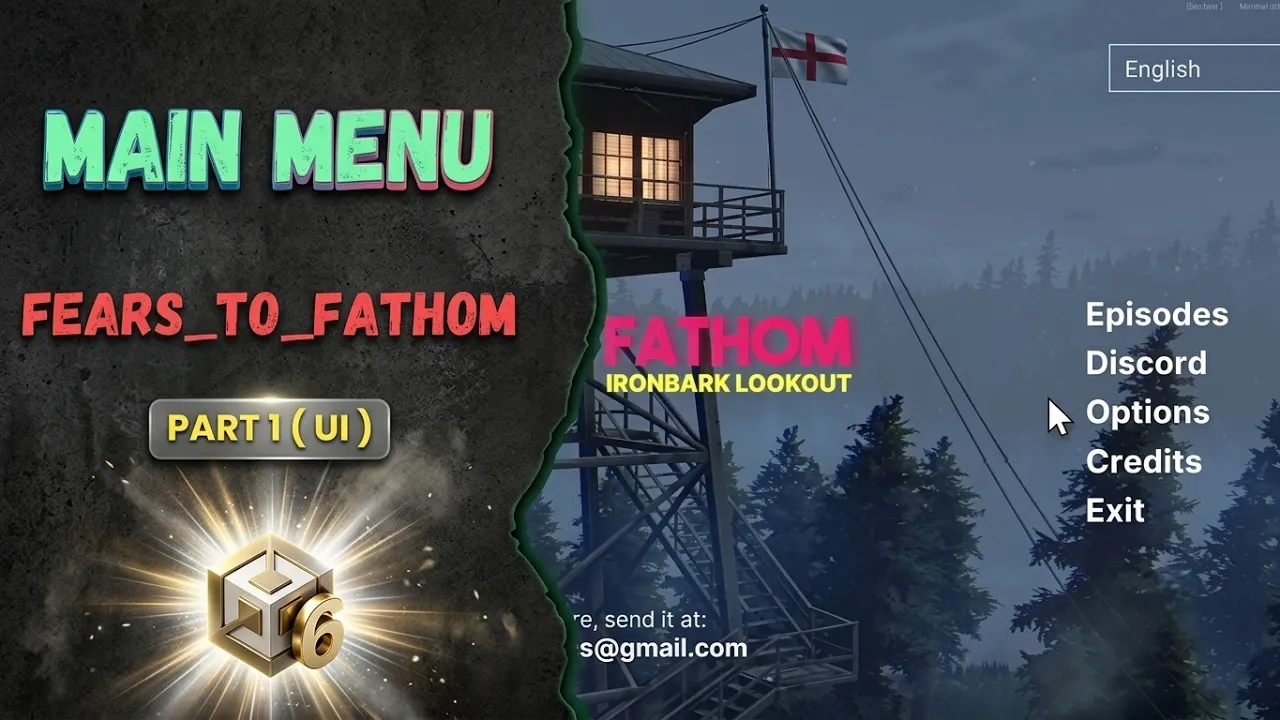
Fears to Fathom Main Menu Part 1 (UI)
 BatPan
Jun 24, 2026 23:31
BatPan
Jun 24, 2026 23:31
Create an account to hide videos, mark them watched, or save them to Don't Miss.
Create an account to hide videos, mark them watched, or save them to Don't Miss.
Create an account to hide videos, mark them watched, or save them to Don't Miss.
Chapters
Welcome to Part 1 of our ultimate guide to recreating the iconic, atmospheric main menu from Fears to Fathom in Unity!
In this episode, we are diving deep into the visual and structural foundation of the menu: the User Interface (UI). If you've ever wanted to capture that eerie, immersive horror anthology vibe right from the title screen, you're in the right place. We'll be building out the main hub, crafting a fully functional episode selection screen, setting up a comprehensive settings layout (complete with a language selector), and putting together the credits.
--------------------
link to part 2 : https://youtu.be/EWjokUF7sQc
--------------------
🎮 Check Out My Game
If you love psychological horror, check out my own project, Fractured Psyche, now available on Itch.io.
👉 https://batpan.itch.io/fractured-psyche
☕ Buy Me a Coffee (Iran Edition)
USDT (TRC20): TXDxZuRFUP7E5DRGd2gtymRVZxKnxksX5C
USDT (TON): UQDqreMdp21PzFXWzpJQ2MTMcnOzL7mi0rfmyIA0N0gddpBg
(Why crypto? Because I'm in Iran, and international banking is playing on Nightmare difficulty.)
🕒 Chapters
💬 Join the Conversation
Are you building your own horror game? What’s your favorite Fears to Fathom episode? Let me know in the comments below! Don't forget to Like and Subscribe so you don't miss Part 2, where we'll hook everything up with scripts and add that signature retro aesthetic!
Education
#unity tutorial
#unity tutorials
#how to make a game
#brackeys
#jimmy vegas
#unity3d
#game development
#c#
#programming
#coding
#video game
#noob
#assets
#beginner
#easy
#how
#learn
#tutorial
#tutorials
#game
#development
#develop
#games
#make a game
#for free
#survival horror
#unity 3d
#unreal engine
#indie
#beginners
#asset
#model
#texture
#models
#textures
#howto
#course
#series
#basic
#basics
#how to make
#getting started
#level design
#introduction
#unity guide
#guide
#godot
#godot tutorial
#FearsToFathom