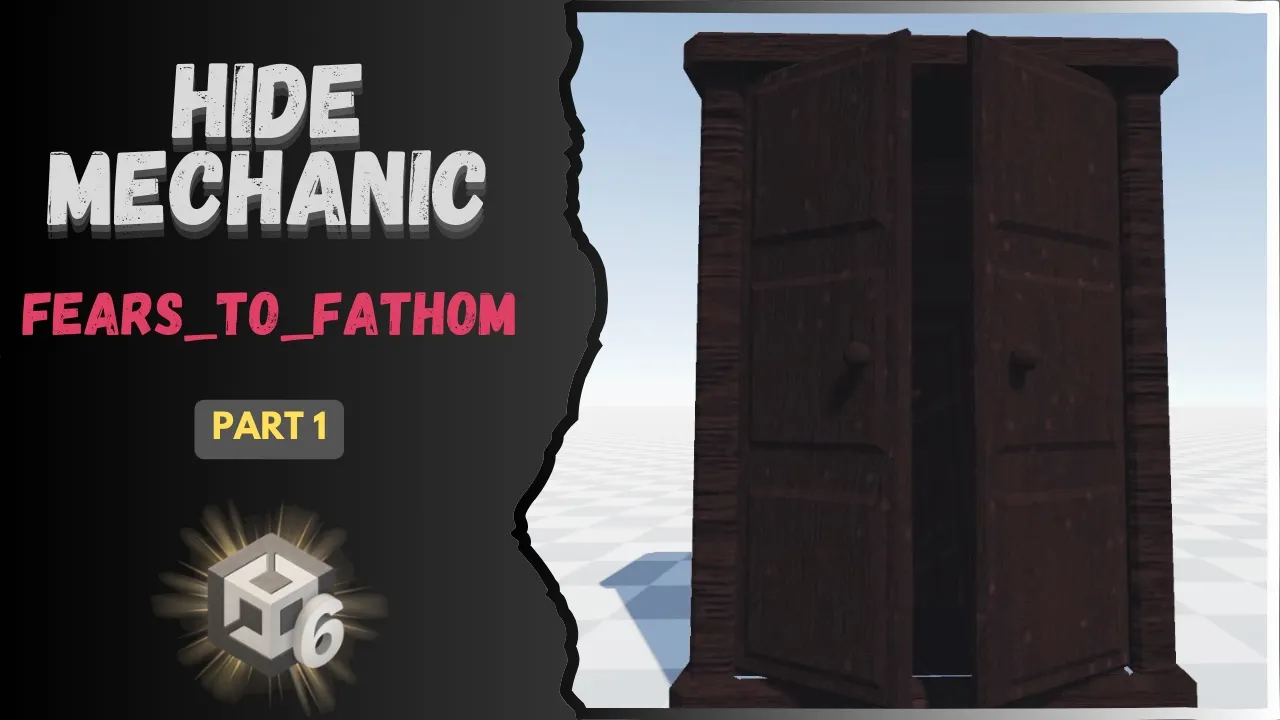
Fears to Fathom Hiding Mechanic Part 1
 BatPan
Feb 22, 2026 06:20
BatPan
Feb 22, 2026 06:20
Create an account to hide videos, mark them watched, or save them to Don't Miss.
Create an account to hide videos, mark them watched, or save them to Don't Miss.
Create an account to hide videos, mark them watched, or save them to Don't Miss.
Chapters
Fears to Fathom Hiding Mechanic | Unity Tutorial (Part 1)
Ever wondered how Fears to Fathom creates that claustrophobic, terrifying feeling of watching a killer through the slats of a closet? In this first installment, we’re breaking down the technical side of the "Hiding System."
We’re kicking things off by prepping our 3D assets in Blender to ensure they play nice with Unity, then diving into the Transparency logic that lets the player see out without being seen.
🔗 Project Assets
GitHub Repository: https://github.com/BATPANn/Fears_To_Fathom/tree/main/F2F_HidingSystem
Play My Horror Game: https://batpan.itch.io/fractured-psyche
🕒 Chapters
📢 Join the Journey
If you’re building your own horror masterpiece, Subscribe to catch Part 2 where we’ll handle the player interaction and camera transitions.
#Unity #GameDev #HorrorGame #FearsToFathom #Blender3D #IndieDev
Education
#unity tutorial
#unity tutorials
#how to make a game
#brackeys
#jimmy vegas
#unity3d
#game development
#c#
#programming
#coding
#video game
#noob
#assets
#beginner
#easy
#how
#learn
#tutorial
#tutorials
#game
#development
#develop
#games
#make a game
#for free
#survival horror
#unity 3d
#unreal engine
#indie
#beginners
#asset
#model
#texture
#models
#textures
#howto
#course
#series
#basic
#basics
#how to make
#getting started
#level design
#introduction
#unity guide
#guide
#godot
#godot tutorial
#FearsToFathom