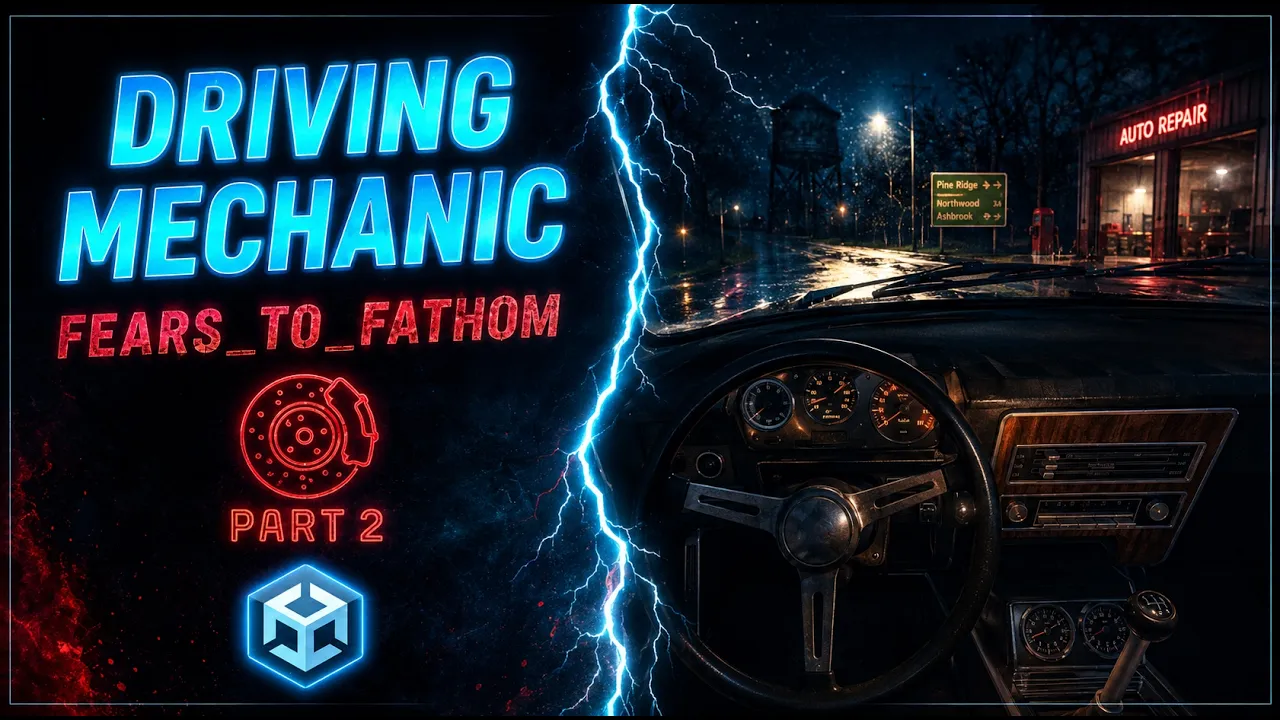
Fears to Fathom Driving System | Part 2: Adding Car model
 BatPan
Aug 27, 2026 08:48
BatPan
Aug 27, 2026 08:48
Create an account to hide videos, mark them watched, or save them to Don't Miss.
Create an account to hide videos, mark them watched, or save them to Don't Miss.
Create an account to hide videos, mark them watched, or save them to Don't Miss.
Chapters
Fears to Fathom Driving System in Unity — Part 2
Now that we have the foundation of our driving system from Part 1, it's time to make the car actually feel like a car.
In this part, we take our basic physics-based car and add the visual elements that make the driving system much more convincing and immersive.
In this tutorial, we will:
• Add a car model to our existing driving system
• Modify our Car Controller script to support the new visual system
• Add the necessary variables for steering, RPM, and speed
• Create a Get Axis function to control our visual inputs
• Make the steering wheel move realistically based on steering input
• Make the speedometer and RPM needles move in real time
• Connect all of these visuals to the actual movement of the car
• Set up the required values in the Unity Inspector
The goal is to keep the driving system simple while adding the visual feedback that makes it feel much closer to a real Fears to Fathom-style driving experience.
This is Part 2 of the Fears to Fathom driving system tutorial. In the next parts, we'll continue building on this system and add more features to make it feel even better.
🎮 PLAY MY GAME — Fractured Psyche:
https://batpan-games.itch.io/fractured-psyche
📁 FILES:
GitHub: https://github.com/BATPANn/Fears_To_Fathom/tree/main/F2F_Driving
☕ SUPPORT THE CHANNEL
Since international banking is playing on Nightmare difficulty in my country, crypto is the best way to directly support the channel.
USDT (TRC20):
TXDxZuRFUP7E5DRGd2gtymRVZxKnxksX5C
USDT (TON):
UQDqreMdp21PzFXWzpJQ2MTMcnOzL7mi0rfmyIA0N0gddpBg
(No memo needed)
Chapters:
34:59 Connect the Visuals to Our Car Movement
37:28 Give Needed Values in the Inspector
37:43 Final Result
If you're making a Fears to Fathom inspired horror game in Unity, or any game that features a car, this approach gives you a simple way to connect your driving physics with convincing interior car visuals without building an overly complicated vehicle controller.
Education
#unity tutorial
#unity tutorials
#how to make a game
#brackeys
#jimmy vegas
#unity3d
#game development
#c#
#programming
#coding
#video game
#noob
#assets
#beginner
#easy
#how
#learn
#tutorial
#tutorials
#game
#development
#develop
#games
#make a game
#for free
#survival horror
#unity 3d
#unreal engine
#indie
#beginners
#asset
#model
#texture
#models
#textures
#howto
#course
#series
#basic
#basics
#how to make
#getting started
#level design
#introduction
#unity guide
#guide
#godot
#godot tutorial
#FearsToFathom