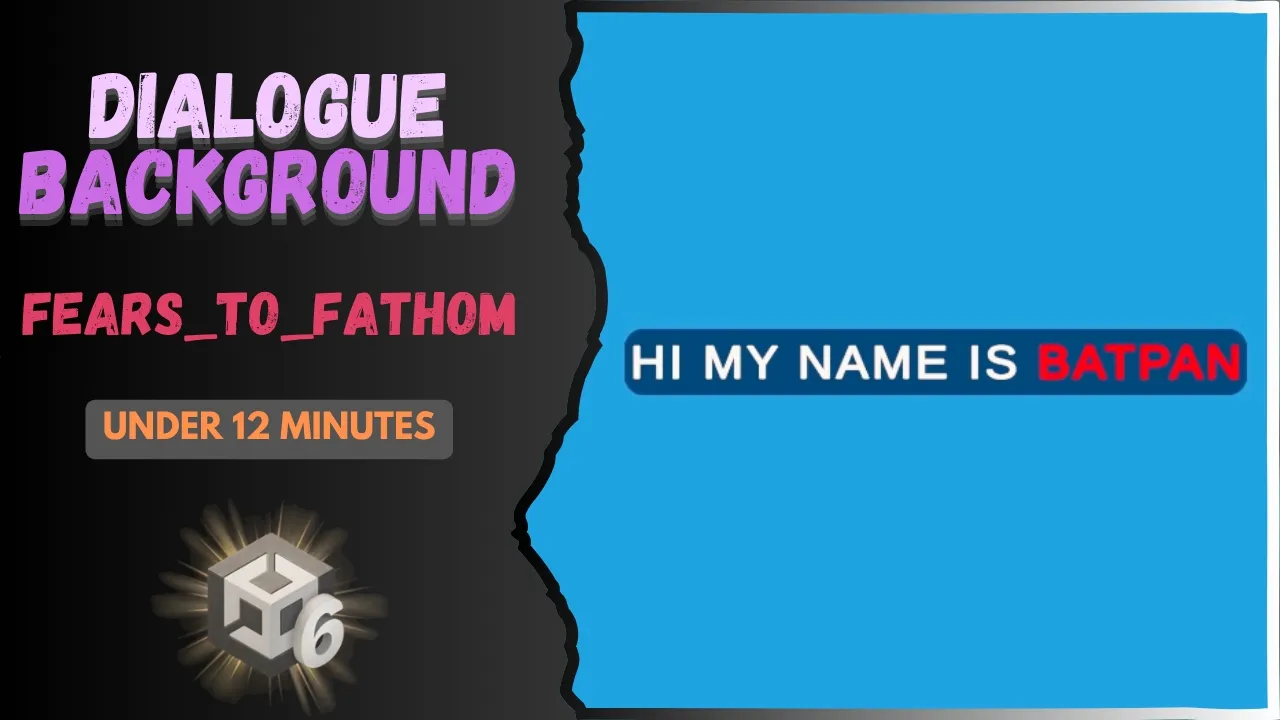
Fears to Fathom Dialogue Background
 BatPan
May 11, 2026 18:27
BatPan
May 11, 2026 18:27
Create an account to hide videos, mark them watched, or save them to Don't Miss.
Create an account to hide videos, mark them watched, or save them to Don't Miss.
Create an account to hide videos, mark them watched, or save them to Don't Miss.
Chapters
In this Unity tutorial, we take a deep dive into recreating the atmospheric dialogue backgrounds seen in psychological horror hits like Fears to Fathom. Creating an immersive UI is essential for indie horror, and this video covers everything you need to build a professional-looking dialogue system that fits your game's aesthetic.
We start by setting up the UI Canvas and background elements, then move into scripting a simple but functional dialogue system to bring your characters to life. Whether you are building a narrative-driven thriller or a short horror experience, this method ensures your text is both legible and stylish.
Get the Project Files:
Source Code and Assets on GitHub: https://github.com/BATPANn/Fears_To_Fathom/tree/main/F2F_DialogueBackground
Support My Work:
Play my game, Fractured Psyche, on Itch.io: https://batpan.itch.io/fractured-psyche
In this video, we cover:
Designing the UI background elements for maximum atmosphere
Writing the C# logic for a simple dialogue system
Finalizing the visual look to match the "Fears to Fathom" style
Testing the system within the Unity Editor
Timestamps:
If you found this helpful, consider subscribing for more Unity game dev tutorials and horror game design breakdowns. Hope all the best and stay safe.
Education
#unity tutorial
#unity tutorials
#how to make a game
#brackeys
#jimmy vegas
#unity3d
#game development
#c#
#programming
#coding
#video game
#noob
#assets
#beginner
#easy
#how
#learn
#tutorial
#tutorials
#game
#development
#develop
#games
#make a game
#for free
#survival horror
#unity 3d
#unreal engine
#indie
#beginners
#asset
#model
#texture
#models
#textures
#howto
#course
#series
#basic
#basics
#how to make
#getting started
#level design
#introduction
#unity guide
#guide
#godot
#godot tutorial
#FearsToFathom