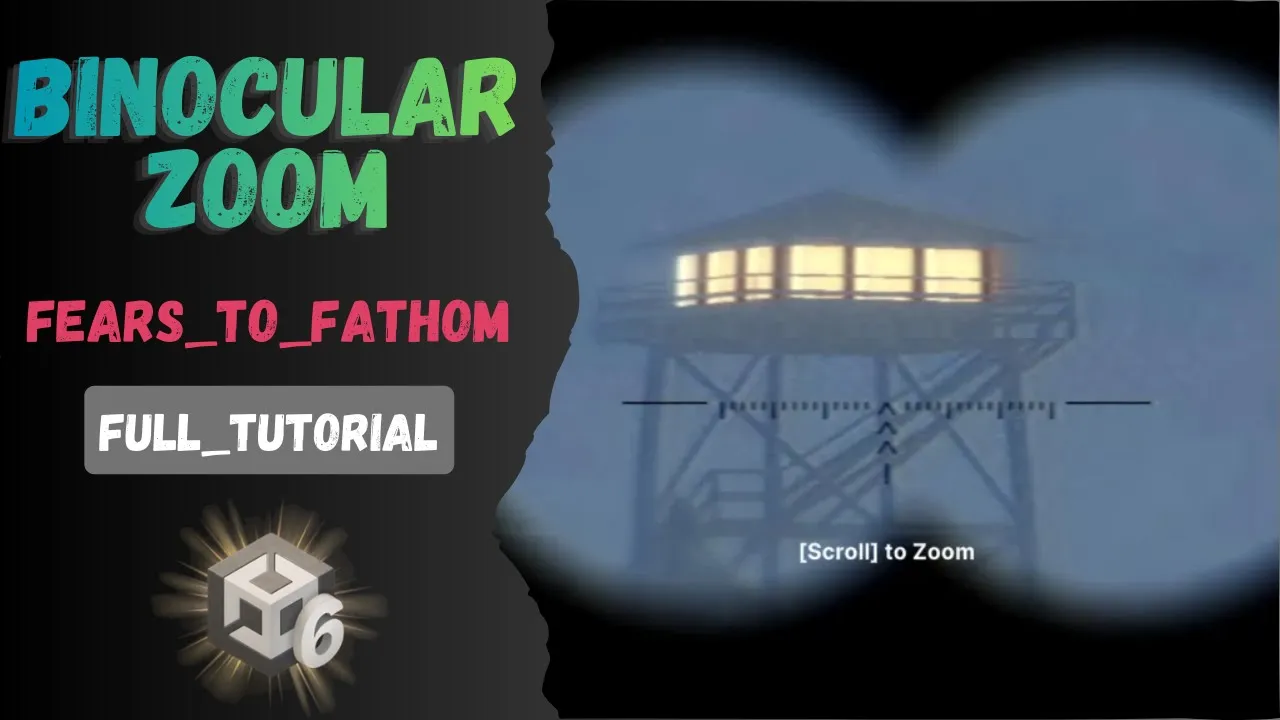
Fears To Fathom Binocular System In Unity - Full Tutorial
 BatPan
Dec 5, 2025 22:41
BatPan
Dec 5, 2025 22:41
Create an account to hide videos, mark them watched, or save them to Don't Miss.
Create an account to hide videos, mark them watched, or save them to Don't Miss.
Create an account to hide videos, mark them watched, or save them to Don't Miss.
Create a Fears to Fathom-Style Binocular System in Unity -- Full Tutorial
In this video, I walk you step-by-step through creating a binocular mechanic in Unity, inspired by Fears to Fathom.
You’ll learn how to place the binocular UI on screen, build a clean and flexible script, toggle the system on/off with a keyboard key, and add smooth, immersive zoom movement.
Perfect for horror, survival, or story-driven games.
By the end, you’ll have a fully functional binocular system you can drop into any Unity project.
GitHub Project Files
Full tutorial files available here: https://github.com/BATPANn/FearsToFathom_Binocular_Unity
Check Out My Game
Fractured Psyche – psychological horror experience:
https://batpan.itch.io/fractured-psyche
📚 Chapters
— Intro
— Add binocular image on the screen
— Create the binocular script
— What we created
— Outro
Education
#unity tutorial
#unity tutorials
#how to make a game
#brackeys
#jimmy vegas
#unity3d
#game development
#c#
#programming
#coding
#video game
#noob
#assets
#beginner
#easy
#how
#learn
#tutorial
#tutorials
#game
#development
#develop
#games
#make a game
#for free
#survival horror
#unity 3d
#unreal engine
#indie
#beginners
#asset
#model
#texture
#models
#textures
#howto
#course
#series
#basic
#basics
#how to make
#getting started
#level design
#introduction
#unity guide
#guide
#godot
#godot tutorial
#FearsToFathom