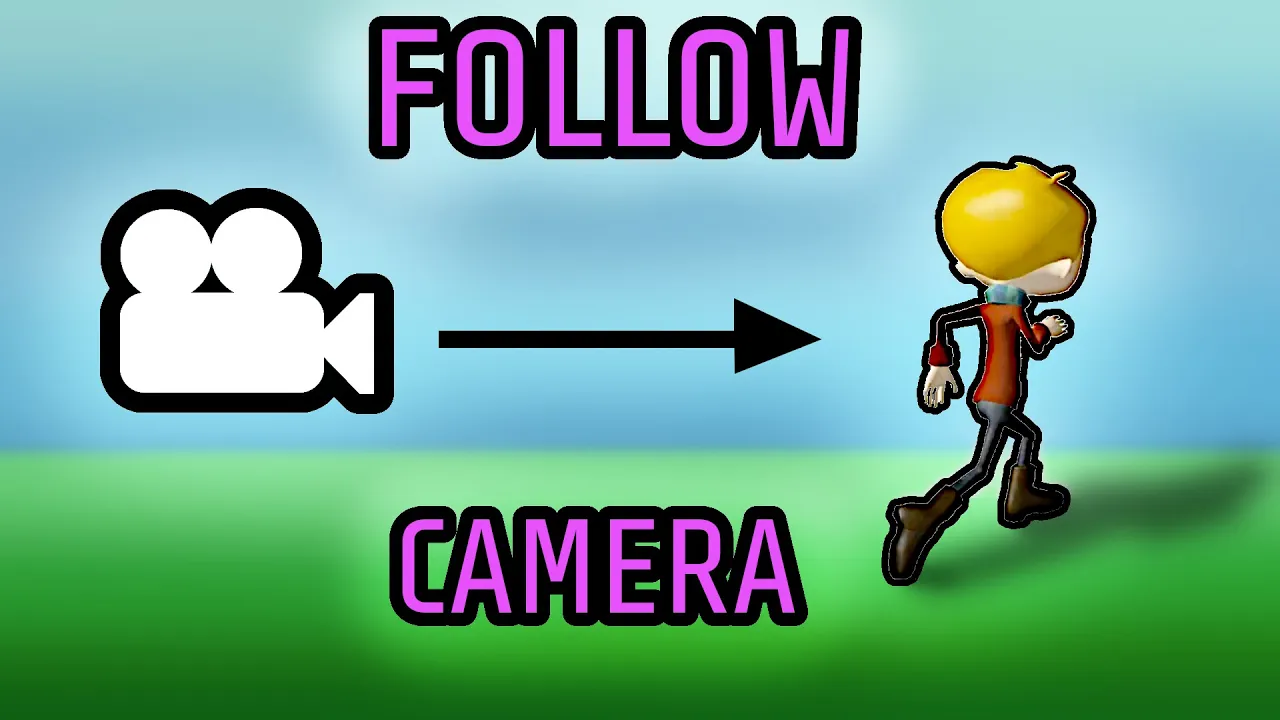
Simple Third Person Camera (using Three.js/JavaScript)
 SimonDev
Nov 16, 2020 12:00
SimonDev
Nov 16, 2020 12:00
Create an account to hide videos, mark them watched, or save them to Don't Miss.
Create an account to hide videos, mark them watched, or save them to Don't Miss.
Create an account to hide videos, mark them watched, or save them to Don't Miss.
Follow me on:
Twitter: https://twitter.com/iced_coffee_dev
Github: https://github.com/simondevyoutube/
I show you how to build out a simple third person camera in three.js and JavaScript, from scratch. The goal here is to understand the mechanics of a simple follow camera (or third person camera), what goes into designing one, what considerations are made, and how to code one up. We'll step through various smoothing options and show you the effect of framerate differences and how to mitigate those problems.
Previously in videos, we covered three.js camera support and how to build out a simple third person character controller. This tutorial is a natural progression of the topic, covering 3rd person cameras. This is all part of a series of beginner tutorials on three.js, starting scratch and working up to the point of having moving animated characters in a small world.
The three.js library is available in JavaScript for cross-browser 3d graphics, wrapping webgl and making high level functionality available in the web browser. It’s an extremely mature and well maintained library that I use for many of these videos.
In the video, we cover:
* Game camera systems, 1st person vs 3rd person cameras
* Architecture considerations when building out the camera class, how to decouple things in a clean way for future reuse.
* Smooth interpolation and how to combat framerate changes.
Science & Technology
#simondev
#game development
#programming tutorial