Building a Simple 3D Scene with Physics in JavaScript & Three.js
 SimonDev
Feb 23, 2022 12:00
SimonDev
Feb 23, 2022 12:00
Create an account to hide videos, mark them watched, or save them to Don't Miss.
Create an account to hide videos, mark them watched, or save them to Don't Miss.
Create an account to hide videos, mark them watched, or save them to Don't Miss.
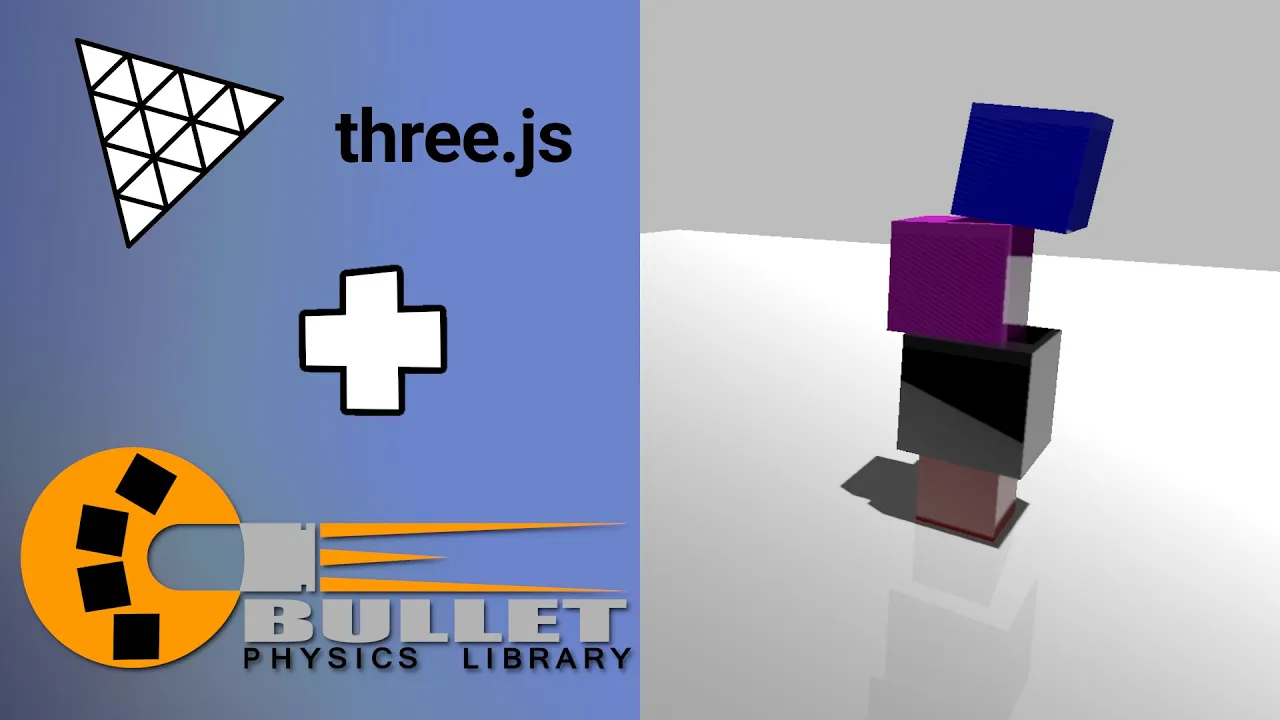
Quick and easy setup of a JavaScript 3d Physics Engine in three.js and ammo.js.
Support me on:
Patreon: https://www.patreon.com/simondevyt
Follow me on:
Twitter: https://twitter.com/iced_coffee_dev
Instagram: https://www.instagram.com/beer_and_code/
Github: https://github.com/simondevyoutube/
In this project I'll show you how to use ammo.js and three.js to setup a simple 3d scene with phyics in just a few minutes. We'll step through the basics of how to instantiate your physics world, and what the various options are, which can server to add a whole new dimension of possibilities to your 3D scenes.
What we'll cover:
* Three.js and Ammo.js initialization, how to instantiate your 3d physics world
* Creating rigid bodies and simple shapes such as boxes and spheres
* Using MotionState to synchronize transforms between the physics world and 3d scene.
There's a lot of options for JavaScript 3d engines, like Ammo.js, oimo.js. cannon.js, etc. They're all extremely capable physics engines, but we'll be focusing on one in particular, ammo.js which is a wrapper around the Bullet physics engine.
Full source code for the project is available, so if you're interested in fiddling with the code, screwing around with it, or improving it.
Science & Technology
#simondev
#game development
#programming tutorial