Turn 2D Images into 3D Animation (Free AI Workflow)
 PixelArtistry
Dec 1, 2025 14:01
PixelArtistry
Dec 1, 2025 14:01
Create an account to hide videos, mark them watched, or save them to Don't Miss.
Create an account to hide videos, mark them watched, or save them to Don't Miss.
Create an account to hide videos, mark them watched, or save them to Don't Miss.
Chapters
Don't forget to subscribe to the channel in case you've liked this video and to join my FREE Newsletter Futureframes:
https://pixel-artistry.com/newsletter
Reallusion offers all IClone trial users a free try for the AI Mocap tool (1 generation including 60 seconds of video footage) from the 1st to 31st December.
You can check out Iclone and the other tools used in the video here:
iClone 8 Free Trial for 30 days:
https://reallusion.software/ac2b2c
AI Video Mocap (Free Download):
https://reallusion.software/lq0
AccuRIG (Free):
https://reallusion.software/8c827a
Link to ComfyUI Workflows:
https://drive.google.com/drive/folders/1spunmxuxdNKnmuCySOF-X0pNaJpP6APQ?usp=sharing
Link to ComfyUI Cloud:
https://www.comfy.org/cloud
Link to Midjourney:
https://www.midjourney.com/explore?tab=top
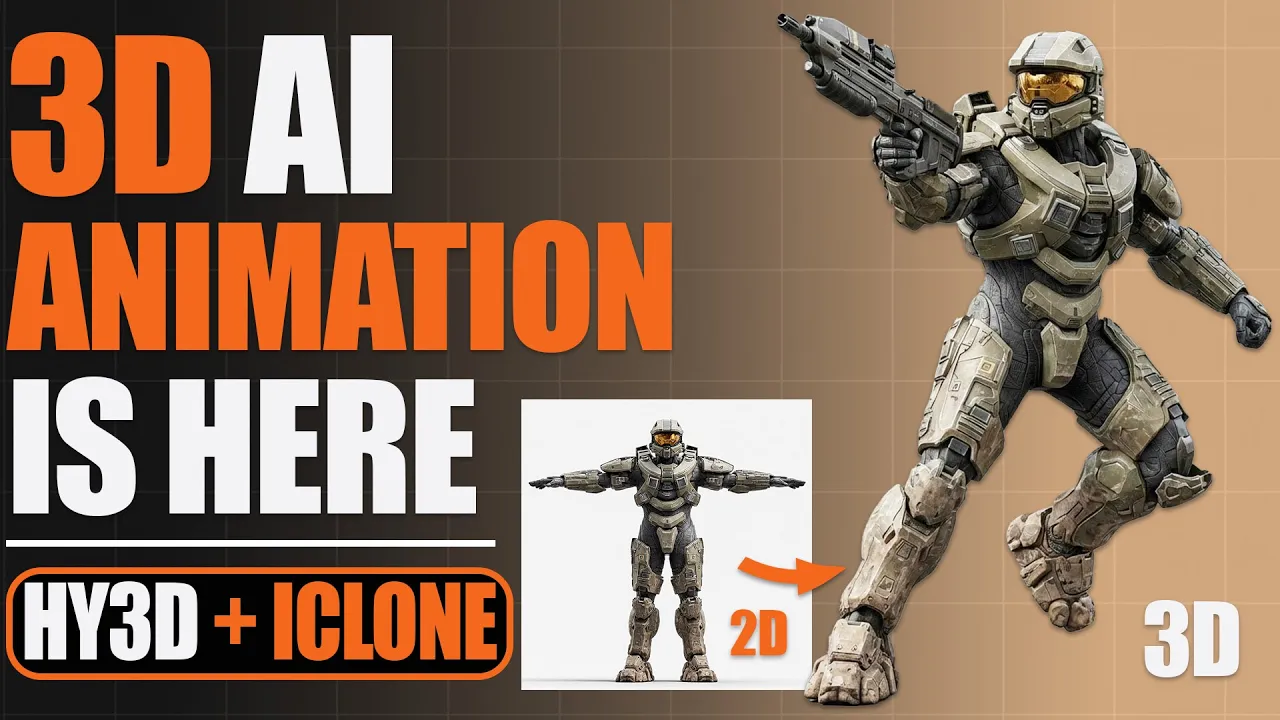
Hey guys, in this video I'm going to show you how to turn a simple 2D image into a fully animated 3D AI character. We will start by generating a highly detailed image to 3d model with Hunyuan 3D 3.0. Then we will bring it into AccuRig to rig our character. After that, we will jump into iClone and use the new AI MoCap tool for motion capture to animate our 3D AI character and will then create a stunning fully animated shot in Blender.
The AI Mocap tool integrates the technology from QuickmagicAI.
#iClone #VideoMocap #AiMocap #QuickMagic #3danimation
Film & Animation
#blender tutorial
#2d to 3d
#blender 3d
#blender 3d animation
#ai mocap
#ai video mocap
#3d ai animation
#ai to 3d animation
#ai 3d character
#ai 3d modeling
#ai 3d model generator
#hunyuan3d 3.0
#accurig
#iclone8
#3d ai tool
#2d image to 3d model
#2d to 3d blender
#tripoai
#comfyui
#comfyui texturing
#comfyui qwen image edit
#qwen image
#qwen image edit
#qwen image edit 2509
#comfyui cloud
#comfyui workflow
#comfyui 3d ai
#comfyui 3d generation
#ai to 3d