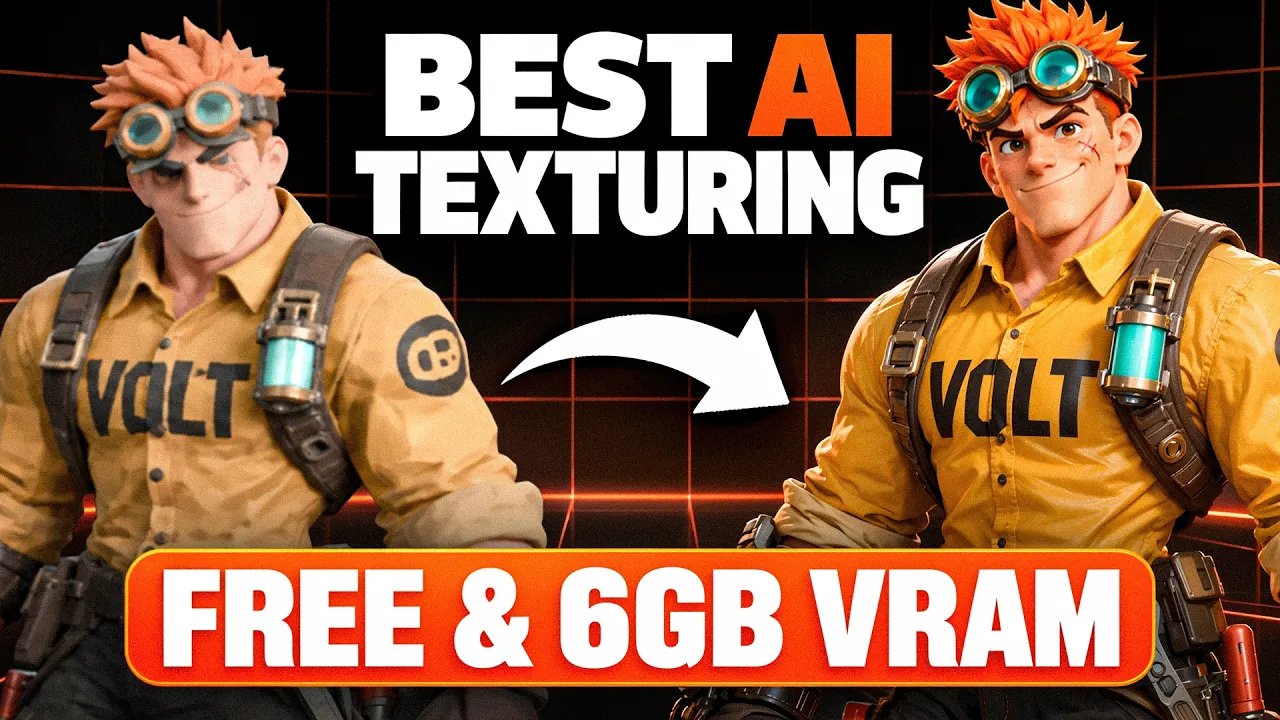
FINALLY Good AI Texturing Locally on 6GB VRAM (Free)
 PixelArtistry
Oct 18, 2026 12:03
PixelArtistry
Oct 18, 2026 12:03
Create an account to hide videos, mark them watched, or save them to Don't Miss.
Create an account to hide videos, mark them watched, or save them to Don't Miss.
Create an account to hide videos, mark them watched, or save them to Don't Miss.
Chapters
📦I'm currently building a Trellis2 + Pixal3D Workflow Pack — an in-depth PDF guide + ComfyUI workflows for local, open-source 3D AI generation. Join the waitlist for early-bird pricing: https://pixel-artistry.com/Trellis2WorkflowPackWaitlist
🎵 Win up to $100K in cash prizes for the world's catchiest AI-made ad!
This video is sponsored by ElevenCreative by ElevenLabs.
Invent a fictional product, make an ad for it with ElevenCreative and give it an original jingle. Entries are open until November 1, 11:59pm PST.
👉 Enter the competition and get 10,000 free credits: https://try.elevenlabs.io/il06r2nj0xyh
📰 Newsletter: https://pixel-artistry.com/newsletter
💬 Discord: https://pixel-artistry.com/discord
⬇️ Free installer + all 3 UltraTex workflows: https://pixel-artistry.com/UltraTex
In this video, I'll show you how to texture 3D models locally in ComfyUI with UltraTex, better than ever before. It reads your reference image much better than Trellis 2, gets text and faces right, and even gives you PBR maps. I show you the one-click install and all three workflows, including one that runs on just 6GB of VRAM.
💻 Requirements
Standard workflow (6 views): 12-16GB VRAM (8-12GB at 1024 resolution)
10-view workflow: 12-16GB VRAM
Low VRAM GGUF workflow: 6-8GB VRAM
Installers for Windows, Linux and Mac
🛠️ Tools used in this video
UltraTex project page: https://yiboz2001.github.io/UltraTex/
UltraTex nodes by VisualBruno: https://github.com/visualbruno/ComfyUI-UltraTex
UltraTex GGUF nodes by MostAadTech: https://github.com/Mstafa-awad/UltraTex-ComfyUI-nodes
FLUX.2 Klein base 9B: https://huggingface.co/black-forest-labs/FLUX.2-klein-base-9B
FLUX.2 Klein base 9B GGUF: https://huggingface.co/unsloth/FLUX.2-klein-base-9B-GGUF
ComfyUI Easy Install: https://github.com/Tavris1/ComfyUI-Easy-Install
Trellis 2 Installation Guide: https://pixel-artistry.com/Trellis2InstallationGuide
Watertight Mesh workflows (Trellis 2 + Pixal3D): https://pixel-artistry.com/WatertightMesh
How I make character sheets with Qwen Image 2.1: https://www.youtube.com/watch?v=PpuNKVoSYB4
📝 Course survey: https://forms.gle/N4idYGTN8f5BphRL6
⚠️ Transparency Notice: The ElevenCreative link above is an affiliate link. If you sign up through it, I may earn a small commission – at no extra cost to you. This helps support my channel – thank you so much 🙏
⏱️ Chapters
🌐 Follow me
X: https://x.com/philippsieben
Website: https://pixel-artistry.com/
#ad #elevencreativepartner #TheWorldsCatchiestAd #ElevenCreativeCompetitionVol1 #ComfyUI
Film & Animation
#comfyui
#image to 3d
#ai 3d modeling
#3d models ai generator
#ai 3d model generator
#trellis2
#trellis2 local
#trellis2 comfyui
#comfyui 3d generator
#free 3d ai generator
#free local3d ai gen
#3d ai generator
#open source 3d ai
#3d ai blender
#image to 3d free
#microsoft
#image to 3d model
#comfyui tutorial
#blender tutorial
#best 3d ai generator
#free best 3d ai
#hunyuan3d
#blender
#ai 3d generator
#hunyuan3d studio
#ai texturing
#ai retopo
#ai texturing 4k
#new 3d ai