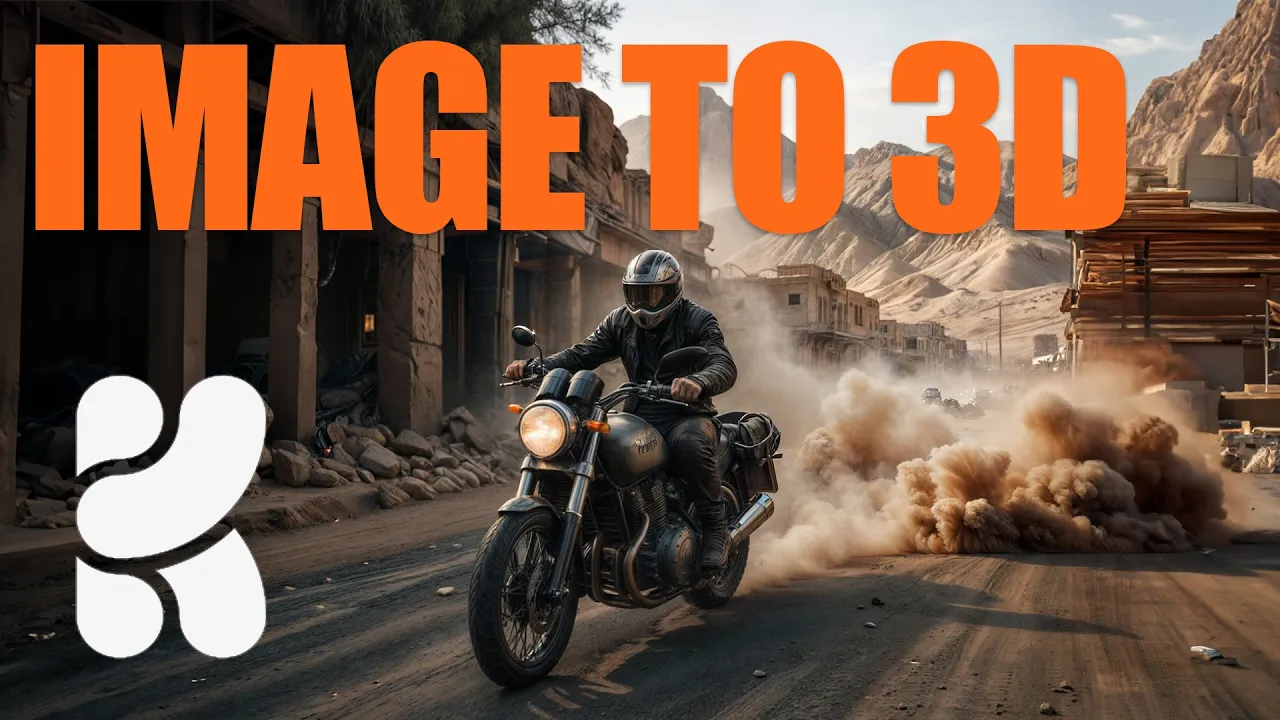
Stop Generating Random AI Art - Use Krea's 3D Tool Instead!
 PixelArtistry
Feb 9, 2025 18:00
PixelArtistry
Feb 9, 2025 18:00
Create an account to hide videos, mark them watched, or save them to Don't Miss.
Create an account to hide videos, mark them watched, or save them to Don't Miss.
Create an account to hide videos, mark them watched, or save them to Don't Miss.
Link to KreaAI: https://www.krea.ai/
Hey guys, Krea AI just dropped a crazy new feature—Image to 3D, and I had to check it out! In this video, we’re taking a quick look at how you can turn 2D images into 3D objects in real-time using Krea AI. And honestly? It’s kind of mind-blowing.
I’ll walk you through:
- How to generate an image in Krea AI
- Turning it into a 3D object with just a few clicks
- Tweaking and adjusting it to get even better results
This tool could be a huge deal for artists, designers, and AI creators—it makes controlled Image Generation so much easier
What do you think? Let me know in the comments!
If you enjoyed this, don’t forget to like & subscribe so I can keep making more videos like this. See you in the next one! 🚀
Join my free weekly AI newsletter FutureFrames to stay up to date in the world of AI Filmmaking: https://sendfox.com/pixelartistry
Film & Animation
#krea 3d
#image to 3d
#kreaai
#ai workflow
#ai image
#ai image to 3d
#ai consistency
#character consistency
#krea flux
#flux
#flux dev
#krea ai
#krea realtime
#ai to 3d
#ai filmmaking
#Ai image generation
#AI movie
#Ai art
#Krea workflow
#midjourney
#art
#3d control
#krea tutorial
#AI 3d workflow
#Image AI generation
#Ai tutorial
#Krea tutorial
#Krea AI