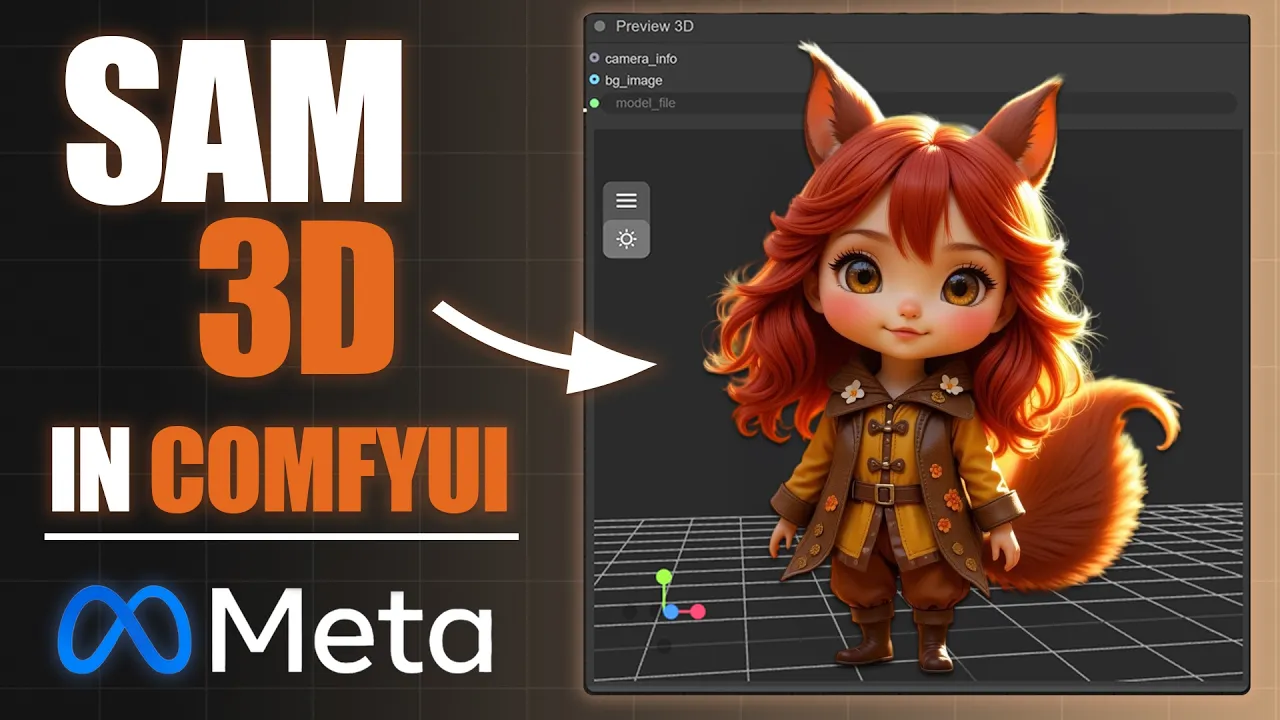
I Tested Metas New Sam3D in ComfyUI, Here’s What You Need To Know!
 PixelArtistry
Dec 17, 2025 13:58
PixelArtistry
Dec 17, 2025 13:58
Create an account to hide videos, mark them watched, or save them to Don't Miss.
Create an account to hide videos, mark them watched, or save them to Don't Miss.
Create an account to hide videos, mark them watched, or save them to Don't Miss.
Make sure to subscribe to the channel to not miss out on the new Trellis2 video that will launch soon!
Get your FREE Installation PDF Guide Here:
https://pixel-artistry.com/Sam3D_PDF_Guide
Download all Workflows Here:
https://pixel-artistry.com/Sam3D_Workflows
Hey guys, in this video, I am going to show you how to install and run Meta AI's new Sam 3D in ComfyUI. We will dive deep into maximizing its potential by combining Sam 3 segmentation and object detection in one Ai 3D workflow. By the end of this tutorial, you'll have a clear understanding of how to efficiently use this image to 3d model tool and the segment anything model within ComfyUI.
Take this short survey to tell me your biggest AI 3D struggles and get a say in what I create next:
https://forms.gle/pQw4Ybi5YDyvG7ta7
🔹 3D & AI Tools
TripoAI: https://studio.tripo3d.ai/home?via=pi...
3DAIStudio: https://3daistudio.lemonsqueezy.com?a...
MeshyAI: https://www.meshy.ai/?via=pixelArtistry
⚠️ Transparency Notice: Some of the links above are affiliate links.
If you purchase through these links, I may earn a small commission – at **no extra cost to you**.
This helps support my channel – thank you so much 🙏
Film & Animation
#sam 3d
#comfyui
#ai 3d workflow
#image to 3d model
#segment anything model
#comfyui tutorial
#image to 3d
#comfyui workflow
#ai 3d modeling
#sam3d
#metaai
#sam3
#sam3 segmentation
#3d ai generator
#3d ai studio
#sam 3
#ai
#machine learning
#2d to 3d
#ai to 3d
#free ai
#open-source ai
#open-source