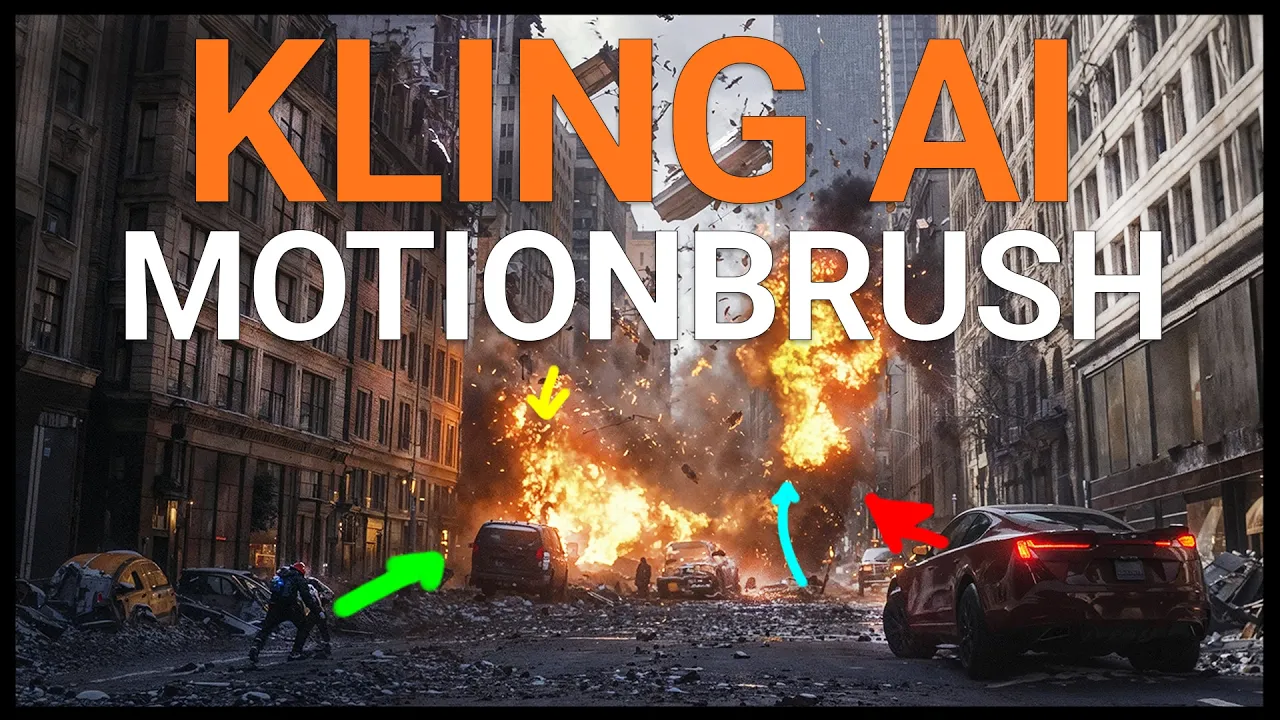
I am OBSESSED With Kling AIs New Motionbrush
 PixelArtistry
Oct 8, 2024 13:56
PixelArtistry
Oct 8, 2024 13:56
Create an account to hide videos, mark them watched, or save them to Don't Miss.
Create an account to hide videos, mark them watched, or save them to Don't Miss.
Create an account to hide videos, mark them watched, or save them to Don't Miss.
Chapters
Hey guys, I’m super excited to share why I’m obsessed with Kling AI’s new Motion Brush Tool! It gives you total control over movement in your AI videos—no more random motions! I'll show you step-by-step how to use it, from painting the motion you want to fine-tuning everything from explosions to camera movements.
You’ll see the before-and-after results, and trust me, they’re a game changer!
If you’re into AI filmmaking, you’ll want to add this tool to your workflow. Don’t forget to like, subscribe, and let me know in the comments if you've tried it!
LINK to KlingAI: klingai.com
#klingai
Film & Animation
#kling ai
#klingai
#Kling ai motionbrush
#ai video
#ai video generator
#ai video control
#ai image
#midjourney
#kling ai 1.5
#kling ai 1.0
#kling ai image to video
#kling ai review
#kling ai how to use
#kling ai prompts
#ai image editor
#how to use kling ai
#kling tutorial
#kling ai video
#kling ai foto
#ai image creator
#image to video
#ai art
#ai filmmaking
#how to use kling ai video
#how to use kling ai image to video
#tutorial kling ai
#image to video maker