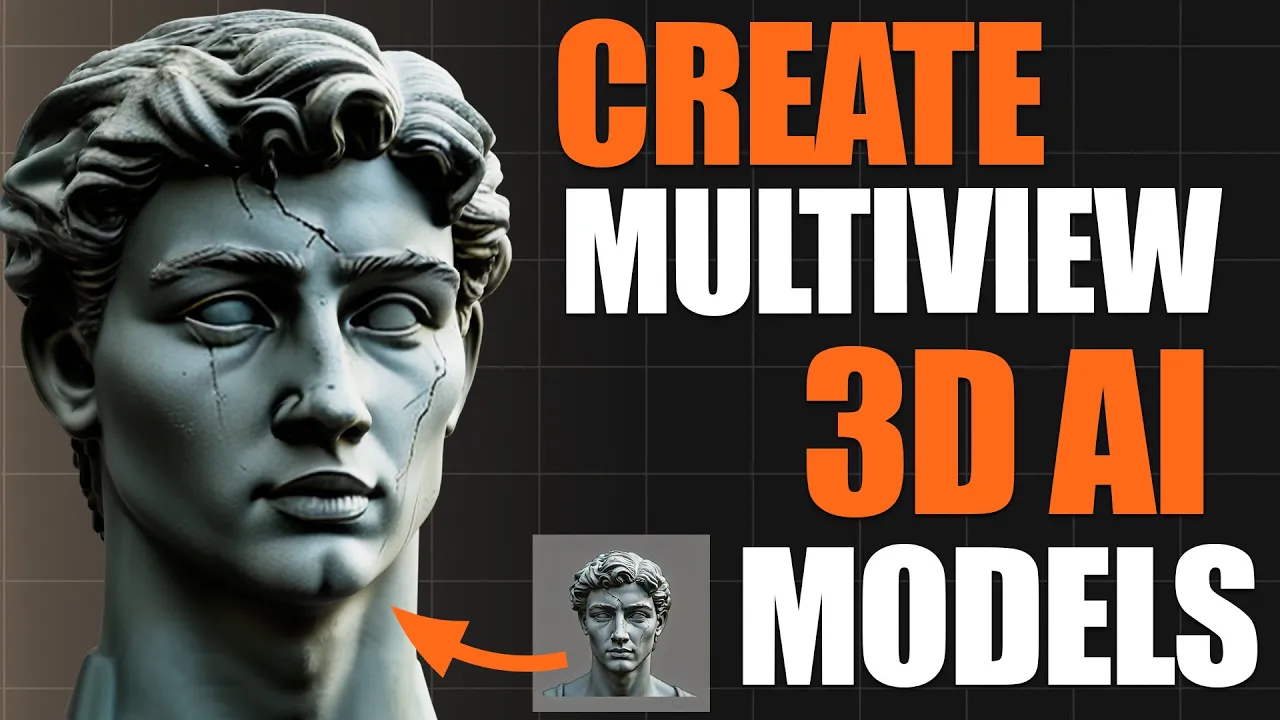
How To Use Hunyuan3D Multiview For FREE in ComfyUI (Hunyuan3D 2.0 Turbo)
 PixelArtistry
Mar 30, 2025 17:00
PixelArtistry
Mar 30, 2025 17:00
Create an account to hide videos, mark them watched, or save them to Don't Miss.
Create an account to hide videos, mark them watched, or save them to Don't Miss.
Create an account to hide videos, mark them watched, or save them to Don't Miss.
Chapters
Join our FREE Discord PixelArtistry:
https://pixel-artistry.com/discord
Hey guys! Super excited to share this tutorial with you today on creating consistent 3D AI characters using the completely free Hunyuan3D model generator! 🔥
In this video, I'll walk you through the amazing new multiview support and turbo models that make Hunyuan3D faster and more powerful than ever before. Whether you're a 3D artist, game developer, or just curious about AI-generated characters, this tutorial has everything you need to get started!
I'll show you step-by-step how to:
Set up the workflow on your own PC
Generate different angles from your existing 2D images
Create stunning 3D meshes with multiview
Install the new turbo models for faster generation
By the end, you'll be creating high-quality 3D models for your own projects in no time. The best part? It's all completely FREE!
Don't forget to like and subscribe for more tutorials on the latest AI tools and techniques. Drop a comment if you have any questions - I'd love to help you out!
LINK to all the models & Workflow files: https://pixel-artistry.com/linksforHy3DMultiview
Link to Hunz website: https://www.hunz.com.au/ (check him out, he is amazing!)
Film & Animation
#image to 3d model
#ai tools
#comfyui tutorial
#image to 3d model ai
#2d image to 3d model blender
#blender ai
#ai 3d modeling
#image to 3d model blender
#convert image to 3d model
#3d ai
#hunyuan 3d
#ai 3d printing
#hunyuan 3d anima
#2d image to 3d model
#image to 3d model free
#3d ai free
#image to 3d ai
#3d to ai
#3d ai workflow
#free 3d ai generator
#3d ai generator
#3d ai model
#hunyuan 3d multiview
#image to 3d model comfyui
#hunyuan 3d wrapper
#hunyuan 3d 2.0