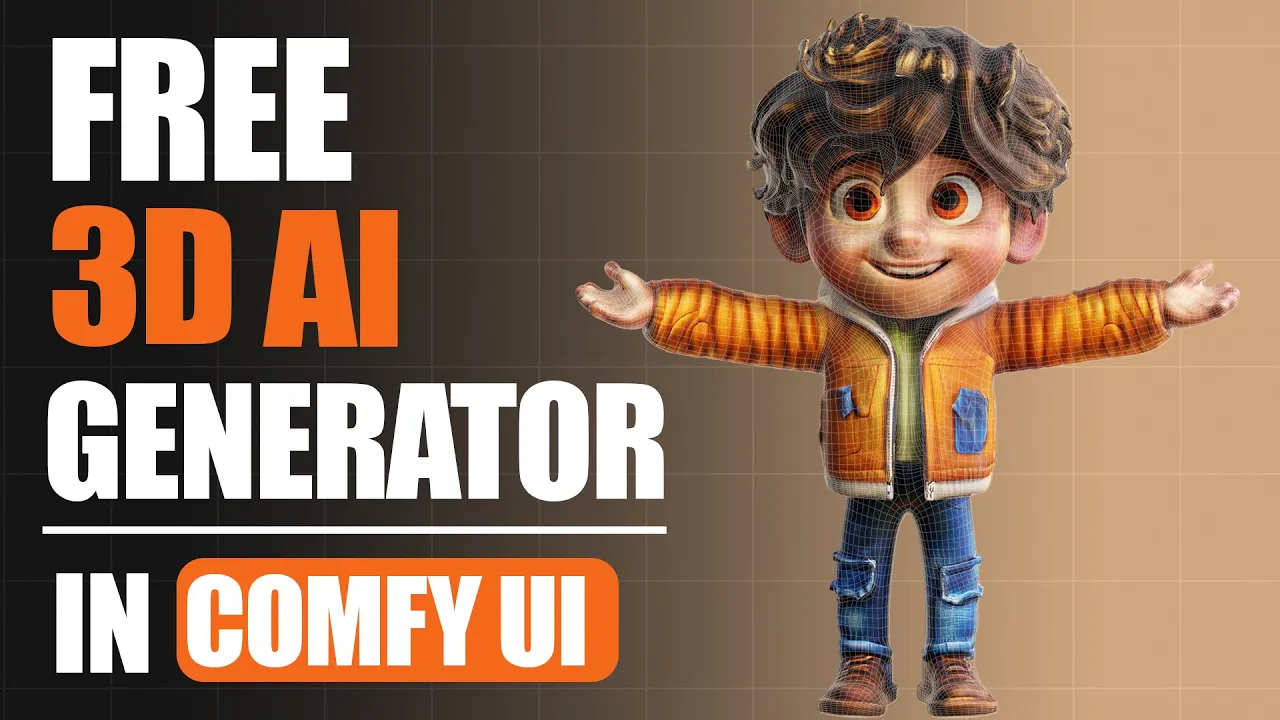
Generate UNLIMITED 3D AI Models for FREE with Hunyuan3D in ComfyUI
 PixelArtistry
Mar 16, 2025 20:38
PixelArtistry
Mar 16, 2025 20:38
Create an account to hide videos, mark them watched, or save them to Don't Miss.
Create an account to hide videos, mark them watched, or save them to Don't Miss.
Create an account to hide videos, mark them watched, or save them to Don't Miss.
Chapters
Join our FREE Discord PixelArtistry:
https://pixel-artistry.com/discord
Hey guys! In today's video, I'm excited to share with you how you can generate unlimited 3D AI models for free using Hunyuan3D in ComfyUI on your own PC.
I'll walk you through the complete setup process so you can break free from those daily generation limits on Huggingface and create as many 3D models as you need, with everything running locally on your computer.
Plus, I'm sharing some useful techniques for enhancing your models with SDXL texturing and improving topology in Blender to take your creations to the next level.
Whether you're just getting started with 3D or you've been creating for a while, this workflow can save you tons of time and open up new creative possibilities.
Hope you find this helpful for your projects! If you like this video please make sure to subscribe to the channel so I can keep delivering new content to you guys :)
Stay ahead of the game and learn new techniques and workflows related to AI powered 3D Generation by joining my free Newsletter Futureframes:
https://pixel-artistry.com/newsletter
Hunyuan 3D runs on the Tencent Hunyuan 3D 2.0 Community License Agreement
LINKS for Installation:
ComfyUI:
https://github.com/comfyanonymous/ComfyUI?tab=readme-ov-file#installing
ComfyUI Manager:
https://github.com/ltdrdata/ComfyUI-Manager
Git install:
https://git-scm.com/downloads/win
Cuda install:
https://developer.nvidia.com/cuda-12-6-0-download-archive?target_os=Windows&target_arch=x86_64&target_version=11&target_type=exe_local
Hunyuan-3d Wrapper for ComfyUI:
https://github.com/kijai/ComfyUI-Hunyuan3DWrapper?tab=readme-ov-file
Hunyuan- 3D SDXL Texturing Workflow (awesome workflow created by NightCreature):
https://civitai.com/models/1306738/hunyuan-3d-20-sdxl-texturing
Link to NightCreatures CivitaAI Page: https://civitai.com/user/ncreature (make sure to set all node updates to "nightly")
LINKS to AI Models:
Juggernaut SDXL:
https://huggingface.co/RunDiffusion/Juggernaut-XL-v9
Lora model:
https://huggingface.co/dog-god/texture-synthesis-sdxl-lora/blob/main/texture-synthesis-3d-base-condensed.safetensors
Controlnet Union SDXL:
https://huggingface.co/xinsir/controlnet-union-sdxl-1.0
Upscaler:
https://civitai.com/models/141491/4x-nmkd-superscale
LINK to Quad Remesher Addon:
https://exoside.com/
🔹 3D & AI Tools
3dAiStudio: https://3daistudio.lemonsqueezy.com?aff=lb8ND
MeshyAI: https://www.meshy.ai/?via=pixelArtistry
🔹 Software & Assets
- Adobe Creative Cloud: https://www.adobe.com/creativecloud.html
- Motionarray (stock footage, templates): https://motionarray.com/
- Blender Market (add-ons & assets): https://superhivemarket.com/
⚠️ Transparency Notice: Some of the links above are affiliate links.
If you purchase through these links, I may earn a small commission – at **no extra cost to you**.
This helps support my channel – thank you so much 🙏
Film & Animation
#image to 3d model
#ai tools
#image to 3d model ai
#image to 3d model blender
#image to 3d ai
#3daistudio
#3d ai
#2d image to 3d model blender
#convert image to 3d model
#ai
#hunyuan 3d
#3d to ai
#3d ai studio
#3d ai free
#free 3d ai
#ai character
#ai 3d printing
#ai 3d animation
#blender
#blender ai
#hunyuan
#hunyuan 3d blender
#hunyuan 3d anima
#comfyui
#comfyui tutorial
#comfyui3d
#comfyui3d model
#comfyui ai 3d
#image to 3d model free
#2d image to 3d model