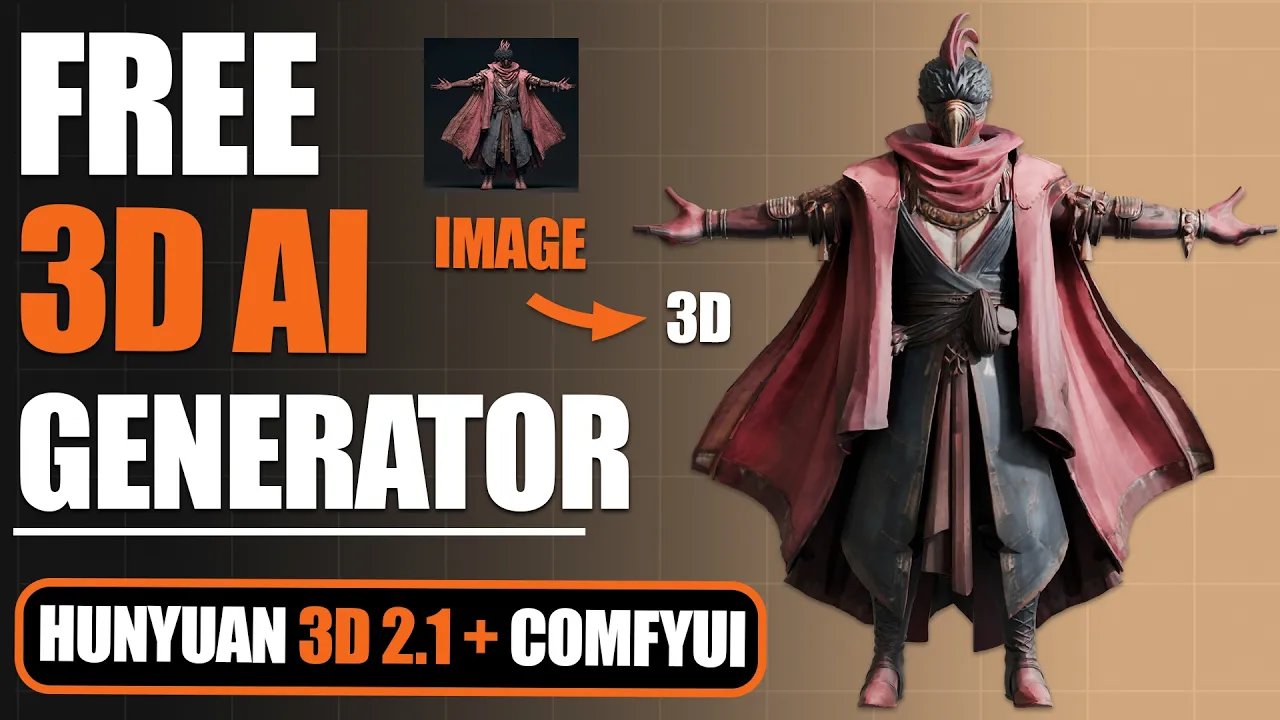
Generate Stunning 3D AI Models for FREE On Your Own PC! - Hunyuan3D 2.1
 PixelArtistry
Jul 13, 2025 18:57
PixelArtistry
Jul 13, 2025 18:57
Create an account to hide videos, mark them watched, or save them to Don't Miss.
Create an account to hide videos, mark them watched, or save them to Don't Miss.
Create an account to hide videos, mark them watched, or save them to Don't Miss.
Chapters
Join my FREE Newsletter FutureFrames:
https://pixel-artistry.com/newsletter
Join our FREE Discord PixelArtistry:
https://pixel-artistry.com/discord
Hey guys,
In this step-by-step tutorial, I'll show you how to install and set up the powerful open-source Hy3D 2.1 model on your PC using ComfyUI.
I'll walk you through the complete installation process and show you how to use the 2.1 texture generation system to create amazing results. We'll also cover how to apply these textures to existing 3D models like Sparc3D and Tripo and integrate everything into Blender for final rendering.
What you'll learn:
- Complete Hy3D 2.1 installation guide
- Hardware requirements and dependencies setup
- 3D model generation with PBR textures
- Blender integration techniques
Requirements: You'll need a GPU with at least 12GB VRAM for the texture generation.
Links and resources are in the description below. Let's dive in!
You can find all important & necessary links here:
https://pixel-artistry.com/Hunyuan3D2_1_Links
🔹 3D AI Tools
TripoAI: https://studio.tripo3d.ai/home?via=pixelartistry
3dAiStudio: https://3daistudio.lemonsqueezy.com?aff=lb8ND
MeshyAI: https://www.meshy.ai/?via=pixelArtistry
🔹 Software & Assets
- Adobe Creative Cloud: https://www.adobe.com/creativecloud.html
- Motionarray (stock footage, templates): https://motionarray.com/
- Blender Market (add-ons & assets): https://superhivemarket.com/
⚠️ Transparency Notice: Some of the links above are affiliate links.
If you purchase through these links, I may earn a small commission – at **no extra cost to you**.
This helps support my channel – thank you so much 🙏
Film & Animation
#3d ai models
#3d ai texturing
#3d ai generator
#3d ai animation
#3d ai blender
#hunyuan3d
#3d ai in seconds
#image to 3d
#image to 3d ai model
#3d models
#comfyui
#free workflow
#free 3d ai
#comfyui workflow
#comfyui tutorial
#3d ai tutorial
#blender
#blenderai
#3d ai compare
#3d printing
#3d ai free
#ai to 3d model
#ai texturing
#ai to 3d mesh
#ai to 3d character
#hunyuan3d2.1 local
#hunyuan3d 2.1 comfyui
#hunyuan3d local
#sparc3d