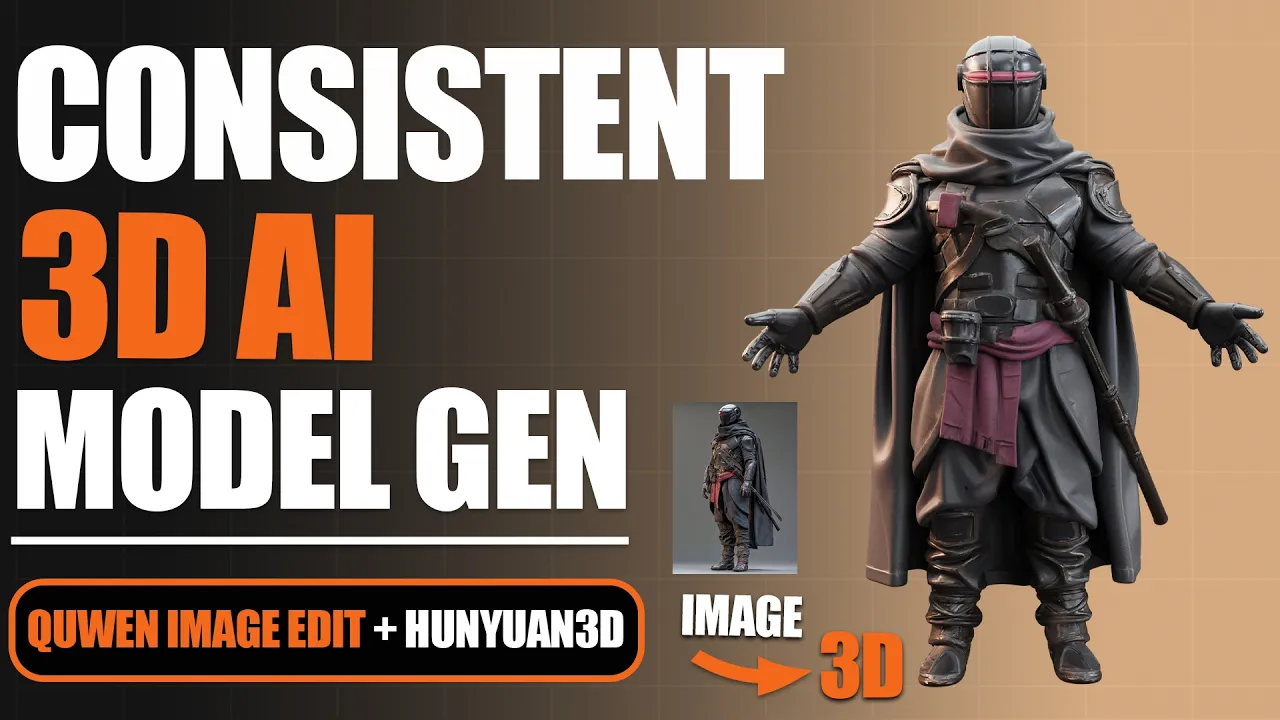
Generate CONSISTENT 3D AI Models for Free (Easy Guide)
 PixelArtistry
Sep 8, 2025 17:44
PixelArtistry
Sep 8, 2025 17:44
Create an account to hide videos, mark them watched, or save them to Don't Miss.
Create an account to hide videos, mark them watched, or save them to Don't Miss.
Create an account to hide videos, mark them watched, or save them to Don't Miss.
Chapters
Join our FREE Newsletter FutureFrames:
https://pixel-artistry.com/newsletter
Join our FREE Discord PixelArtistry:
https://pixel-artistry.com/discord
In this tutorial I will walk you step by step through the process of generating reliable multiviews and building your own characters with AI.
We will start by setting up the new Qwen Image Edit model inside ComfyUI. Then I will show you how to transform your model into a T pose, generate clean multiviews, and keep the look consistent even when changing colors or adding new details. You will also learn how to split your character into parts for more flexibility.
Finally we will take everything into Hunyuan 3D 2.5 to generate high quality 3D models that are detailed, accurate and ready for your projects.
By the end of this video you will know exactly how to create consistent 3D characters with free AI tools that give you professional results.
👉 If this guide helps you, subscribe for more AI 3D generation tutorials every week.
This tutorial demonstrates Hunyuan3D for educational purposes only. HY3D is owned and licensed by Tencent. Review the official license here: https://github.com/visualbruno/ComfyUI-Hunyuan3d-2-1?tab=License-1-ov-file
LINK to all workflows and links you will need:
https://pixel-artistry.com/Consistent3DAIModelsLinks
✨ Useful Links & Tools:
🔹 3D & AI Tools
TripoAI: https://studio.tripo3d.ai/home?via=pixelartistry
3dAiStudio: https://3daistudio.lemonsqueezy.com?aff=lb8ND
MeshyAI: https://www.meshy.ai/?via=pixelArtistry
🔹 Software & Assets
- Adobe Creative Cloud: https://www.adobe.com/creativecloud.html
- Motionarray (stock footage, templates): https://motionarray.com/
- Blender Market (add-ons & assets): https://superhivemarket.com/
⚠️ Transparency Notice: Some of the links above are affiliate links.
If you purchase through these links, I may earn a small commission – at **no extra cost to you**.
This helps support my channel – thank you so much 🙏
Science & Technology
#image to 3d model
#ai tools
#image to 3d model ai
#image to 3d model blender
#image to 3d ai
#3d ai
#2d image to 3d model blender
#convert image to 3d model
#ai
#hunyuan 3d
#3d to ai
#3d ai studio
#3d ai free
#ai character
#ai 3d printing
#ai 3d animation
#accurig
#mixamo
#blender
#blender ai
#hunyuan
#hunyuan 3d blender
#hunyuan 3d 2.5
#hunyuan3d comfyui
#hunyuan 3d update
#generate 3d
#hunyuan new
#hunyuan ai
#qwen image edit
#qwen image
#quwen image edit 3d