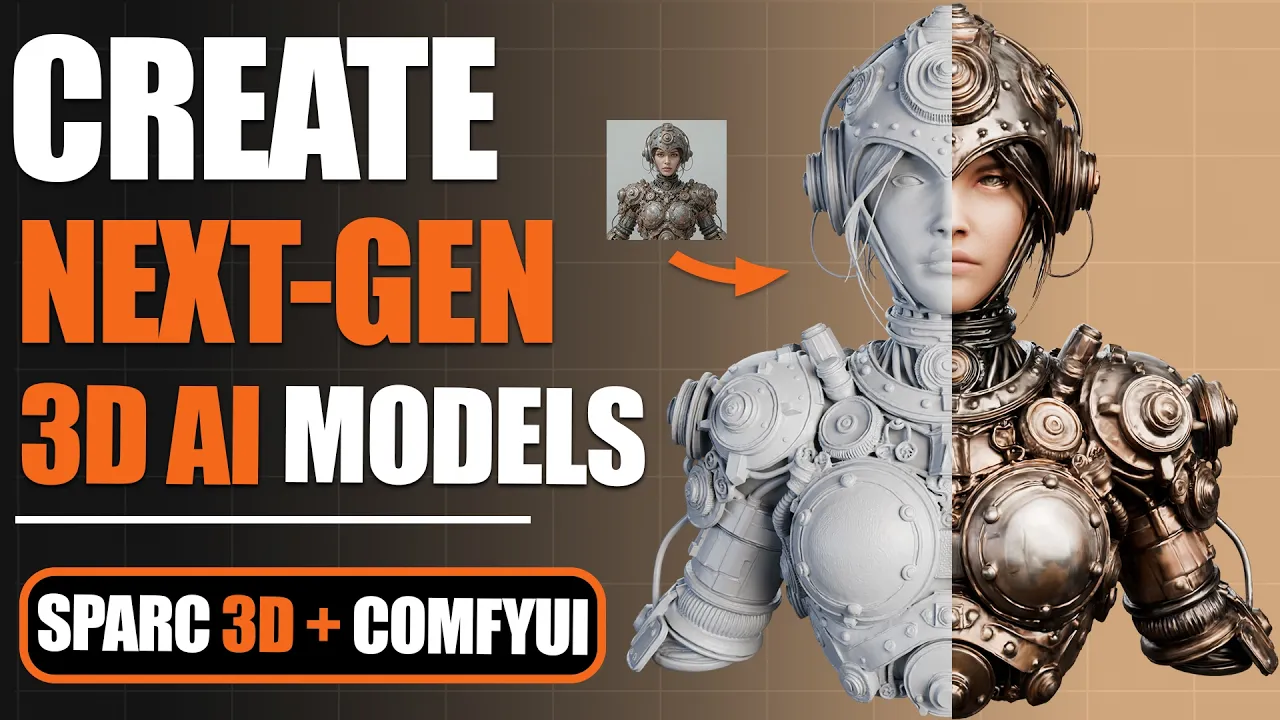
Create Next-Level 3D AI Models with Sparc3D! (Full Guide)
 PixelArtistry
Jun 30, 2025 14:38
PixelArtistry
Jun 30, 2025 14:38
Create an account to hide videos, mark them watched, or save them to Don't Miss.
Create an account to hide videos, mark them watched, or save them to Don't Miss.
Create an account to hide videos, mark them watched, or save them to Don't Miss.
Chapters
Join my FREE Newsletter FutureFrames:
https://pixel-artistry.com/newsletter
Join our FREE Discord PixelArtistry:
https://pixel-artistry.com/discord
Hey guys,
In today's video, I'm diving into Sparc3D - the incredible new 3D AI generator that's been making waves in the community! This tool creates incredibly detailed 3D models from just a single image in seconds, and I'm going to show you exactly how to use it for free.
I'll walk you through the entire process step-by-step, from generating your first model with Sparc3D to comparing it against other popular tools like Hunyuan3D and TripoAI. You'll see why Sparc3D is creating such a buzz with its superior detail and proportions.
I'll also show you how to take your Sparc3D models to the next level by adding textures using a free ComfyUI workflow that you can install on your own PC. By the end of this video, you'll have everything you need to create high-quality 3D models for your own projects.
Whether you're just getting started with 3D AI or looking to upgrade your workflow, this video has something for you. Let's jump right in and see what Sparc3D can do!
Don't forget to like and subscribe if this helps you out, and let me know in the comments what you create with Sparc3D!
This tutorial demonstrates Hunyuan3D for educational purposes only. HY3D is owned and licensed by Tencent. Review the official license here: https://github.com/Tencent-Hunyuan/Hunyuan3D-2?tab=License-1-ov-file
LINK to the Workflow & AI Models:
https://www.pixel-artistry.com/sparc3DLinks
✨ Useful Links & Tools:
🔹 3D & AI Tools
TripoAI: https://studio.tripo3d.ai/home?via=pixelartistry
3dAiStudio: https://3daistudio.lemonsqueezy.com?aff=lb8ND
MeshyAI: https://www.meshy.ai/?via=pixelArtistry
🔹 Software & Assets
- Adobe Creative Cloud: https://www.adobe.com/creativecloud.html
- Motionarray (stock footage, templates): https://motionarray.com/
- Blender Market (add-ons & assets): https://superhivemarket.com/
⚠️ Transparency Notice: Some of the links above are affiliate links.
If you purchase through these links, I may earn a small commission – at **no extra cost to you**.
This helps support my channel – thank you so much 🙏
Film & Animation
#sparc3d
#sparc3d ai
#3d ai models
#3d ai texturing
#3d ai model generator
#3d ai generator
#sparc 3d texturing
#3d ai animation
#3d ai blender
#sparc3d generator
#hunyuan3d
#3d ai in seconds
#image to 3d
#image to 3d ai model
#3d models
#comfyui
#free workflow
#free 3d ai
#comfyui workflow
#comfyui tutorial
#sparc3d tutorial
#3d ai tutorial
#blender
#blenderai
#3d ai compare
#3d printing
#3d ai free
#ai to 3d model
#ai texturing
#ai to 3d mesh
#ai to 3d character