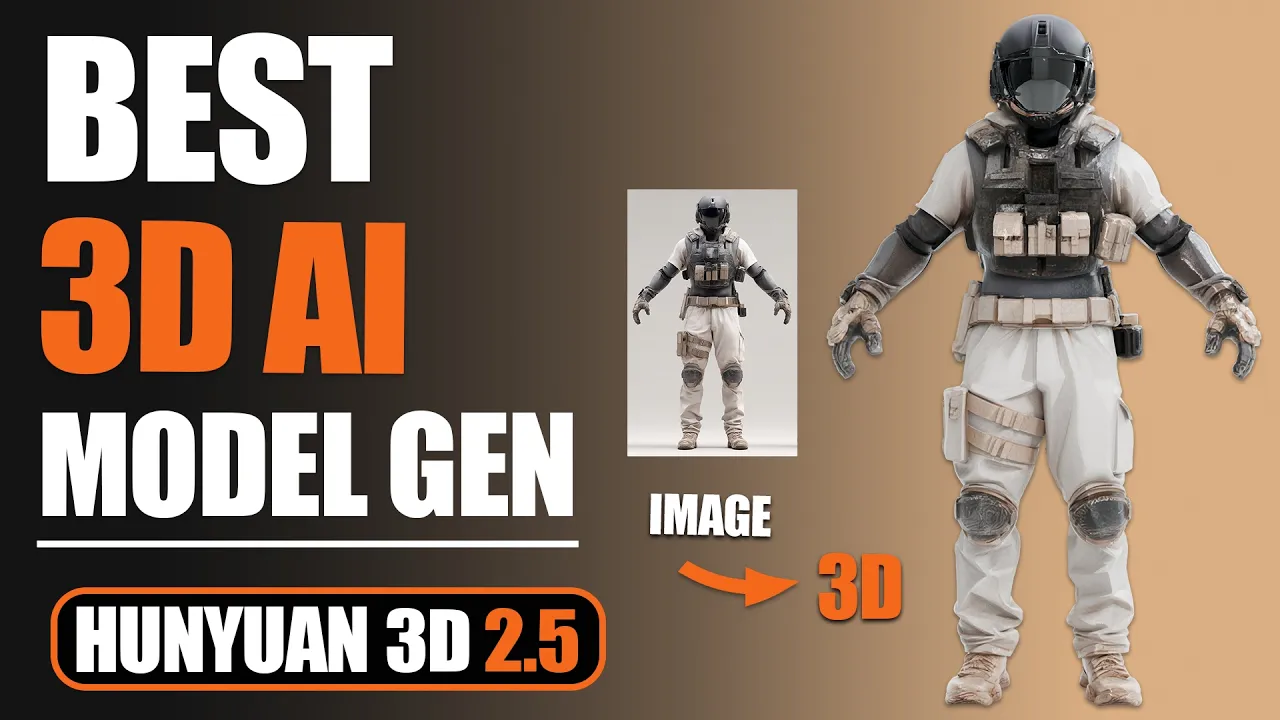
Create BETTER 3D AI Models Than Ever Before! - Hunyuan 3D 2.5
 PixelArtistry
May 5, 2025 18:47
PixelArtistry
May 5, 2025 18:47
Create an account to hide videos, mark them watched, or save them to Don't Miss.
Create an account to hide videos, mark them watched, or save them to Don't Miss.
Create an account to hide videos, mark them watched, or save them to Don't Miss.
Chapters
Join my FREE Newsletter to don't miss out on the latest 3D AI Workflows:
https://pixel-artistry.com/newsletter
Join our FREE Discord PixelArtistry:
https://pixel-artistry.com/discord
Hey guys! I'm excited to share my latest video on Hunyuan 3D 2.5 with you—this update represents a significant leap forward in AI-generated 3D modeling technology.
In this comprehensive tutorial, I'll demonstrate how to leverage Hunyuan's enhanced capabilities to create professional-quality 3D characters from both single images and multiple reference perspectives. You'll learn the workflow for generating detailed PBR textures, applying rigging techniques, and preparing your models for animation—all within the Hunyuan interface.
I'll show you practical examples including text-to-3D generation and advanced texture creation that will elevate your digital asset creation process.
By the end of this video, you'll be able to export-ready 3D models compatible with your preferred 3D software.
If you have liked this video please make sure to subscribe to the channel!
Disclaimer: This tutorial demonstrates Hunyuan3D for educational purposes only. HY3D is owned and licensed by Tencent. Review the official license here: https://rule.tencent.com/rule/202501080004
LINK to Hunyuan3D 2.5:
https://3d.hunyuan.tencent.com/login
LINK to Midjourney:
https://www.midjourney.com/home
LINK to Tutorial Video for ComfyUI Texturing:
https://www.youtube.com/watch?v=NXLEQRcvhzo&t=1s
🔹 3D & AI Tools
TripoAI: https://studio.tripo3d.ai/home?via=pixelartistry
3dAiStudio: https://3daistudio.lemonsqueezy.com?aff=lb8ND
MeshyAI: https://www.meshy.ai/?via=pixelArtistry
🔹 Software & Assets
- Adobe Creative Cloud: https://www.adobe.com/creativecloud.html
- Motionarray (stock footage, templates): https://motionarray.com/
- Blender Market (add-ons & assets): https://superhivemarket.com/
⚠️ Transparency Notice: Some of the links above are affiliate links.
If you purchase through these links, I may earn a small commission – at **no extra cost to you**.
This helps support my channel – thank you so much 🙏
Film & Animation
#image to 3d model
#ai tools
#image to 3d model ai
#image to 3d model blender
#image to 3d ai
#3daistudio
#3d ai
#2d image to 3d model blender
#convert image to 3d model
#ai
#hunyuan 3d
#3d to ai
#3d ai studio
#3d ai free
#free 3d ai
#ai character
#ai 3d printing
#ai 3d animation
#accurig
#mixamo
#blender
#blender ai
#hunyuan
#hunyuan 3d blender
#hunyuan 3d 2.5
#hunyuan3d comfyui
#hunyuan 3d update
#generate 3d
#hunyuan new
#hunyuan ai
#hunyuan3d mv
#hunyuan3d texturing