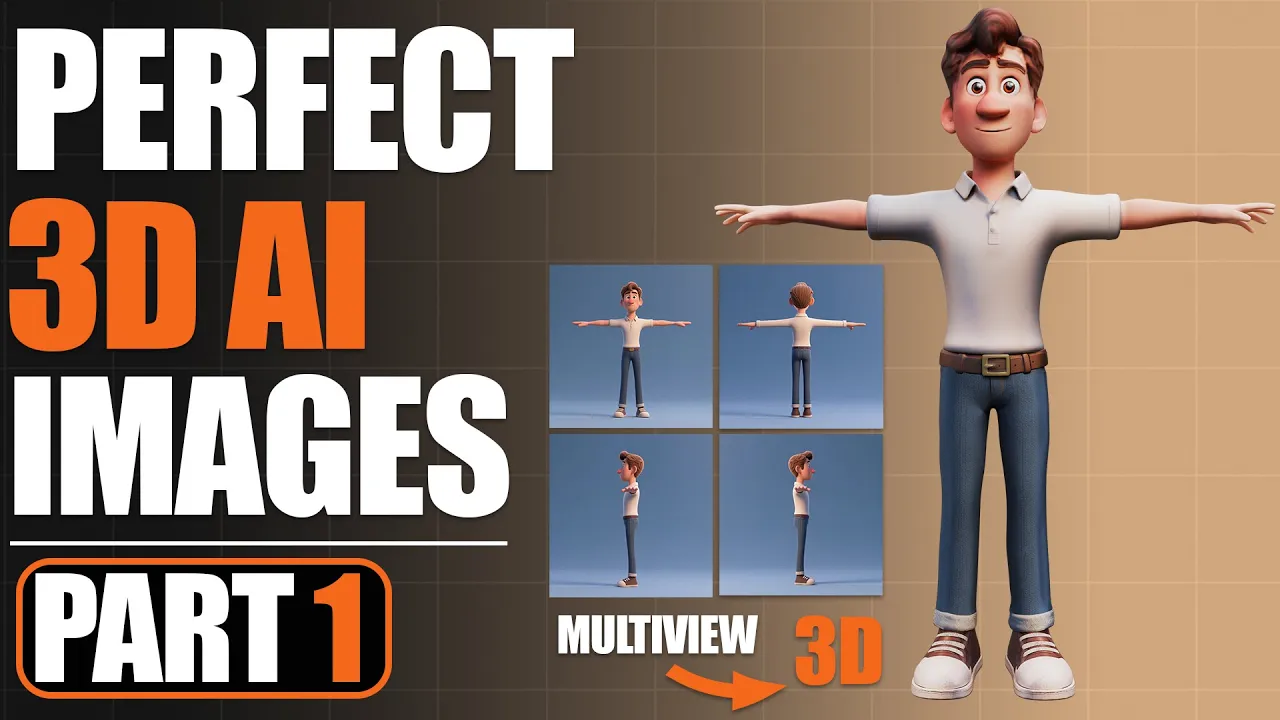
Create a Pixar-Style 3D Character with AI (Perfect 3D References)
 PixelArtistry
Nov 24, 2025 16:32
PixelArtistry
Nov 24, 2025 16:32
Create an account to hide videos, mark them watched, or save them to Don't Miss.
Create an account to hide videos, mark them watched, or save them to Don't Miss.
Create an account to hide videos, mark them watched, or save them to Don't Miss.
Chapters
Don't forget to subscribe so you don't miss Episode 2 where we start the detailed model generation with Hunyuan3D :)
Join my FREE Newsletter FutureFrames to learn more about AI 3D: https://pixel-artistry.com/newsletter
Download all Worfklows HERE:
https://pixel-artistry.com/Workflows_AI_Images
Get your FREE PDF Checklist & Guide HERE:
https://pixel-artistry.com/FreePDF_AI_Image_Checklist
Hey guys! Want to create your own Pixar-style 3D character faster than ever before?
In this video, I’m showing you how to generate perfect 3D reference images from scratch—completely for FREE using Qwen Edit inside ComfyUI.
This is Episode 1 of my new "AI to Production-Ready" series. We aren't just making pretty pictures; we are building the foundation to take a character from AI concept all the way to a rigged, animated model in Blender or Unreal Engine.
👇 In this video, we cover:
Generating consistent Pixar-style character concepts.
Creating detailed Front, Side, and Back views (Multiview).
Separating body and clothing into clean layers for modeling.
Upscaling for high-res production quality.
🛠️ Tools Used:
ComfyUI
Qwen Edit (AI)
InvSr (Upscaling)
Don't forget to subscribe so you don't miss Episode 2 where we start modeling!
🔹 3D & AI Tools
TripoAI: https://studio.tripo3d.ai/home?via=pi...
3DAIStudio: https://3daistudio.lemonsqueezy.com?a...
MeshyAI: https://www.meshy.ai/?via=pixelArtistry
⚠️ Transparency Notice: Some of the links above are affiliate links.
If you purchase through these links, I may earn a small commission – at **no extra cost to you**.
This helps support my channel – thank you so much 🙏
Film & Animation
#ai multiview
#ai images
#qwen edit
#qwen edit comfyui
#qwen edit 2509
#3d ai models
#ai 3d gen
#comfyui 3d
#ai multiview gen
#ai image gen
#3d ai model generator
#ai to production-ready 3d model
#hunyuan3d
#hunyuan3d 3.0
#AI Reference Images
#image to 3d
#multiview to 3d
#image to 3d free
#free workflow
#comfyui cloud
#comfyui tutorial
#3d ai tutorial
#ai 3d tutorial