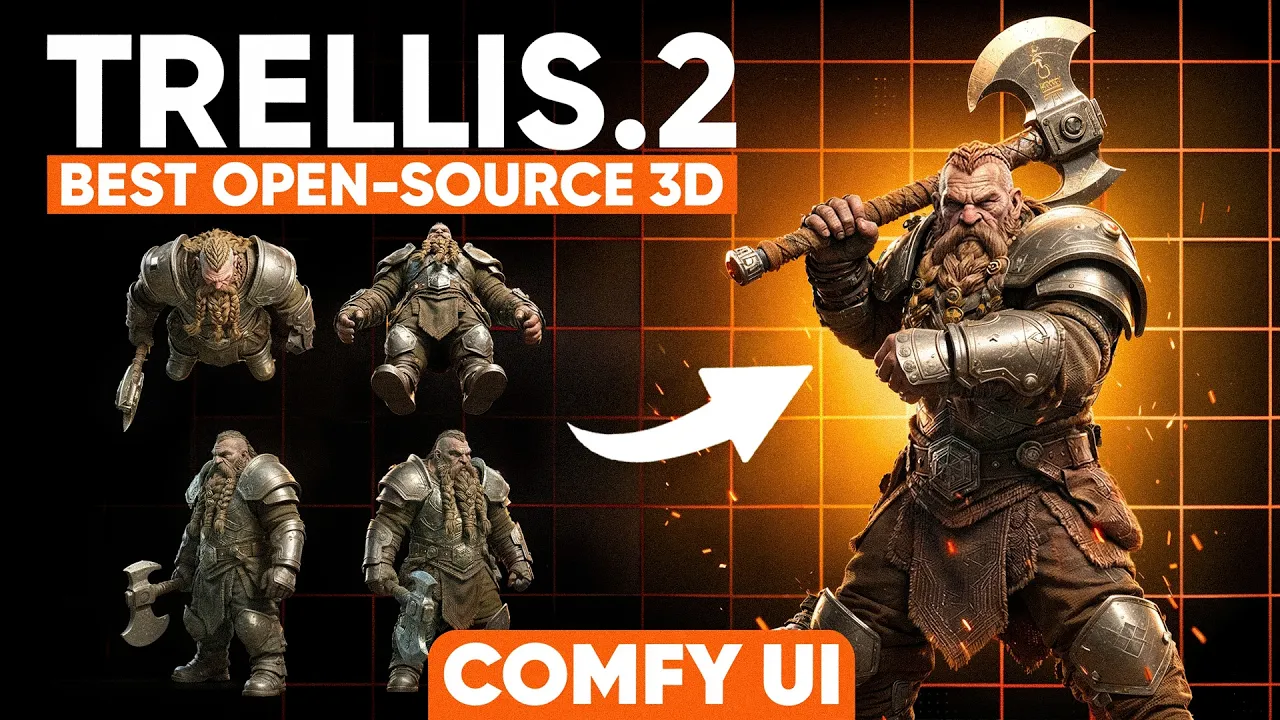
ComfyUI Trellis2 Multiview is FINALLY Here! (Free 3D AI)
 PixelArtistry
Feb 22, 2026 11:00
PixelArtistry
Feb 22, 2026 11:00
Create an account to hide videos, mark them watched, or save them to Don't Miss.
Create an account to hide videos, mark them watched, or save them to Don't Miss.
Create an account to hide videos, mark them watched, or save them to Don't Miss.
Chapters
Make sure to subscribe to the channel and like this video in case you've found it useful! :)
Join our Free Newsletter FutureFrames to learn more about AI 3D: https://pixel-artistry.com/newsletter
💬 Join Our Discord: 2000+ members | Free community here: https://pixel-artistry.com/discord
🔗 Free Workflows & Resources: https://pixel-artistry.com/Trellis2MVLinks
Most common mistake when installing Trellis2 the first time:
Repo id must use alphanumeric chars, '-', '_' or '.'. The name cannot start or end with '-' or '.' and the maximum length is 96: 'E:\ComfyUI-Easy-Install\ComfyUI-Easy-Install\ComfyUI\models\microsoft\TRELLIS.2-4B/ckpts'.
Here is the solution:
navigate to the ComfyUI/model/microsoft/Trellis.2-4B folder and then download the missing files from this link here:
https://huggingface.co/microsoft/TRELLIS.2-4B/tree/main
make sure that download all models that you miss from this link
Copy them then in the TRELLIS.2-4B and ckpts folder and restart ComfyUI.
Please note that Trellis2 in ComfyUI only works with Nvidia GPUs!
🎯 What You'll Learn:
• Generate multi-view images with Nano Banana (free & pro)
• Set up Trellis 2 multi-view workflows in ComfyUI
• Create high-quality 3D meshes from multiple angles
• Texture 3D models using multi-view generation
• Compare single-view vs multi-view results
🔹 3D & AI Tools
TripoAI: https://studio.tripo3d.ai/home?via=pi...
3DAIStudio: https://3daistudio.lemonsqueezy.com?a...
Hitem3D: https://www.hitem3d.ai/?utm_source=koc_kol_YTB&utm_medium=sign_up&utm_campaign=pixelartistry
MeshyAI: https://www.meshy.ai/?via=pixelArtistry
⚠️ Transparency Notice: Some of the links above are affiliate links.
If you purchase through these links, I may earn a small commission – at **no extra cost to you**.
This helps support my channel – thank you so much 🙏
⏱️ Timestamps:
Updated Fixes:
Fix for StableX import error: In ComfyUI-StableXWrapper/stabledelight/controlnetvae.py replace line 19 with:
from diffusers.models.controlnets.controlnet import ControlNetOutput
Film & Animation
#comfyui
#image to 3d
#ai 3d modeling
#3d models ai generator
#ai 3d model generator
#trellis2
#trellis2 local
#trellis2 comfyui
#comfyui 3d generator
#free 3d ai generator
#free local3d ai gen
#3d ai generator
#open source 3d ai
#3d ai blender
#image to 3d free
#microsoft
#image to 3d model
#comfyui tutorial
#blender tutorial
#best 3d ai generator
#free best 3d ai
#hunyuan3d
#blender
#ai 3d generator
#hunyuan3d studio
#ai texturing
#ai retopo
#ai texturing 4k
#new 3d ai