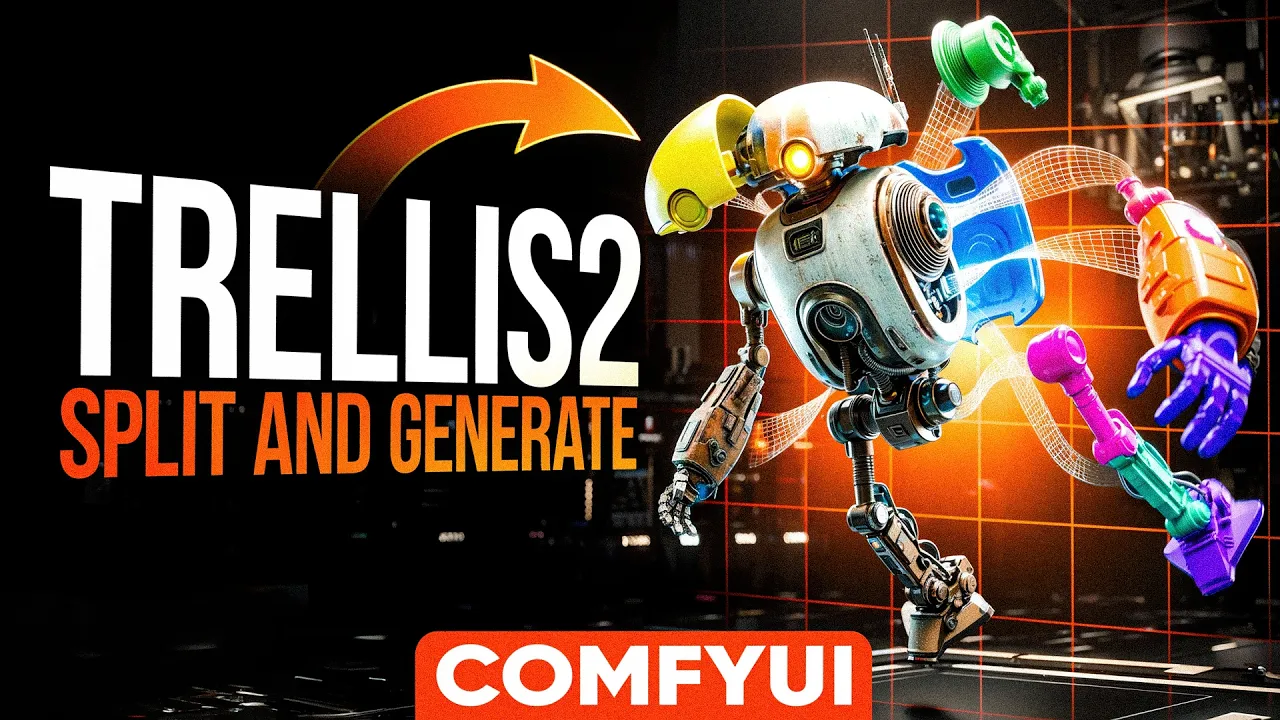
ComfyUI Trellis2: Generate More Details Than Ever Before!
 PixelArtistry
Mar 11, 2026 11:31
PixelArtistry
Mar 11, 2026 11:31
Create an account to hide videos, mark them watched, or save them to Don't Miss.
Create an account to hide videos, mark them watched, or save them to Don't Miss.
Create an account to hide videos, mark them watched, or save them to Don't Miss.
Chapters
INSTALLATION:
Please use the Sam3 Installation script instead of the ComfyUI Manager. You can directly download the script here: https://drive.google.com/drive/folders/1RzZ2JjnFRUODBEnlp7pHhjsRxJWNo53h?usp=sharing
make sure to put the script in your ComfyUI Easy Install directory and execute it.
WORKFLOWS:
You can find all workflows here free for download: https://drive.google.com/drive/folders/1PS40plU9HAQvkpZULwA2wIyWhzt99FmX?usp=sharing
In case you encounter a cuda error or illegal memory issue with latest ComfyUI Trellis2 please go to Addons/Tools/Toggle_dynamic_vram.bat and run it until it says --disable-dynamic-vram' successfully ADDED. Alternatively you can also add --disable-dynamic-vram to the comfyui startup file yourself.
Trellis2 installation step by step guide: https://pixel-artistry.com/Trellis2InstallationGuide
Please note that Trellis2 currently only runs on Nvidia GPUs
Please subscribe to the channel in case you've found this tutorial useful! :)
Join my FREE Newsletter FutureFrames to learn more about AI 3D: https://pixel-artistry.com/newsletter
Join our FREE Discord: https://pixel-artistry.com/discord
🔥 What You'll Learn:
✅ Split 2D images into individual 3D parts
✅ Optimal Trellis2 settings for high-quality results
✅ SAM Free segmentation techniques
✅ Multi-view generation for complex shapes
✅ Import and assemble parts in Blender
🔹 3D & AI Tools
TripoAI: https://studio.tripo3d.ai/home?via=pi...
3DAIStudio: https://3daistudio.lemonsqueezy.com?a...
Hitem3D: https://www.hitem3d.ai/?utm_source=koc_kol_YTB&utm_medium=sign_up&utm_campaign=pixelartistry
MeshyAI: https://www.meshy.ai/?via=pixelArtistry
⚠️ Transparency Notice: Some of the links above are affiliate links.
If you purchase through these links, I may earn a small commission – at **no extra cost to you**.
This helps support my channel – thank you so much 🙏
📌 TIMESTAMPS:
Film & Animation
#comfyui
#image to 3d
#ai 3d modeling
#3d models ai generator
#ai 3d model generator
#trellis2
#trellis2 local
#trellis2 comfyui
#comfyui 3d generator
#free 3d ai generator
#free local3d ai gen
#3d ai generator
#open source 3d ai
#3d ai blender
#image to 3d free
#microsoft
#image to 3d model
#comfyui tutorial
#blender tutorial
#best 3d ai generator
#free best 3d ai
#hunyuan3d
#blender
#ai 3d generator
#hunyuan3d studio
#ai texturing
#ai retopo
#ai texturing 4k
#new 3d ai