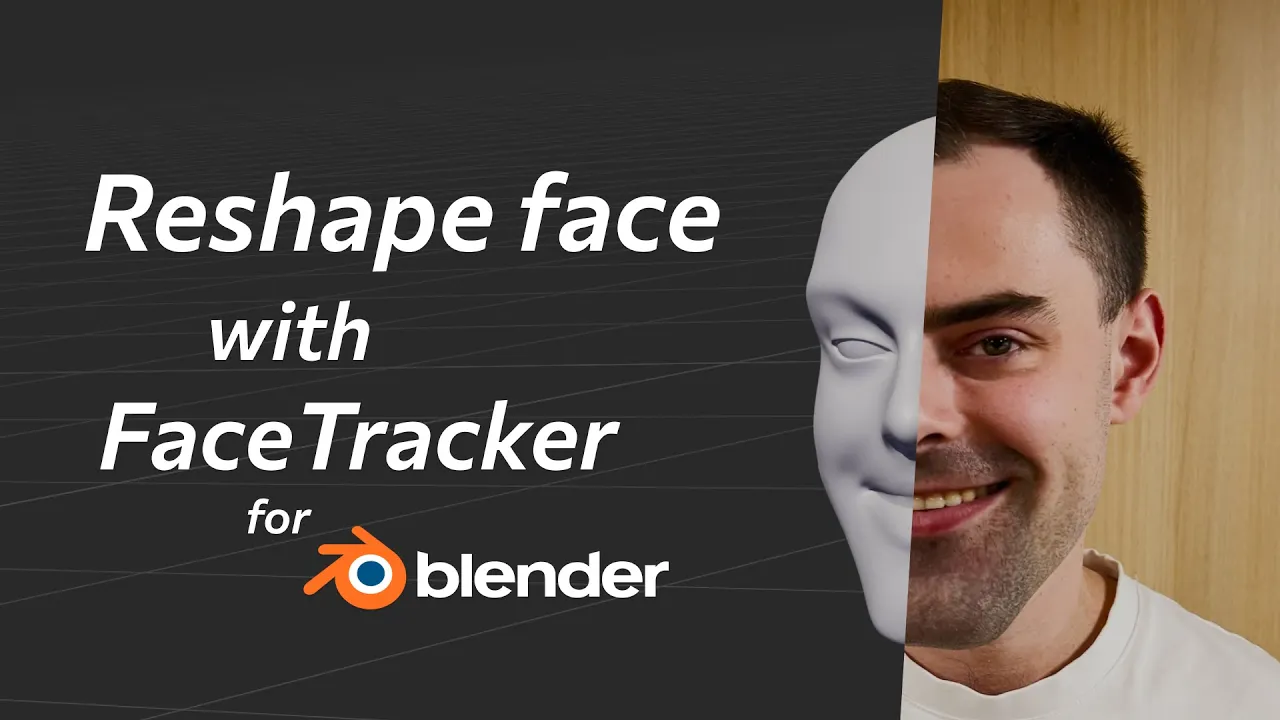
Reshape Face in Video — FaceTracker for Blender Tutorial
 KeenTools
Nov 20, 2024 14:06
KeenTools
Nov 20, 2024 14:06
Create an account to hide videos, mark them watched, or save them to Don't Miss.
Create an account to hide videos, mark them watched, or save them to Don't Miss.
Create an account to hide videos, mark them watched, or save them to Don't Miss.
Chapters
In this tutorial we’re introducing a new pipeline for adjusting face shape in your videos using FaceTracker for Blender. You will learn how to create a quick and accurate face mesh with the built-in FaceBuilder module using a few snapshots of video frames, capture facial performance and head motion, generate and project animated texture onto the face track, and finally, edit the actor’s face in a number of ways – from subtle changes in the facial expressions to dramatic deformations – smoothly blended with the facial animation.
Timecodes:
Download FaceTracker for Blender: https://link.keentools.io/ftb-reshape-guide
Download full project and materials: https://link.keentools.io/example-ftb-reshaping
Read FaceTracker for Blender guide: https://link.keentools.io/ftb-guide
Subscribe to our newsletter to stay in tune with the latest updates: https://link.keentools.io/newsletter
Our website: https://keentools.io
Our social networks:
https://linkedin.com/company/keentools
https://twitter.com/keen_tools
https://instagram.com/keentools
https://link.keentools.io/discord
https://facebook.com/keentools
https://t.me/keentools
https://tiktok.com/@keentools
Film & Animation
#KeenTools
#GeoTracker
#FaceTracker
#PinTool
#ReadRiggedGeo
#Nuke
#Foundry
#Object tracking
#Tracking
#Camera
#Tracker. matchmoving
#plugin
#Blackmagic
#Fusion
#Adobe
#After Effects
#VFX
#Visual Effects
#3D
#cinema
#movie
#video production
#compositing