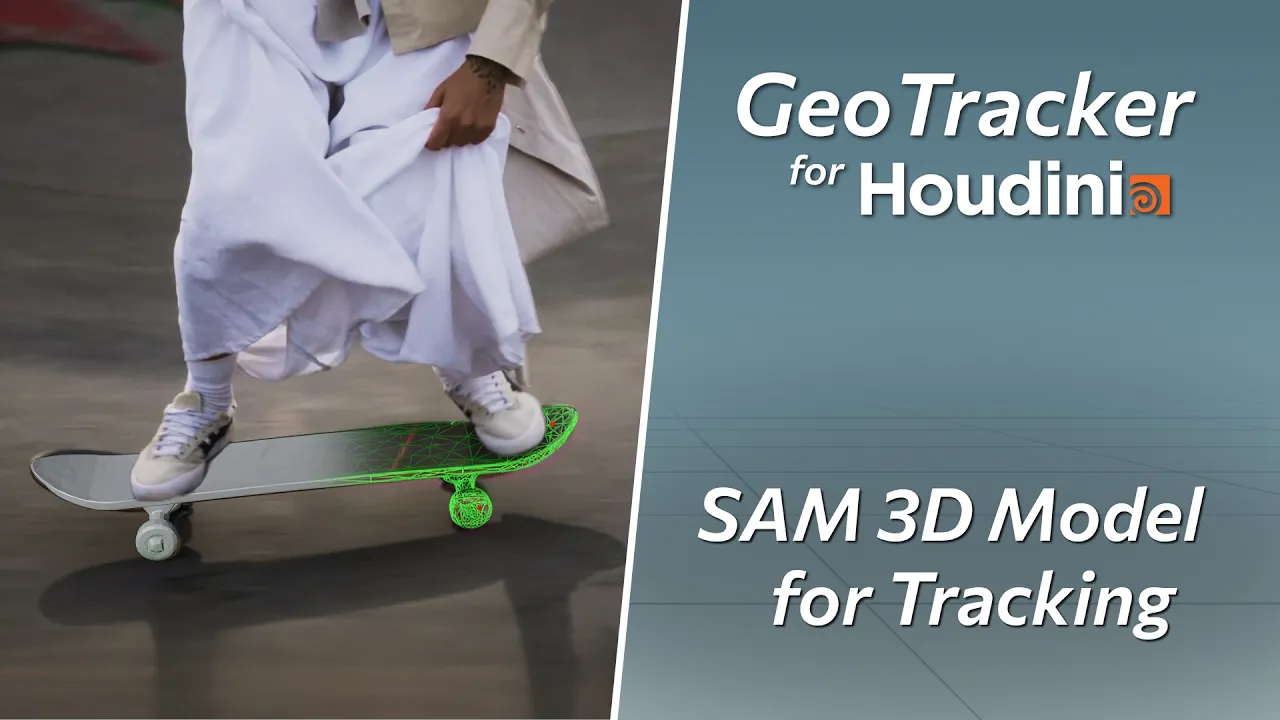
How to Use SAM 3D Models with GeoTracker for Houdini
 KeenTools
Aug 28, 2026 11:10
KeenTools
Aug 28, 2026 11:10
Create an account to hide videos, mark them watched, or save them to Don't Miss.
Create an account to hide videos, mark them watched, or save them to Don't Miss.
Create an account to hide videos, mark them watched, or save them to Don't Miss.
Chapters
In this tutorial, we walk through the full workflow: from creating geometry in the SAM 3D playground to using it for precise object tracking with GeoTracker for Houdini. Ideal for quick tests when no pre-made 3D model is available.
Download GeoTracker for Houdini: https://link.keentools.io/gth-tut-sm3d
SAM 3D: https://ai.meta.com/research/sam3d/
Timecodes:
More tutorials: https://www.youtube.com/playlist?list=PLRH2kjDQR4E9oNAOBsHZl3iOfO_YmOs_1
Subscribe to our newsletter to stay in tune with the latest updates: https://link.keentools.io/newsletter
Our website: https://keentools.io
Follow us:
https://linkedin.com/company/keentools
https://twitter.com/keen_tools
https://instagram.com/keentools
https://link.keentools.io/discord
https://tiktok.com/@keentools
https://facebook.com/keentools
Film & Animation
#KeenTools
#GeoTracker
#FaceTracker
#PinTool
#ReadRiggedGeo
#Nuke
#Foundry
#Object tracking
#Tracking
#Camera
#Tracker. matchmoving
#plugin
#Blackmagic
#Fusion
#Adobe
#After Effects
#VFX
#Visual Effects
#3D
#cinema
#movie
#video production
#compositing
#houdini
#sam 3d
#ai
#model generation
#meshy
#meshy ai
#tripo ai
#sidefx
#side fx