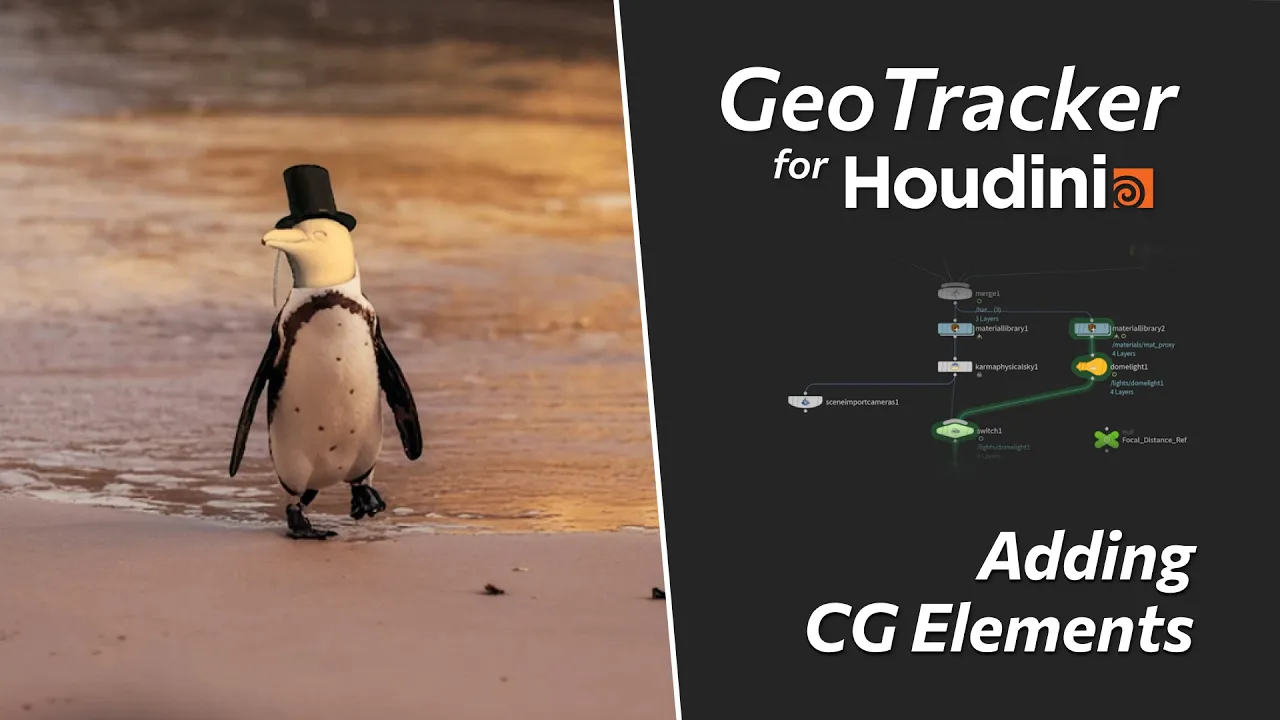
Add 3D Props to a Penguin – GeoTracker for Houdini Tutorial
 KeenTools
Jul 21, 2026 14:39
KeenTools
Jul 21, 2026 14:39
Create an account to hide videos, mark them watched, or save them to Don't Miss.
Create an account to hide videos, mark them watched, or save them to Don't Miss.
Create an account to hide videos, mark them watched, or save them to Don't Miss.
Chapters
In this workflow overview, we use GeoTracker for Houdini to turn a regular penguin into a proper gentleman by adding 3D props to live footage. It’s a great example of using the tool in a slightly non-standard way – tracking an animal's head instead of standard rigid object tracking.
Huge thanks to David Torno @vfxman222 for creating this awesome workflow breakdown and preparing the materials for this video!
Download GeoTracker for Houdini: https://link.keentools.io/gth-tut-png
Timecodes:
More tutorials:
– Quick Start: https://www.youtube.com/watch?v=5oHFw-Icb8A
– Installation: https://www.youtube.com/watch?v=SRvxYv4xWfw
Project examples for quick tests: https://keentools.io/help/examples
Subscribe to our newsletter to stay in tune with the latest updates: https://link.keentools.io/newsletter
Our website: https://keentools.io
Follow us:
https://linkedin.com/company/keentools
https://twitter.com/keen_tools
https://instagram.com/keentools
https://link.keentools.io/discord
https://tiktok.com/@keentools
https://facebook.com/keentools
#houdini #matchmove #vfx #solaris #sop #sidefx #geotracker #keentools #vfxbreakdown #motiondesign #tracking #cameratracking #3dtracking
Film & Animation
#KeenTools
#GeoTracker
#FaceTracker
#PinTool
#ReadRiggedGeo
#Nuke
#Foundry
#Object tracking
#Tracking
#Camera
#Tracker. matchmoving
#plugin
#Blackmagic
#Fusion
#Adobe
#After Effects
#VFX
#Visual Effects
#3D
#cinema
#movie
#video production
#compositing