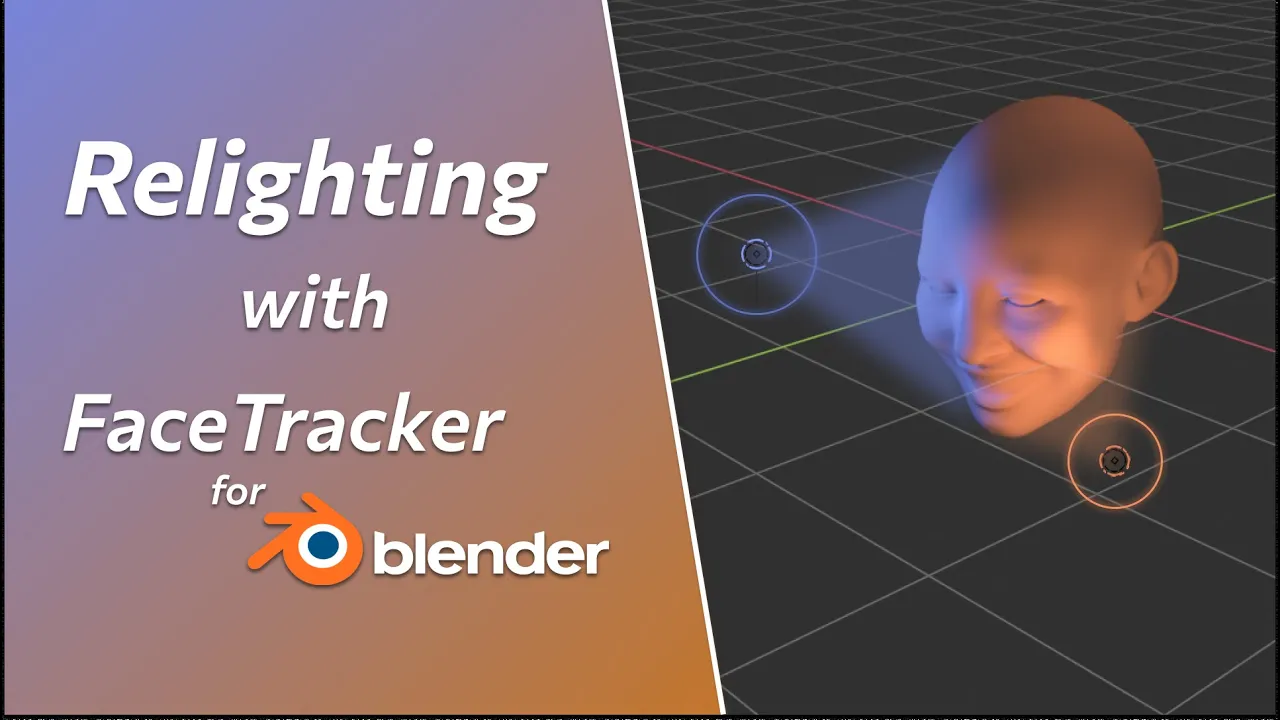
Quick Face Relighting in Video – FaceTracker for Blender Tutorial
 KeenTools
Dec 20, 2024 12:27
KeenTools
Dec 20, 2024 12:27
Create an account to hide videos, mark them watched, or save them to Don't Miss.
Create an account to hide videos, mark them watched, or save them to Don't Miss.
Create an account to hide videos, mark them watched, or save them to Don't Miss.
Chapters
In this video we’d like to share an unconventional approach of lighting a face in footage with the FaceTracker for Blender add-on. We will go quickly through such steps such as generating custom face mesh and facial mocap, and then see how we can use the resulting 3D face track for adding new light sources blending naturally with the scene.
Timecodes:
Download FaceTracker for Blender: https://keentools.io/products/facetracker-for-blender
Download full project and materials: https://link.keentools.io/example-ftb-relighting
Read FaceTracker for Blender guide: https://link.keentools.io/ftb-guide
Subscribe to our newsletter to stay in tune with the latest updates: https://link.keentools.io/newsletter
Our website: https://keentools.io
Our social networks:
https://linkedin.com/company/keentools
https://twitter.com/keen_tools
https://instagram.com/keentools
https://link.keentools.io/discord
https://facebook.com/keentools
https://t.me/keentools
https://tiktok.com/@keentools
Film & Animation
#KeenTools
#GeoTracker
#FaceTracker
#PinTool
#ReadRiggedGeo
#Nuke
#Foundry
#Object tracking
#Tracking
#Camera
#Tracker. matchmoving
#plugin
#Blackmagic
#Fusion
#Adobe
#After Effects
#VFX
#Visual Effects
#3D
#cinema
#movie
#video production
#compositing