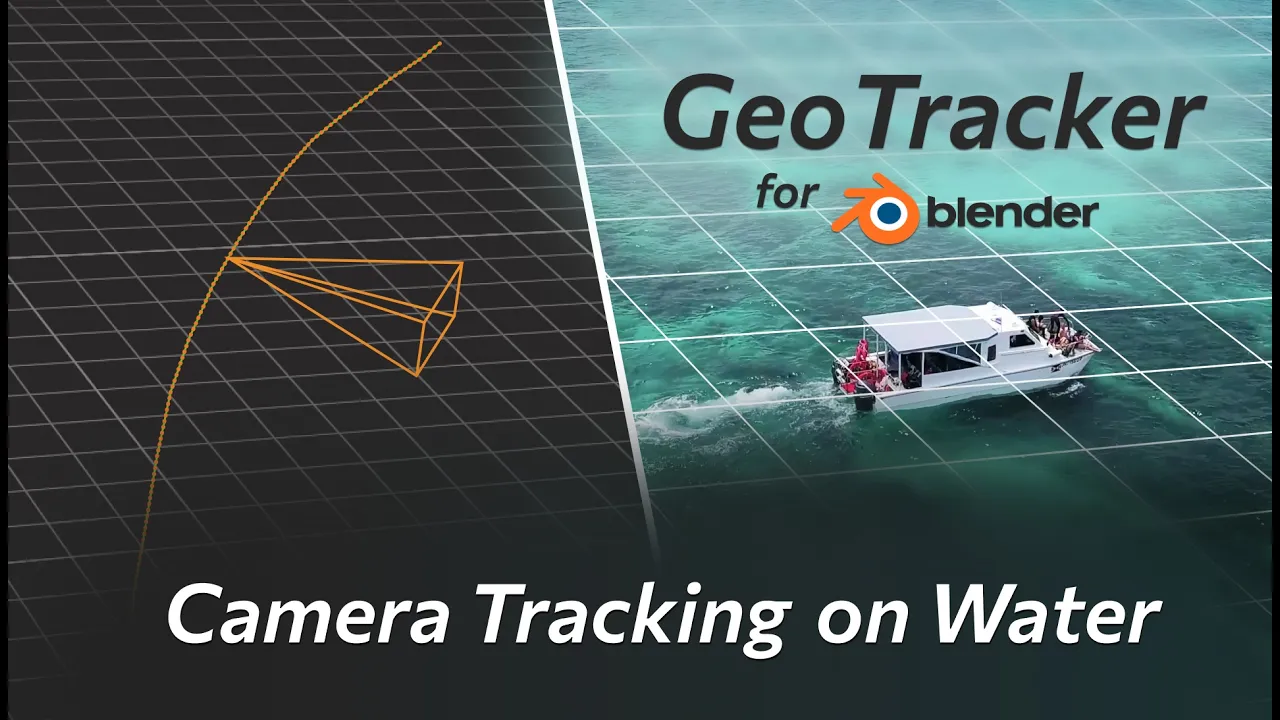
How to Track Water Surface – GeoTracker for Blender Tutorial
 KeenTools
Mar 10, 2026 10:03
KeenTools
Mar 10, 2026 10:03
Create an account to hide videos, mark them watched, or save them to Don't Miss.
Create an account to hide videos, mark them watched, or save them to Don't Miss.
Create an account to hide videos, mark them watched, or save them to Don't Miss.
Chapters
Download GeoTracker for Blender: https://link.keentools.io/gtb-wt-tut
In this short tutorial, you’ll learn how to track camera motion based on moving water in a drone shot using GeoTracker for Blender. Here’s the full workflow step-by-step: setting up a simple plane as geometry on the water surface, extracting a 3D camera track, and adding simple CG elements just to complete the shot. Perfect for difficult ocean shots where you have no good tracking features. Works the same way in Nuke too!
Download the project file: https://link.keentools.io/example-gtb-wt-tut
Timecodes:
Subscribe to our newsletter to stay in tune with the latest updates: https://link.keentools.io/newsletter
Our website: https://keentools.io
Follow us:
https://linkedin.com/company/keentools
https://twitter.com/keen_tools
https://instagram.com/keentools
https://link.keentools.io/discord
https://tiktok.com/@keentools
https://facebook.com/keentools
Film & Animation
#KeenTools
#GeoTracker
#FaceTracker
#PinTool
#ReadRiggedGeo
#Nuke
#Foundry
#Object tracking
#Tracking
#Camera
#Tracker. matchmoving
#plugin
#Blackmagic
#Fusion
#Adobe
#After Effects
#VFX
#Visual Effects
#3D
#cinema
#movie
#video production
#compositing