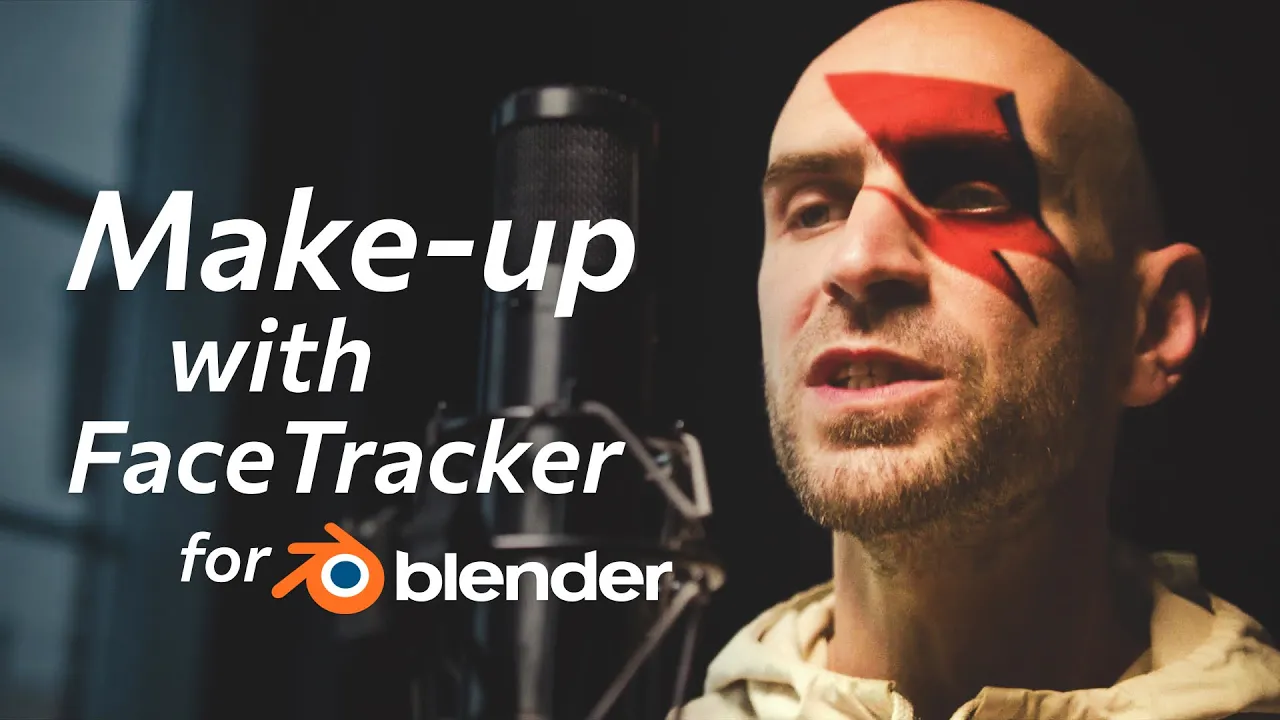
Digital Make-up in Blender – FaceTracker Tutorial
 KeenTools
Oct 9, 2024 13:16
KeenTools
Oct 9, 2024 13:16
Create an account to hide videos, mark them watched, or save them to Don't Miss.
Create an account to hide videos, mark them watched, or save them to Don't Miss.
Create an account to hide videos, mark them watched, or save them to Don't Miss.
Chapters
In this tutorial you’ll learn how to add a tattoo, Joker make-up or other colored image to an actor's face in the video with the KeenTools add-on without quitting Blender. We’ll uncover each step from creating a custom 3D head with the built-in FaceBuilder module, using it for facial motion capture as well as head tracking, to applying digital make-up and comping it to the background video.
Timecodes:
Download FaceTracker for Blender: https://link.keentools.io/ftb-mu-guide
Download Full Project and materials: https://link.keentools.io/example-ftb-makeup
Read FaceTracker for Blender guide: https://link.keentools.io/ftb-guide
Subscribe to our newsletter to stay in tune with the latest updates: https://link.keentools.io/newsletter
Our website: https://keentools.io
Our social networks:
https://linkedin.com/company/keentools
https://twitter.com/keen_tools
https://instagram.com/keentools
https://link.keentools.io/discord
https://facebook.com/keentools
https://t.me/keentools
https://tiktok.com/@keentools
Film & Animation
#KeenTools
#GeoTracker
#FaceTracker
#PinTool
#ReadRiggedGeo
#Nuke
#Foundry
#Object tracking
#Tracking
#Camera
#Tracker. matchmoving
#plugin
#Blackmagic
#Fusion
#Adobe
#After Effects
#VFX
#Visual Effects
#3D
#cinema
#movie
#video production
#compositing