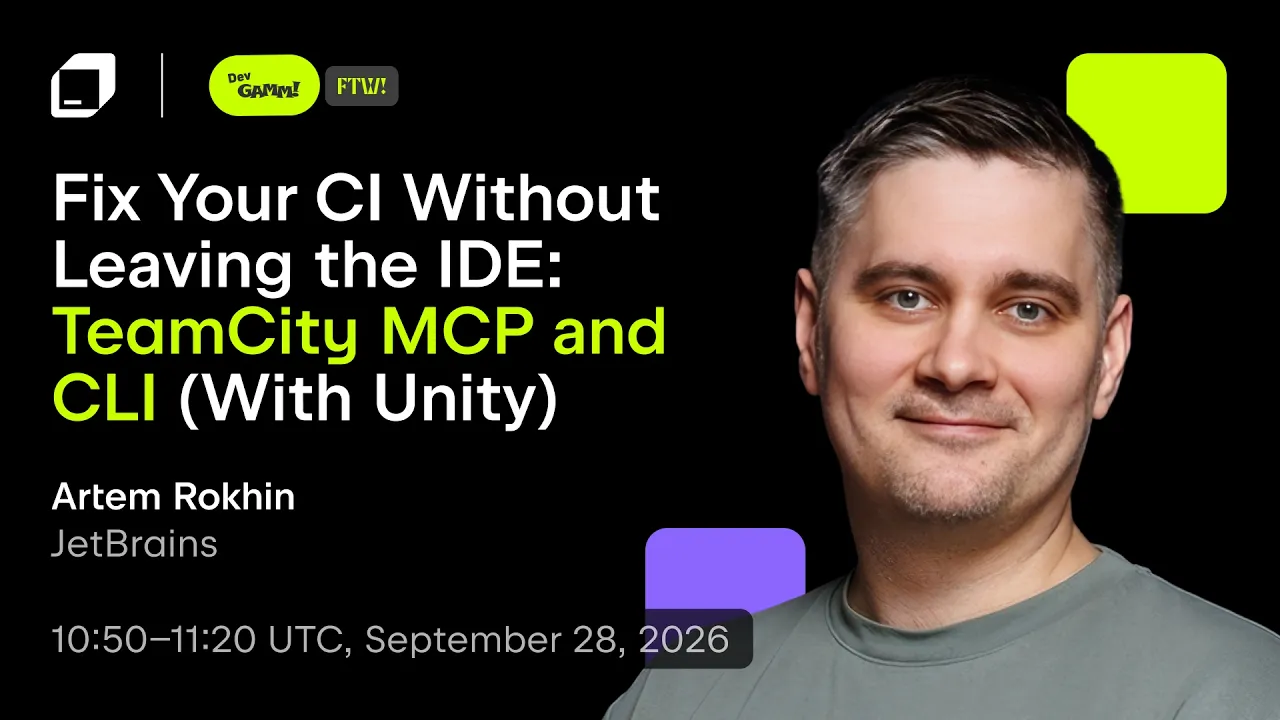
Fix Your CI Without Leaving the IDE: TeamCity MCP and CLI | Artem Rokhin | GameDev Day 2026
 JetBrains
Oct 19, 2026 14:47
JetBrains
Oct 19, 2026 14:47
Create an account to hide videos, mark them watched, or save them to Don't Miss.
Create an account to hide videos, mark them watched, or save them to Don't Miss.
Create an account to hide videos, mark them watched, or save them to Don't Miss.
Modern continuous integration shouldn’t force you to jump between your IDE, a browser, and a build server just to figure out why a build broke. This talk introduces two ways to bring TeamCity into your everyday workflow: MCP support, which lets Rider (and AI assistant) query builds and fix CI issues without leaving your editor, and the TeamCity CLI, for scripting and interacting with your server straight from the terminal.
We’ll walk through a real Unity build pipeline as our example and then show how the same techniques carry over to any tech stack. You’ll leave knowing how to keep your CI close to where you actually work.
Speaker: Artem Rokhin, Solutions Engineer, TeamCity, JetBrains
Learn more:
TeamCity MCP and CLI for AI agents: https://www.jetbrains.com/help/teamcity/ai-agent-integration.html
Recorded at JetBrains GameDev Day Online 2026, a free online event for the game development community.
Watch all GameDev Day 2026 talks: https://www.youtube.com/playlist?list=PLRyISO8WW3lQ
Explore TeamCity: https://www.jetbrains.com/teamcity/
Explore JetBrains tools for game development: https://www.jetbrains.com/gamedev/
#JBGameDevDay #TeamCity #Unity #CICD
Science & Technology
#JetBrains
#software development
#developer tools
#programming
#developer