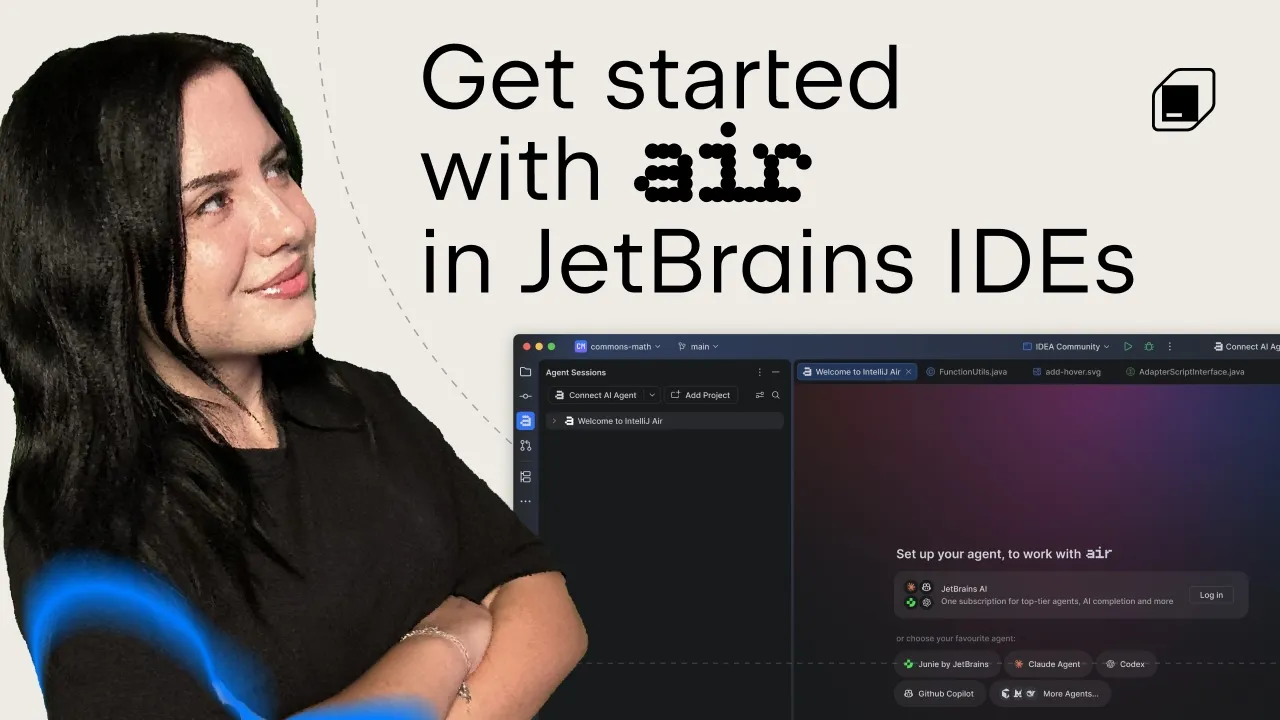
Air in IDEs – Part 1 | Create a Session and Track Your Agents' Work
 JetBrains
Oct 28, 2026 11:11
JetBrains
Oct 28, 2026 11:11
Create an account to hide videos, mark them watched, or save them to Don't Miss.
Create an account to hide videos, mark them watched, or save them to Don't Miss.
Create an account to hide videos, mark them watched, or save them to Don't Miss.
Chapters
Your coding agents are working, but how are you keeping track of what they’re doing?
Join Kristel Cocoli for the first video in our Air in IDEs series. Using an existing reading-tracker app in IntelliJ IDEA, she starts with a simple question about the code, then asks an agent to add advanced search, filters, sorting, and pagination.
In this video, you’ll learn how to:
- Choose the right agent for the job.
- Create separate sessions for different tasks.
- Track agent progress without watching every step.
- Start a request by pressing Ctrl twice.
- Switch between chat and terminal sessions.
- Dictate a prompt with voice input.
- Spot the difference between an unread update and a session that needs your input.
Get started: plugins.jetbrains.com/plugin/33314-air
🔗 Useful links:
▶ Air in IDEs announcement and Junie Lite offer details: blog.jetbrains.com/ai/2026/10/air-in-ides-eap/
▶ Two-minute onboarding guide: youtube.com/watch?v=yODck3N_lyU
#JetBrains #AirInIDEs #IntelliJIDEA #AIAgents #Junie #codex
Science & Technology
#JetBrains Air
#Air in IDEs
#JetBrains Air tutorial
#AI coding agents
#agentic workflows
#IntelliJ IDEA
#agent sessions
#Junie
#Junie Lite
#Codex
#AI coding
#coding agent tutorial
#developer tools