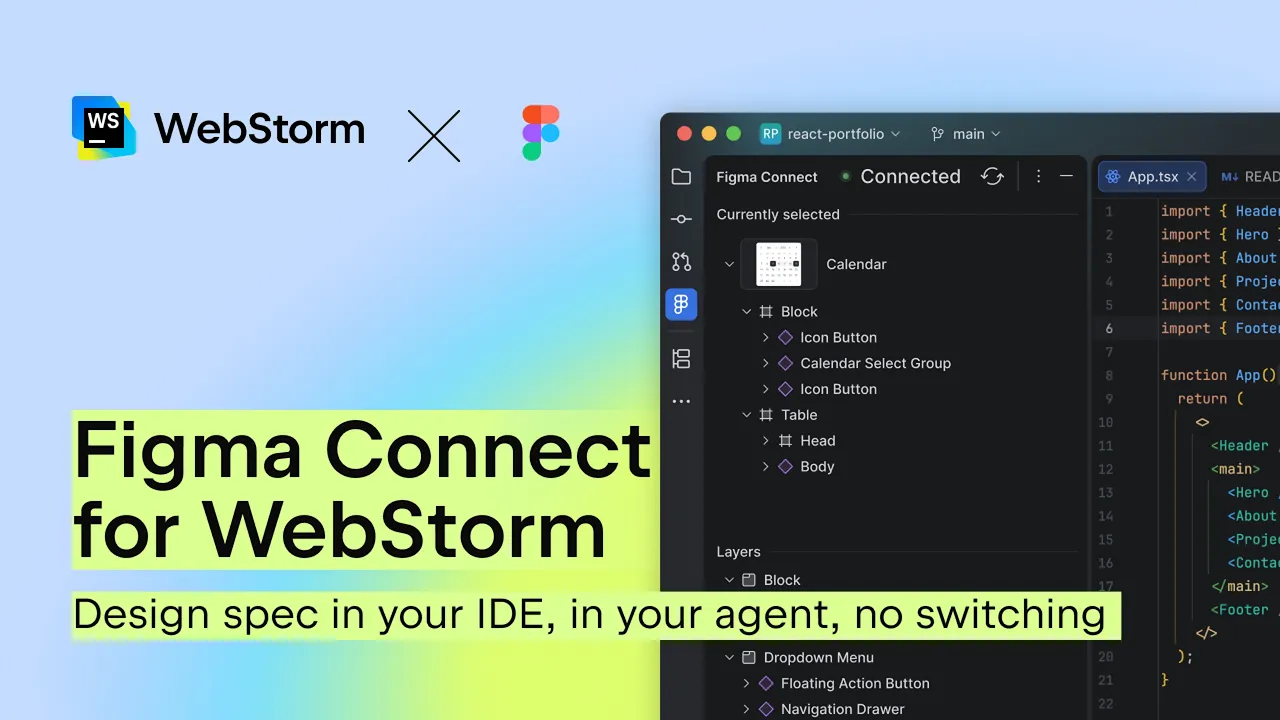
Figma Connect for WebStorm: Design context in your IDE – no switching.
 JetBrains
Aug 6, 2026 10:41
JetBrains
Aug 6, 2026 10:41
Create an account to hide videos, mark them watched, or save them to Don't Miss.
Create an account to hide videos, mark them watched, or save them to Don't Miss.
Create an account to hide videos, mark them watched, or save them to Don't Miss.
► Want to try WebStorm? It’s free for non-commercial use!
Download WebStorm here: https://jb.gg/2mkcj8
Figma Connect for WebStorm is now available. Select any layer from your Figma file, get the full design spec in your IDE, and pass it straight to your AI agent: component hierarchy, spacing, and design variables – all from the source.
Your agent implements from the actual spec instead of approximating your design system.
This is the first stage of a visual design-to-code workflow in WebStorm. Check it out and share your feedback: https://jetbrains.blog/csoefv
Missed the first part? Jason covered the design-to-code broken pipeline here: https://x.com/TasonJorres/status/2079190992729628738?s=20
Science & Technology
#JetBrains
#software development
#developer tools
#programming
#developer