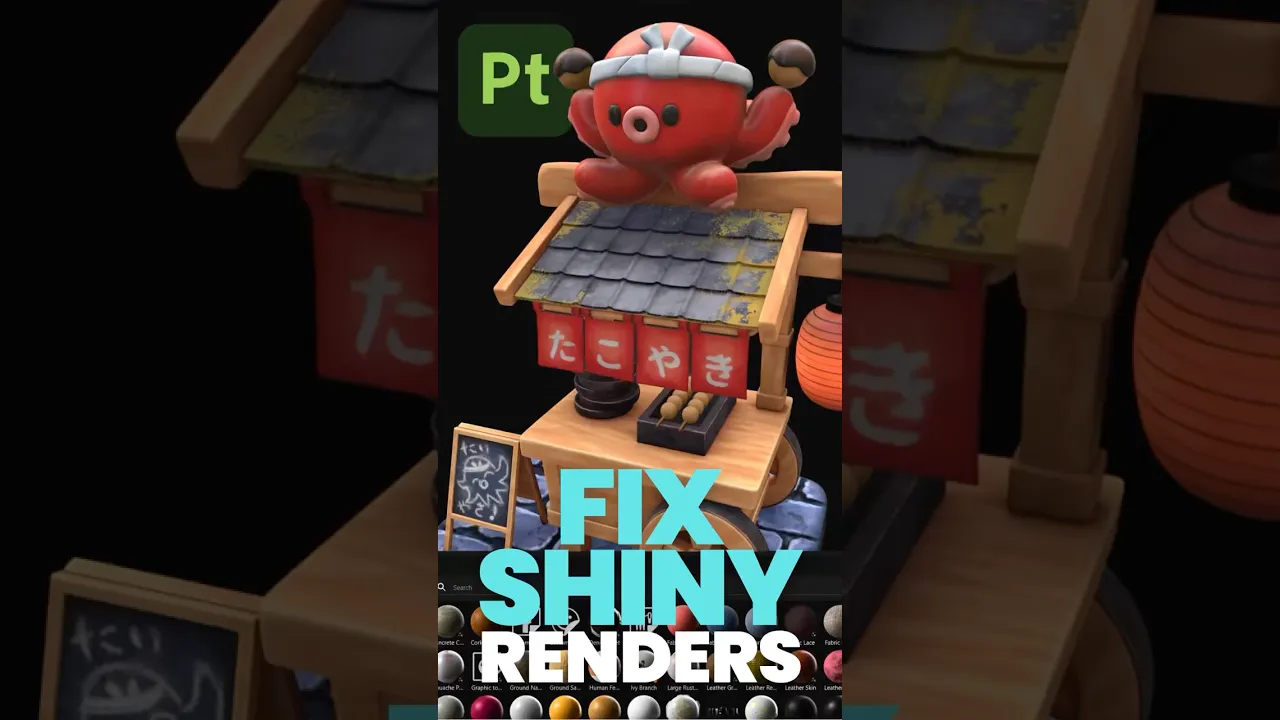
Why Your Substance Painter Textures Look Wrong in Blender & C4D
 eyedesyn
Nov 3, 2025 15:01
eyedesyn
Nov 3, 2025 15:01
Create an account to hide videos, mark them watched, or save them to Don't Miss.
Create an account to hide videos, mark them watched, or save them to Don't Miss.
Create an account to hide videos, mark them watched, or save them to Don't Miss.
Why do your @Substance3D Painter textures look so shiny in Blender and Cinema 4D? 🤔
It's because your roughness values aren't dialed in! Here's why it happens and the quick fix to match your roughness/specular levels to you saw in #substancepainter. This one setting will save you so much frustration!!!
Shout out to @wes.mcdermott for showing me this and preventing me from going crazy!
Has this ever happened to you? Drop a comment! 👇
@BlenderOfficial @Substance3D @MaxonCinema4D
--
📱 Follow for more retro game design & 3D content:
Instagram: https://instagram.com/eyedesyn
Twitter: https://twitter.com/eyedesyn
TikTok: https://www.tiktok.com/@eyedesyn
Discord: https://discord.gg/dwVdwTJBZt
MY 3D ASSETS:
https://gumroad.com/eyedesyn
https://eyedesyn.com/shop/
🔗 Want to level up your motion design skills?
Check out School of Motion: https://www.schoolofmotion.com/
Film & Animation
#Substance 3d
#Substance painter
#Substance 3d art
#Substance3dart
#Blender
#Blender 3d
#cinema 4d
#C4D
#3d
#Tutorial
#Texturing
#Motion graphics
#Mograph
#3dart
#3d art
#Quick tip