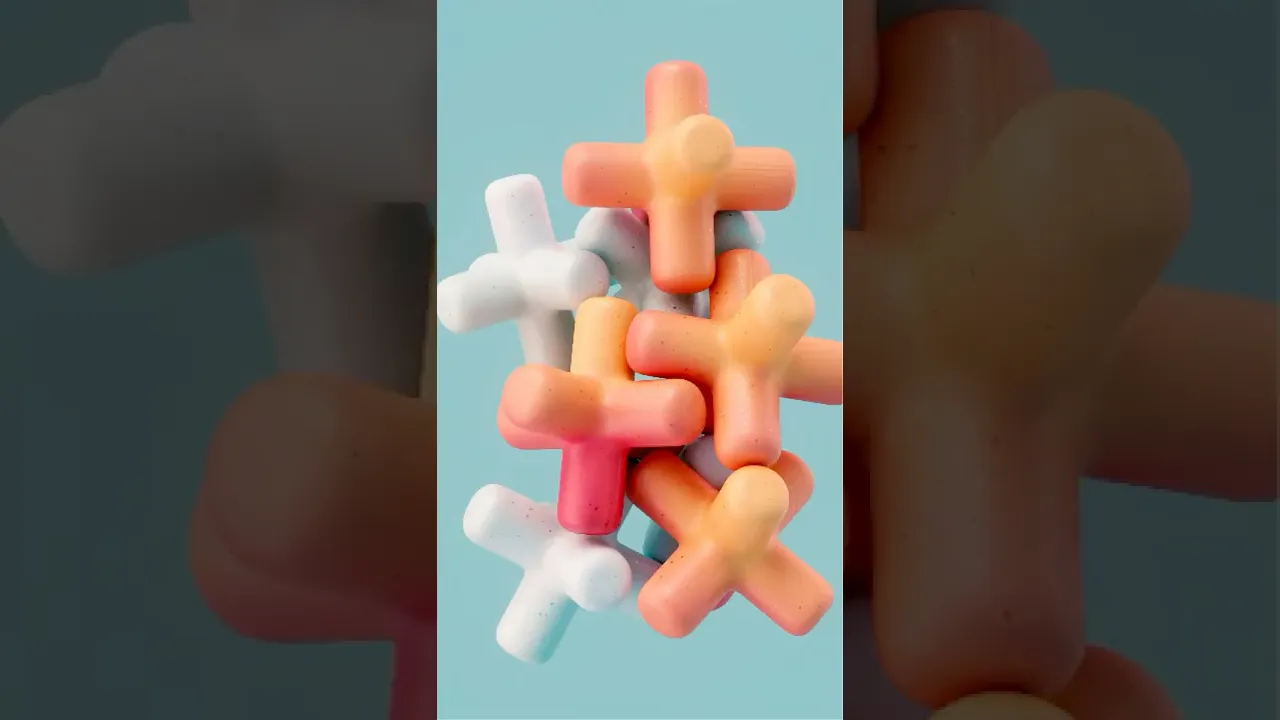
Stop Textures From Sliding in #cinema4d! (Triplanar Fix)
 eyedesyn
Oct 21, 2025 13:30
eyedesyn
Oct 21, 2025 13:30
Create an account to hide videos, mark them watched, or save them to Don't Miss.
Create an account to hide videos, mark them watched, or save them to Don't Miss.
Create an account to hide videos, mark them watched, or save them to Don't Miss.
Stop textures from slipping and sliding in #C4D! Learn how to use keep textures locked in place on simulations and deforming objects in Cinema 4D and Redshift when using Triplanar Mapping Nodes! No more texture swimming! 🎯
—
📱 Follow for more retro game design & 3D content:
Instagram: https://instagram.com/eyedesyn
Twitter: https://twitter.com/eyedesyn
TikTok: https://www.tiktok.com/@eyedesyn
Discord: https://discord.gg/dwVdwTJBZt
MY 3D ASSETS:
https://gumroad.com/eyedesyn
https://eyedesyn.com/shop/
🔗 Want to level up your motion design skills?
Check out School of Motion: https://www.schoolofmotion.com/
Film & Animation
#cinema 4d
#motion graphics
#cinema 4d tutorial beginner
#cinema 4d tutorials
#cinema 4d tutorial
#cinema 4d animation
#cinema 4d motion graphics
#cinema 4d 2026
#redshift render
#redshift cinema 4d
#redshift quick tip
#c4d quick tip
#triplanar mapping
#texture swimming
#3d
#3d animation
#soft body simulation
#3d simulation
#motion design
#cinema 4d 2025
#motion graphics tutorial