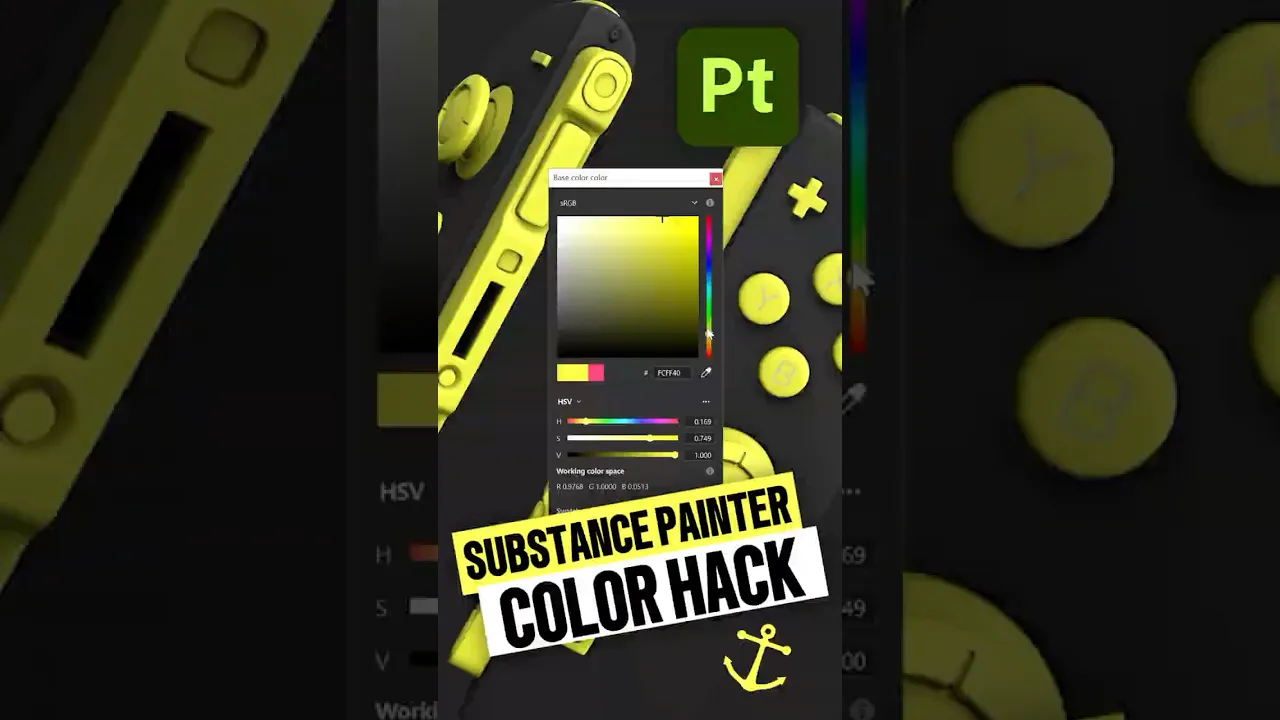
Substance Painter Quick Tip: Use Anchor Points as a Universal Color Control
 eyedesyn
Jan 7, 2026 17:43
eyedesyn
Jan 7, 2026 17:43
Create an account to hide videos, mark them watched, or save them to Don't Miss.
Create an account to hide videos, mark them watched, or save them to Don't Miss.
Create an account to hide videos, mark them watched, or save them to Don't Miss.
Ever find yourself digging through folders to change colors in @Substance3D Painter? Use Anchor Points instead! You can use Anchor Points to create a color control Layer that can drive multiple layers at once no matter how deep they're nested! Huge time saver for when you need to adjust colors of multiple objects!
This works for any channel: Color, Roughness, Height, Metallic, and more.
Do you use Anchor Points in other useful ways in #substancepainter? Let me know in the comments!
#dellproprecision #delltech #nvidia
---
👇MY 3D ASSETS & COURSES👇
https://gumroad.com/eyedesyn
https://eyedesyn.com/shop/
https://www.schoolofmotion.com/where-to-start#3d-animation
---
🌐Follow for more retro game, 2D and 3D design content🌐
📸 Instagram: https://instagram.com/eyedesyn
💻 Twitter: https://twitter.com/eyedesyn
🎵 TikTok: https://www.tiktok.com/@eyedesyn
---
🛠️ MY GEAR 🛠️
🖥️ Dell Computer: https://creatorfolio.co/eyedesyn
🎙️Mic: https://www.amazon.com/Shure-MV7-Microphone-Certified-Podcasting/dp/B0CTJ7PVN1?th=1
🔗 Want to level up your motion design skills?
Check out School of Motion: https://www.schoolofmotion.com/all-access
Film & Animation
#substance 3d painter
#substance painter
#how to use substance 3d
#adobe substance 3d
#substance painter tutorial
#substance 3d
#substance 3d tutorial
#create 3d textures
#3d workflow
#3d texturing
#3d
#learn 3d
#substance 3d painter tutorial
#substance 3d painter for beginners
#adobe
#anchor points
#substance tutorials