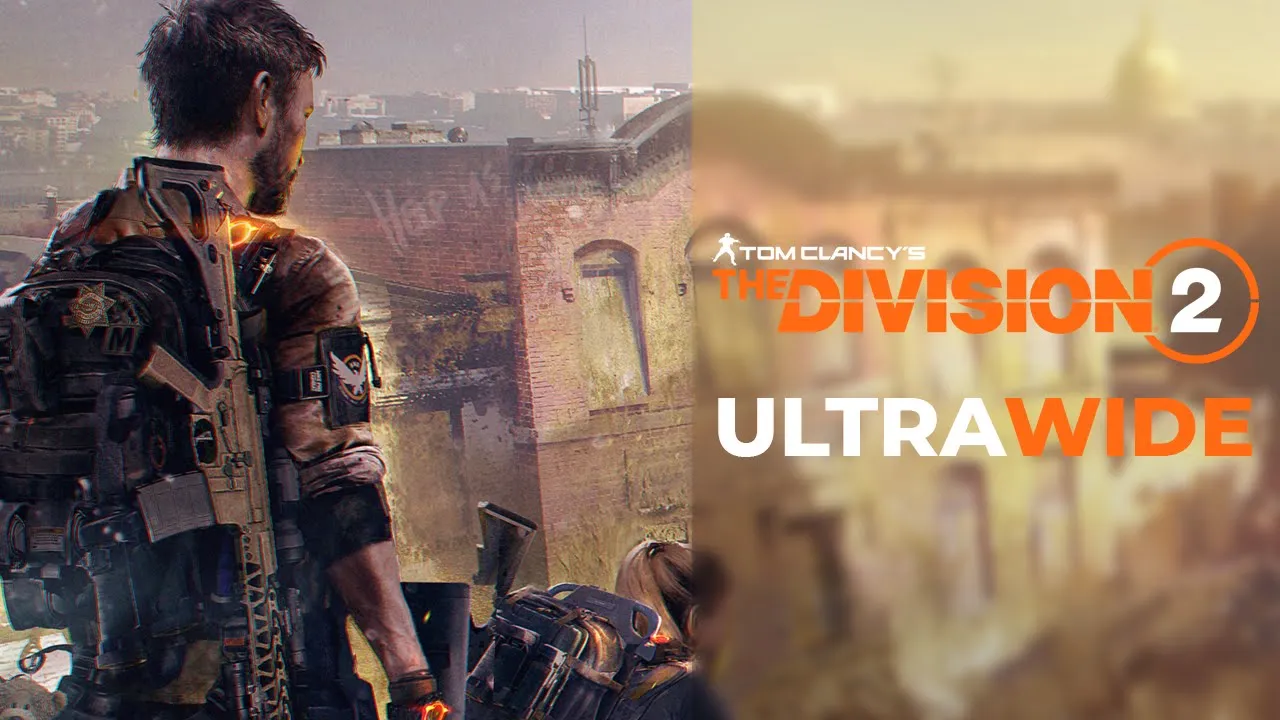
The Division 2 - 32:9 Showcase | Ultrawide
 Crucially Ultrawide
Feb 23, 2020 17:47
Crucially Ultrawide
Feb 23, 2020 17:47
Create an account to hide videos, mark them watched, or save them to Don't Miss.
Create an account to hide videos, mark them watched, or save them to Don't Miss.
Create an account to hide videos, mark them watched, or save them to Don't Miss.
The Division 2 supports ultrawide really well.
You can customize your UI to be either anchored to a 16:9 border or to the edges of your screen -- you can also customize each UI element's position and move it wherever you'd like, definitely something I'd like to see more of in other games.
Only minor issue is real-time cutscenes are rendered in 16:9 meaning you'll be getting black pillars on each side of the screen which is slightly disappointing.
Overall the game's ultrawide support is really good and you don't often see this kind of support ultrawide formats.
💬 Discord: https://discord.gg/8jmTTyP
Thank you for watching!
Please comment, like, share and subscribe for more videos like this!👍
NOTE: Watch in 1440P or 2160P for best quality. 1080P is essentially 540P due to the video's format.
PC Specs:
🔷Core i9 9900KS @ Stock
🔷Asus ROG Strix 1080ti
🔷G.Skill Trident Z 2x8 @ 3600Mhz
🔷Samsung Evo Plus M.2 SSD 1TB
🔷Asus Maximus Hero X
Monitor is a Samsung CRG9 which is a 120hz 5120x1440 G-Sync Compatible ( Freesync 2 ) monitor with HDR support (1000 nits)
Gaming
#the division 2 gameplay
#the division 2 3840x1080
#old games in ultrawide
#games ultrawide
#ultrawide 21:9 gameplay
#The division 2
#division 2 ultrawide
#the division 2 ultrawide gameplay
#32:9 ultra