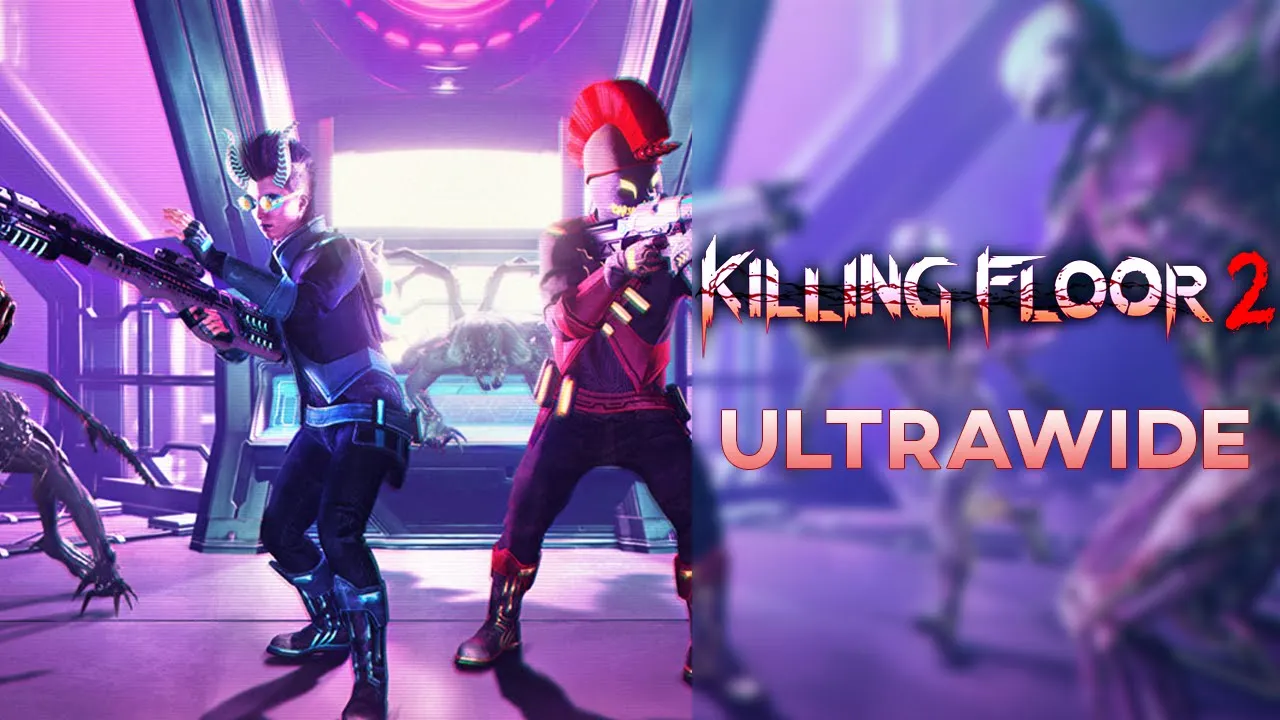
Killing Floor 2 - 32:9 Showcase | Ultrawide
 Crucially Ultrawide
Apr 18, 2020 07:00
Crucially Ultrawide
Apr 18, 2020 07:00
Create an account to hide videos, mark them watched, or save them to Don't Miss.
Create an account to hide videos, mark them watched, or save them to Don't Miss.
Create an account to hide videos, mark them watched, or save them to Don't Miss.
Killing Floor 2 supports ultrawide natively and there aren't any fixes that need to be applied! :3
You can't customize any HUD placements and the black bars don't actually fill the entire screen in 32:9 when it's supposed to fade in or hide what's going on in the background, but those are quite insignificant issues.
The game runs really well and is just still a generally fun and immersive game to play in ultrawide.
It's been a while since I played KF2 and I figured I was in a rather 'metal-banging' mood and I missed playing the game so I went back and figured I'd just record one of my sessions. I cut the most boring parts out as the session lasted a bit over 25 minutes and usually in the first waves there aren't usually enough zeds for you to have fun with.
💬 Discord: https://discord.gg/8jmTTyP
Thank you for watching!
Please comment, like, share and subscribe for more videos like this!👍
NOTE: Watch in 1440P or 2160P for best quality. 1080P is essentially 540P due to the video's format.
PC Specs:
🔷Core i9 9900KS @ Stock
🔷Asus ROG Strix 1080ti
🔷G.Skill Trident Z 2x8 @ 3600Mhz
🔷Samsung Evo Plus M.2 SSD 1TB
🔷Asus Maximus Hero X
Monitor is a Samsung CRG9 which is a 120hz 5120x1440 G-Sync Compatible ( Freesync 2 ) monitor with HDR support (1000 nits)
Gaming
#killing floor 2
#crucially ultrawide
#killing floor 2 ultrawide showcase
#killing floor 2 gameplay ultrawide
#killing floor 2 gameplay ultrawide no commentary
#killing floor 2 neon nightmare
#kf2 ultrawide
#kf2
#kf2 ultrawide gameplay
#32:9
#kf2 ultra wide
#kf2 ultra wide gameplay
#21:9
#ultrawide
#ultra wide
#super ultrawide
#super ultra wide
#kf 2
#kf 2 ultrawide
#kf 2 ultrawide gameplay
#kf 2 ultra wide
#kf 2 ultra wide gameplay
#gameplay
#no commentary