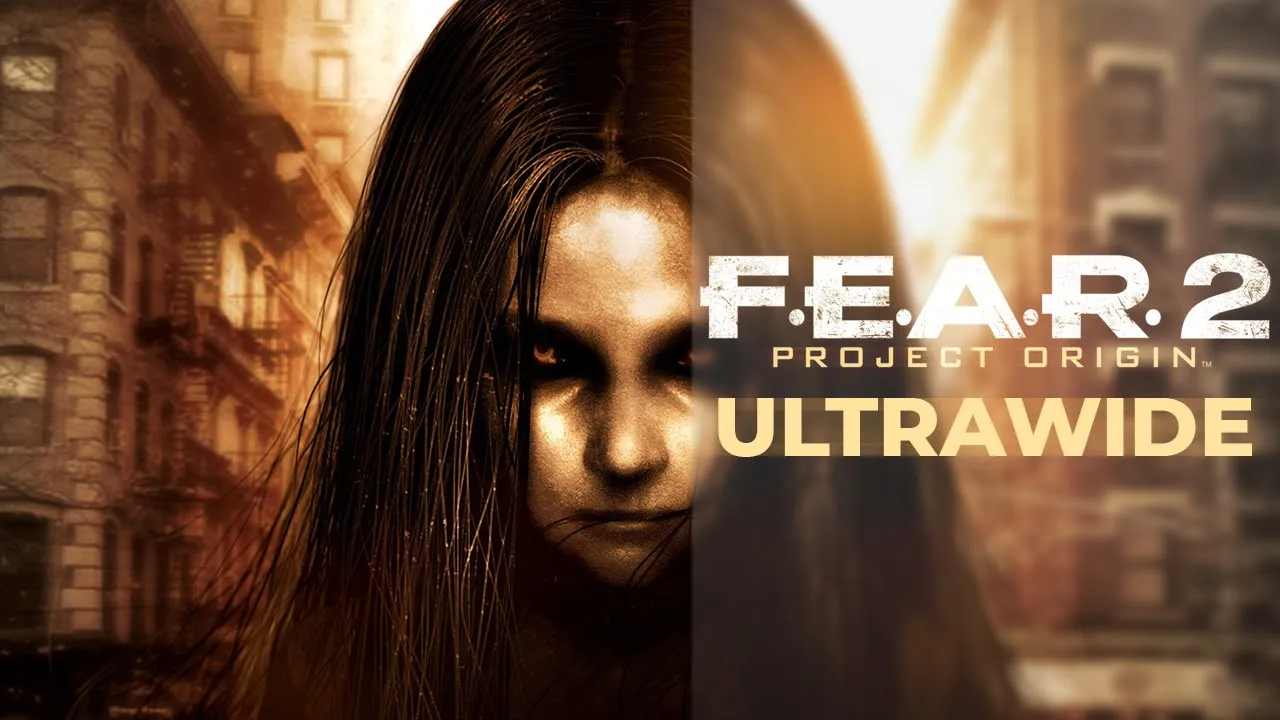
F.E.A.R 2: Project Origin - 32:9 Showcase | Ultrawide + Mouse Fix & Field Of View
 Crucially Ultrawide
Feb 26, 2020 20:30
Crucially Ultrawide
Feb 26, 2020 20:30
Create an account to hide videos, mark them watched, or save them to Don't Miss.
Create an account to hide videos, mark them watched, or save them to Don't Miss.
Create an account to hide videos, mark them watched, or save them to Don't Miss.
F.E.A.R 2: Project Origin supports ultrawide but in order to get that to work you'll have to disable the widescreen option in the options menu.
UI and menus are constrained to a 16:9 border.
Realtime cutscenes are rendered in full.
[Change FOV]
If you'd like to increase your field of view you can do so by simply going to the game's system.cfg file which is located in Documents - WBGames - FEAR2 - long number - then paste and change this value to whatever you'd like:
"FovY" "XX.00000" The field of view in this game is most likely vertical which means around 74 would equal to 90 in horizontal - so if you'd like to have 90 in field of view you type in 74 replacing the two Xs.
[Mouse Raw Input]
Download the file from this website: https://bit.ly/2vj5lw6 (PCGamingWiki)
and put it into the game's main folder - where your .exe file is.
Launch the game.
💬 Discord: https://discord.gg/8jmTTyP
Thank you for watching!
Please comment, like, share and subscribe for more videos like this!👍
NOTE: Watch in 1440P or 2160P for best quality. 1080P is essentially 540P due to the video's format.
PC Specs:
🔷Core i9 9900KS @ Stock
🔷Asus ROG Strix 1080ti
🔷G.Skill Trident Z 2x8 @ 3600Mhz
🔷Samsung Evo Plus M.2 SSD 1TB
🔷Asus Maximus Hero X
Monitor is a Samsung CRG9 which is a 120hz 5120x1440 G-Sync Compatible ( Freesync 2 ) monitor with HDR support (1000 nits)
Gaming
#1080ti
#fear 2 3840x1080
#5120 x 1440 gameplay
#ultrawide
#fear 2 ultrawide fix
#fear 2 field of view change
#fear 2 field of view
#fear 2 mouse fix
#crucially ultrawide
#fear 2 project origin ultrawide gameplay
#32:9 ultrawide gameplay
#fear 2 ultrawide gameplay
#9900ks
#fear 2 project origin ultrawide
#ultrawide 21:9 gameplay
#fear 2 project origin
#ultrawide gameplay
#ultrawide 32:9 gameplay
#5120 x 1440
#fear 2 ultrawide
#fear 2 5120 x 1440