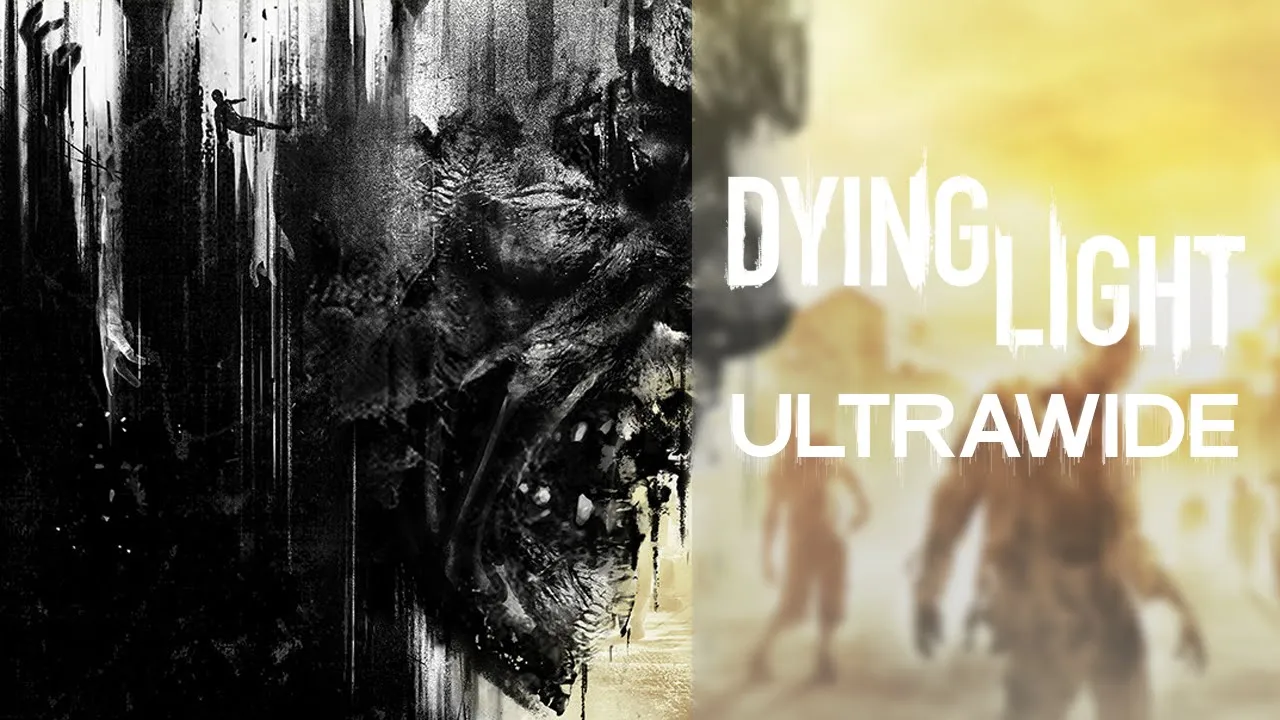
Dying Light - 32:9 Showcase | Ultrawide
 Crucially Ultrawide
Mar 7, 2020 17:43
Crucially Ultrawide
Mar 7, 2020 17:43
Create an account to hide videos, mark them watched, or save them to Don't Miss.
Create an account to hide videos, mark them watched, or save them to Don't Miss.
Create an account to hide videos, mark them watched, or save them to Don't Miss.
It's been a long while since I last played Dying Light so I figured i'd go back and re-experience it in 32:9.
I'm positively surprised as to how well the game supports ultrawide.
The UI is centered to a 16:9 border and the cutscenes are in 16:9 too, but the overrall experience is definitely immersive as there aren't any negatives other than the small stuff mentioned.
I introduced a new format to provide the ultrawide support information in the video and it'd mean a lot if you could tell me in the comments below if you like this format better or if you prefer the previous one.
💬 Discord: https://discord.gg/8jmTTyP
Thank you for watching!
Please comment, like, share and subscribe for more videos like this!👍
NOTE: Watch in 1440P or 2160P for best quality. 1080P is essentially 540P due to the video's format.
PC Specs:
🔷Core i9 9900KS @ Stock
🔷Asus ROG Strix 1080ti
🔷G.Skill Trident Z 2x8 @ 3600Mhz
🔷Samsung Evo Plus M.2 SSD 1TB
🔷Asus Maximus Hero X
Monitor is a Samsung CRG9 which is a 120hz 5120x1440 G-Sync Compatible ( Freesync 2 ) monitor with HDR support (1000 nits)
Gaming
#dying light gameplay
#crucially ultrawide
#dying light ultrawide gameplay
#dying light ultrawide support
#1080ti
#games that support ultrawide monitors
#32:9 support
#9900ks
#dying light
#dying light ultrawide
#crg9
#ultrawide support games
#dying light ultrawide showcase
#dying light ultrawide 32:9